You are here:
Configure Story Object Settings for Claim History
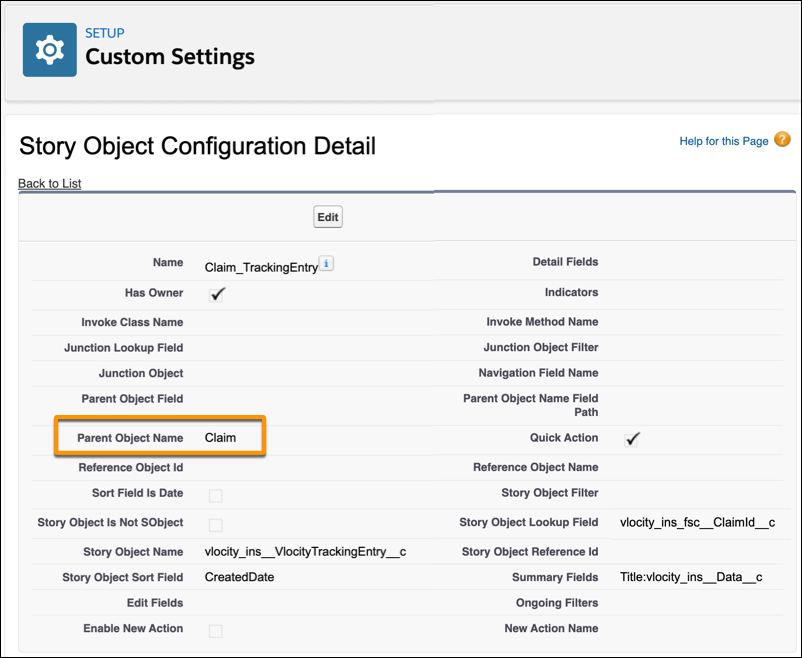
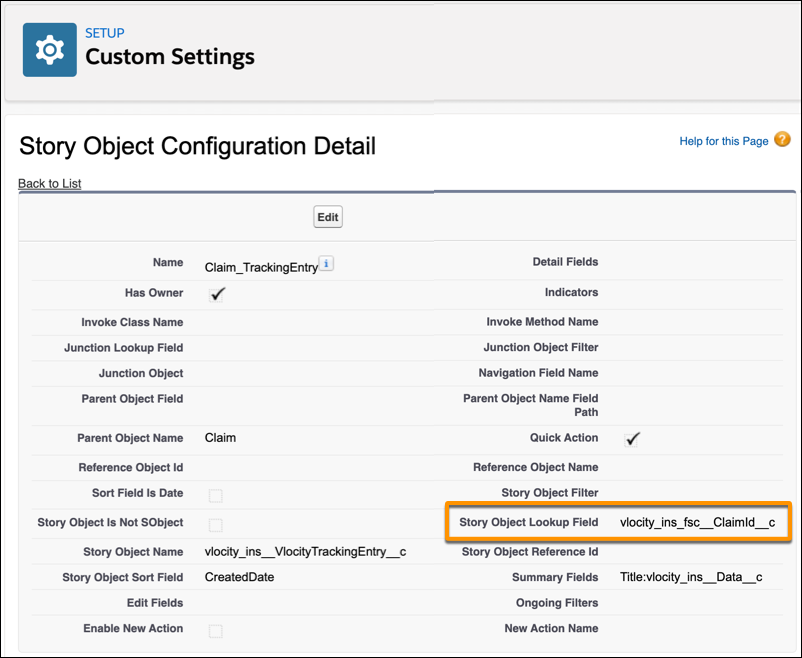
Before you use Claim History, configure story object settings. Make sure each setting uses the correct Parent Object Name (Claim) and Story Object Lookup Field (vlocity_ins_fsc__ClaimId__c).
- From Setup, in the Quick Find box, enter Custom Settings, and then select Custom Settings.
- Find Story Object Configuration, and then click Manage next to it.
- Find and select a setting used for Claim History. For example, find Claim_TrackingEntry, and then click Edit next to it.
- For Parent Object Name, enter Claim.
- For Story Object Lookup Field, enter vlocity_ins_fsc__ClaimId__c.
- Click Save.
Did this article solve your issue?
Let us know so we can improve!
