You are here:
Download and Import Vlocity Actions DataPack for Payment Actions
Get a head-start configuring custom payment actions that invoke your own front- and back-end processes when users click specific payment actions. Download and import a DataPack with Vlocity Actions to customize or use as templates.
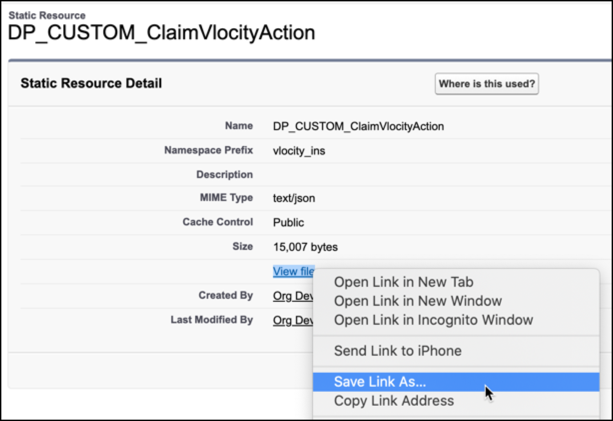
- From Setup, enter Static Resources in the Quick Find box, then select Static Resources.
- Find and click DP_CUSTOM_ClaimVlocityAction.
- Right-click View File and select Save Link As.
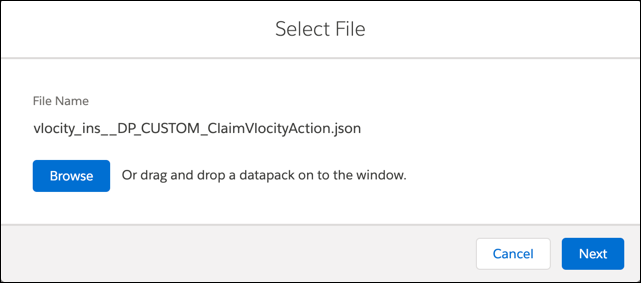
- Add .json to the end of the file name suggested, so the full name is vlocity_ins__DP_CUSTOM_ClaimVlocityAction.json. Browse to a folder that's easy to find on your local computer, then click Save.
- From the App Launcher, find and select OmniStudio DataPacks.
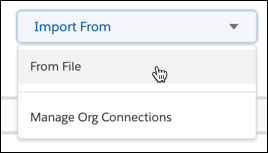
- On the Installed tab, choose to import from a file.
- Next to the File text box, click Browse to navigate to a local copy of the resource that you want to upload. Then click Next.
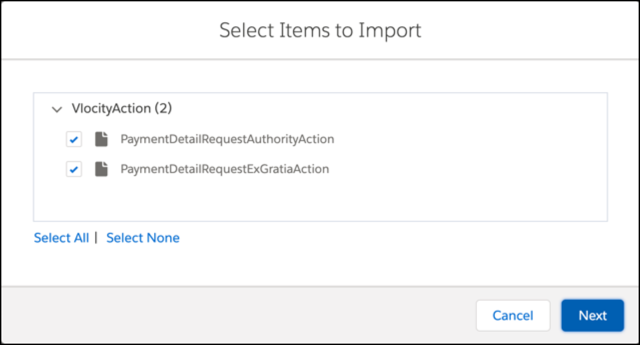
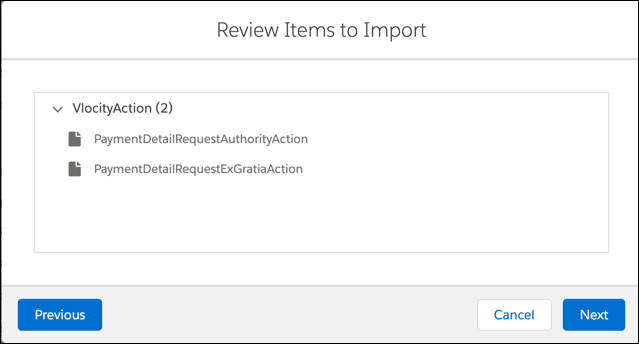
- Make sure all the items are selected, then click Next.
- Click Next, then click Done.
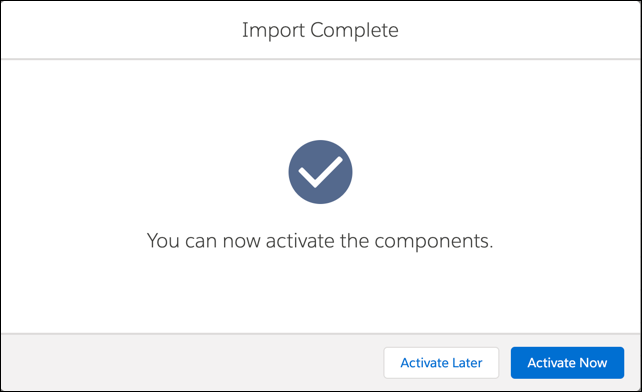
- Click Activate Now, then click Done.
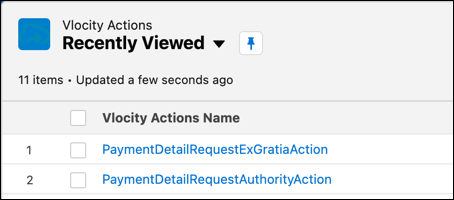
- From the App Launcher, find and select Vlocity Actions and confirm that the list includes PaymentDetailRequestExGratiaAction and PaymentDetailRequestAuthorityAction.
Did this article solve your issue?
Let us know so we can improve!
