You are here:
How Auto Quote OmniScript Works
This section describes how someone who goes through the Auto Quote OmniScript to create a quote will see and interact with it.
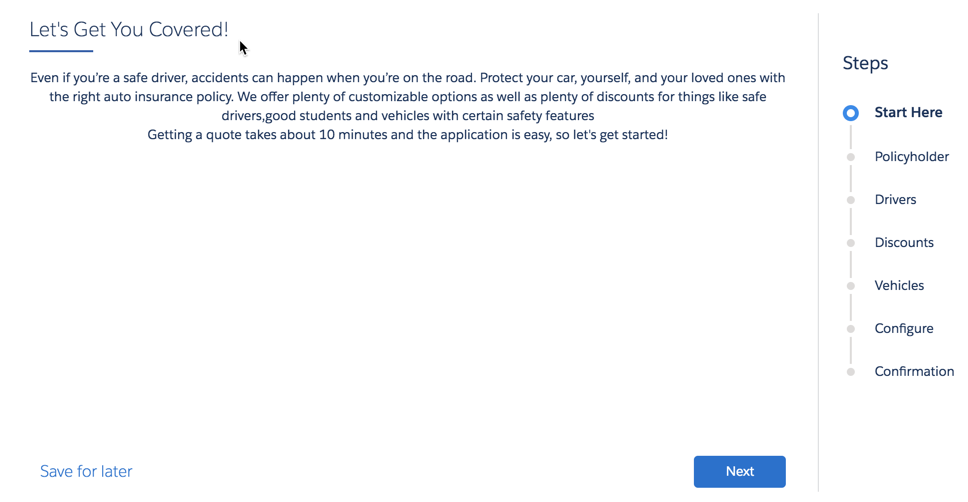
The Auto Quote OmniScript starts with an intro page:
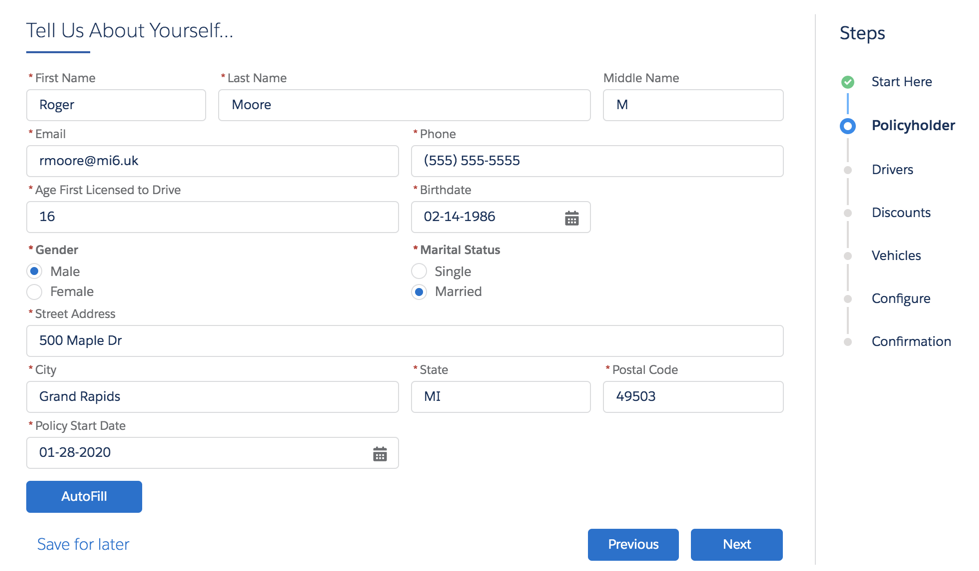
First, we gather information about the driver(s) who'll be insured. The fields in the form correspond to attributes in the insured party spec in the product model.
You can click AutoFill to fill out data quickly to test and learn about this flow.
The Policy Start Date defaults to today's date.
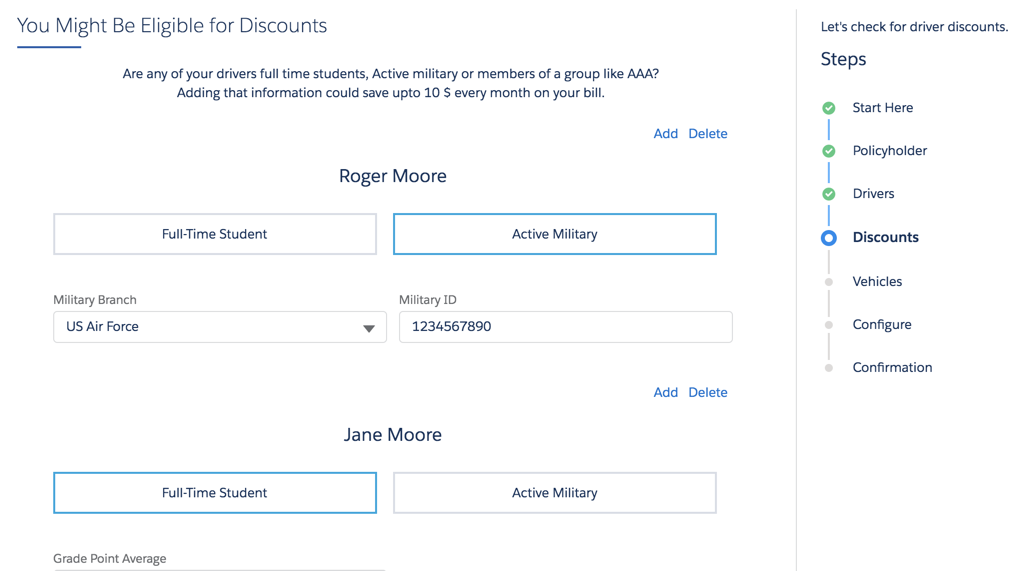
In addition to basic info about each driver, we ask a couple of questions that could lead to a discounted rate. These questions also correspond to attributes on the insured party spec.
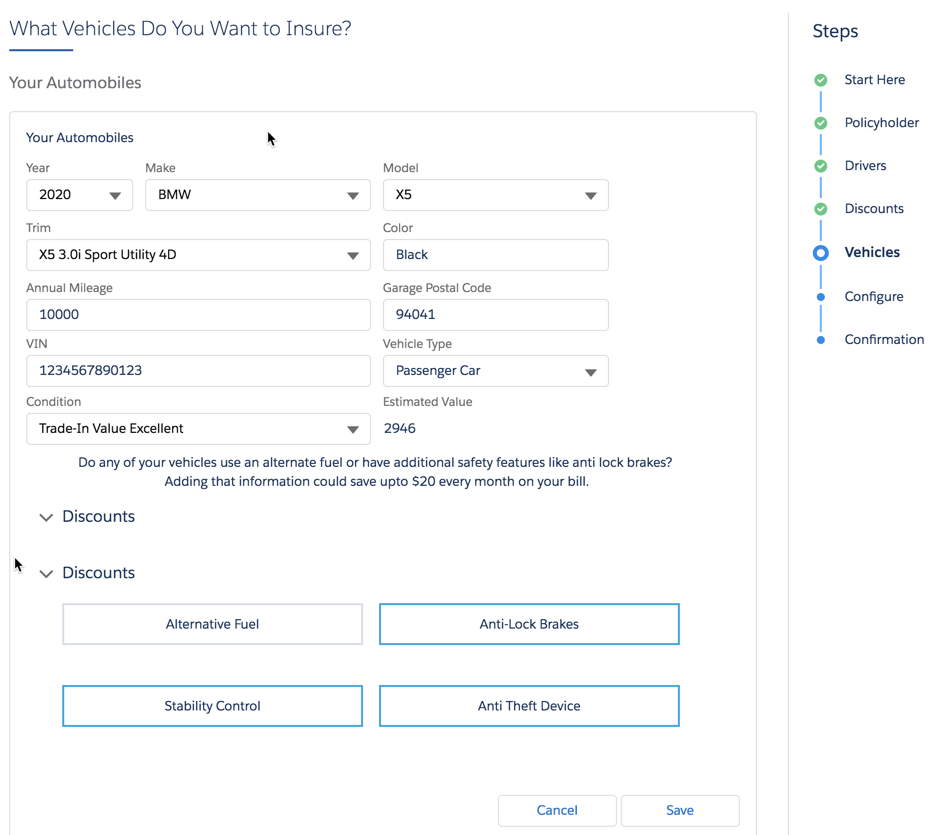
The next step gathers information about the vehicle(s) to be insured. The fields and choices here correspond to attributes on the insured item spec in the product model.
This OmniScript integrates with the Kelly Blue Book service, which takes in some of the data the user enters here and returns an estimated value (price) for the vehicle.
After all the info about drivers and vehicles is complete, the OmniScript merges the insured items and insured parties with an integration procedure. Then it transforms the data to get it into the right format for the InsProductService:getRatedProduct service to use.
The insOsMultiInstanceGrandchildren Vlocity Lightning Web Component calls this service, then returns the rated insurance product. The user sees each vehicle, with the quoted price.
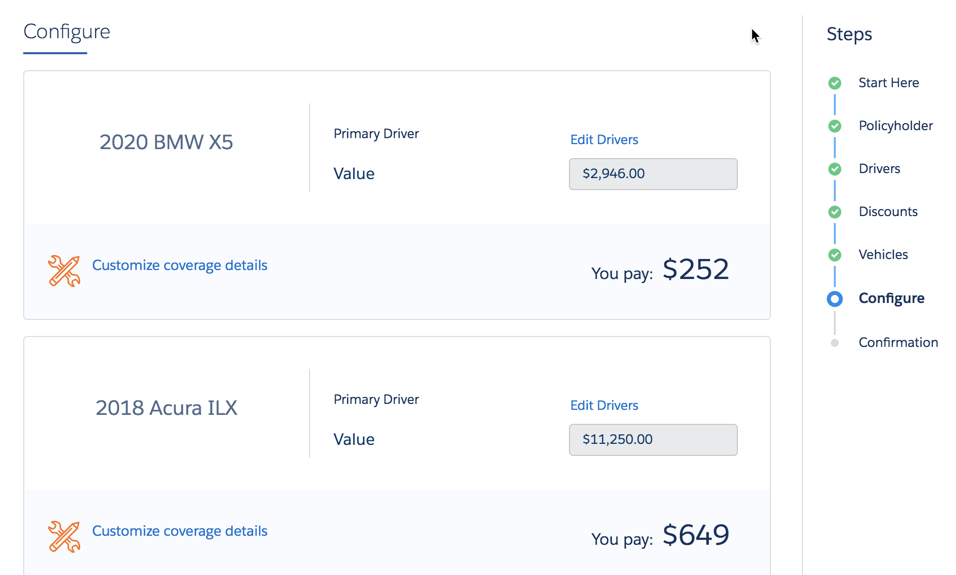
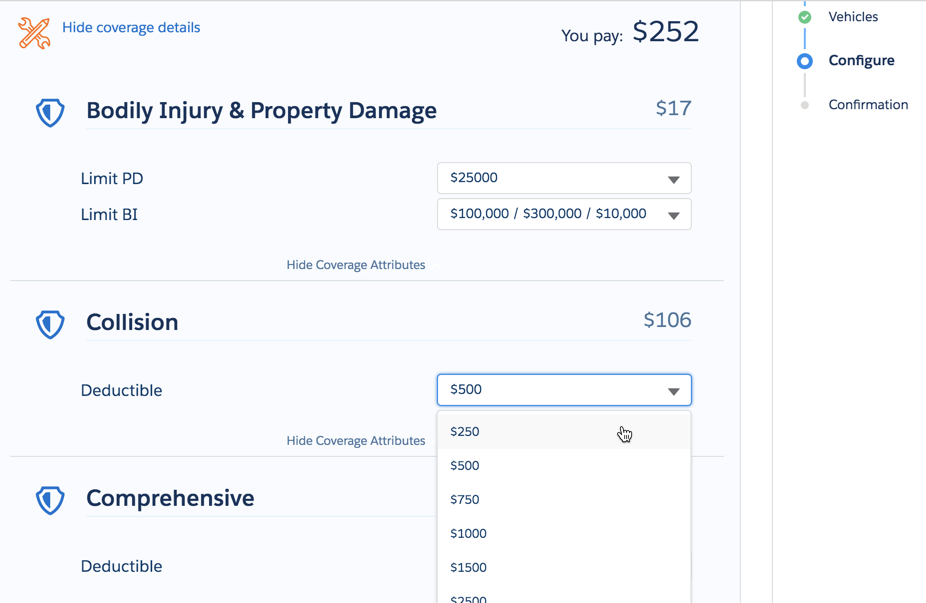
On this page, users can open each vehicle and configure attribute values on coverages. Each time a user changes an attribute value, the quoted price for the vehicle is dynamically updated.
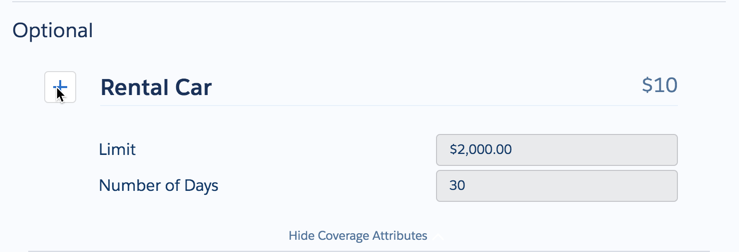
Still on the same page, users can select (and deselect) optional coverages.
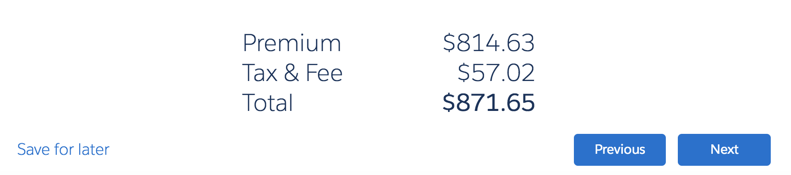
At the bottom, this page shows the total price for the quote. The price changes dynamically every time the user makes a change to an attribute value or an optional coverage.
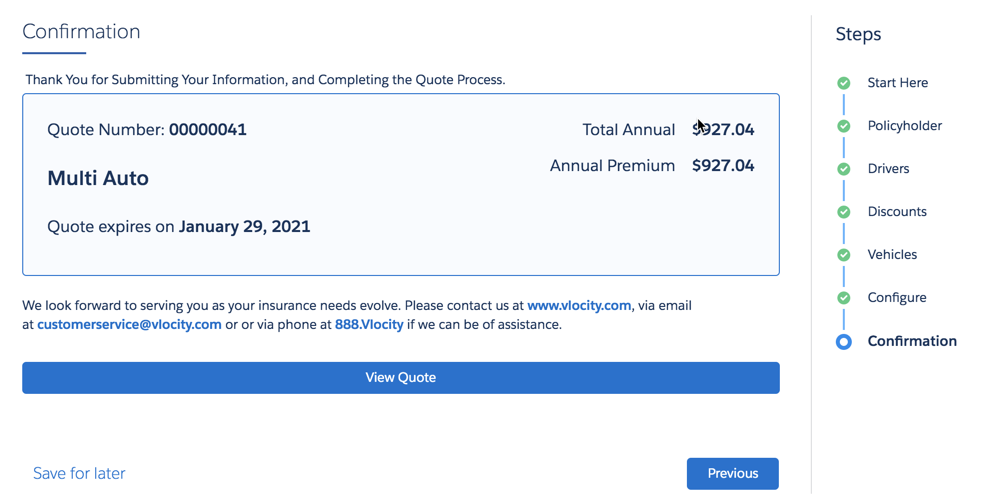
After you've finished, the OmniScript uses the InsQuoteService:createUpdateQuote service to generate a quote.
Finally, it displays a quote confirmation, which includes the quoted premium price.