You are here:
How First Notice of Loss Works
Now let's step through the OmniScript the same way, as a user sees it.
This OmniScript begins for a policyholder, broker, or agent after the policy number has been entered into the system, which finds the policy and uses the data in it.
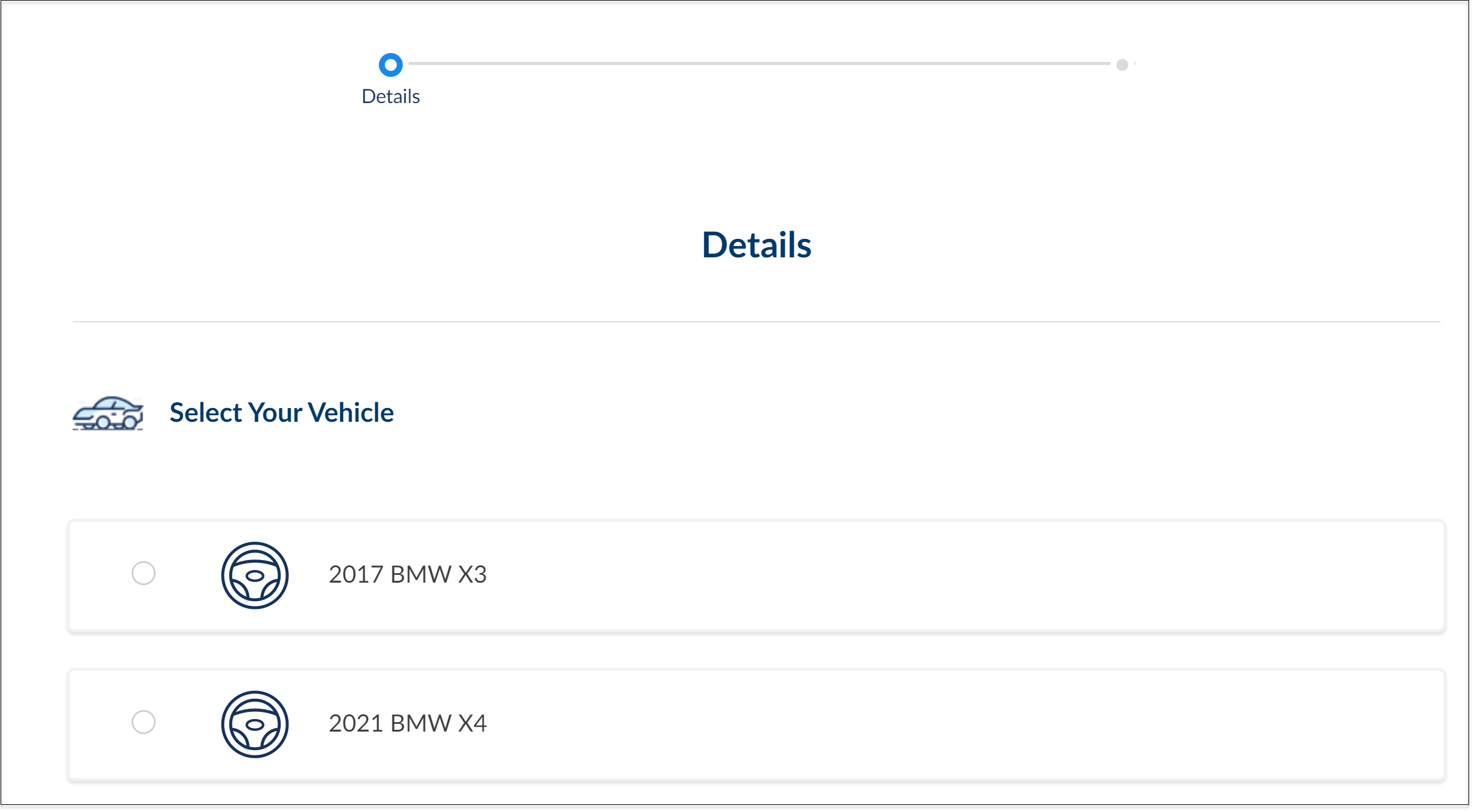
The FNOL OmniScript starts by showing the user (us) the vehicles on the policy.
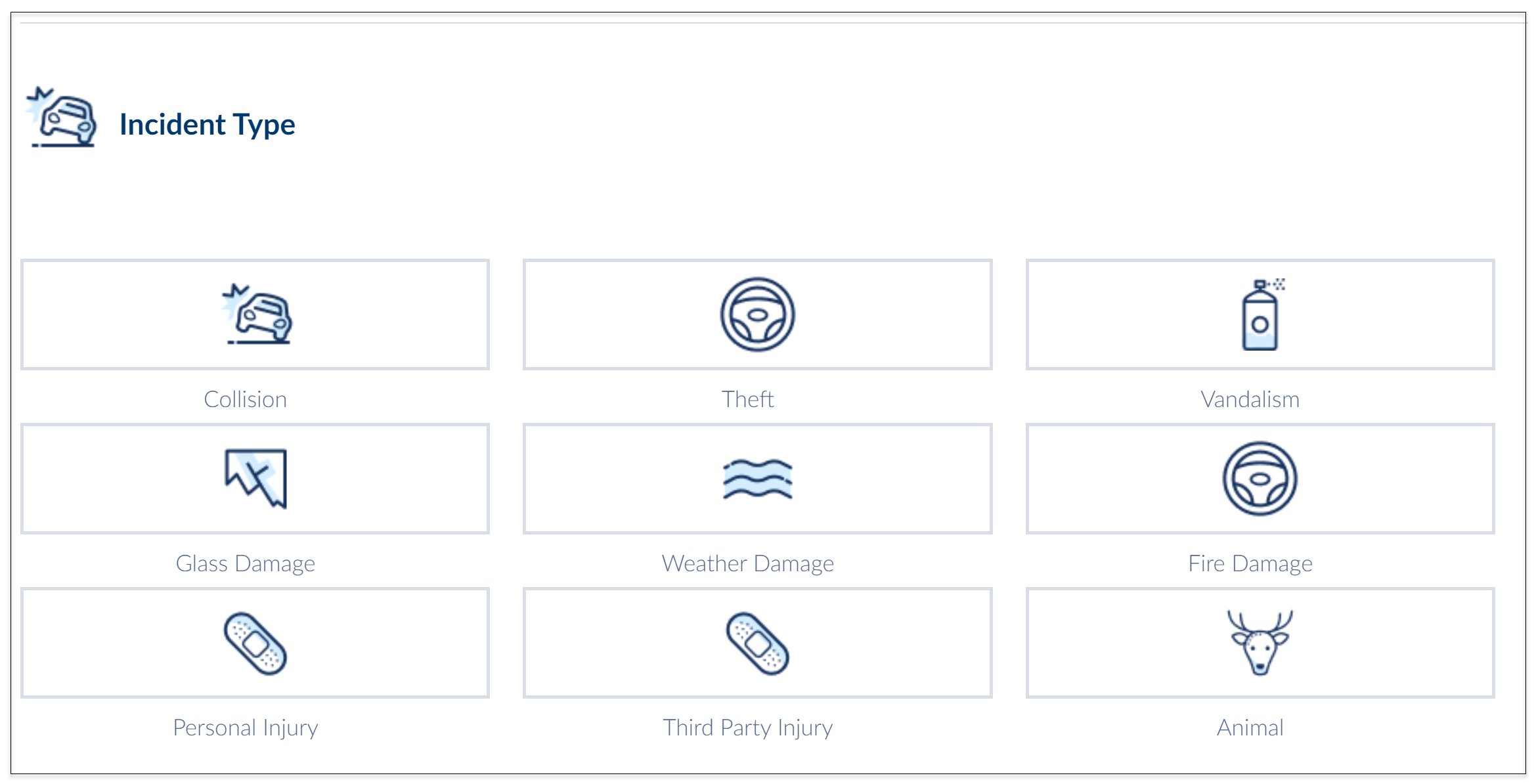
After we choose the vehicle involved in the incident, we choose what happened.
Next, we enter basic information about the incident. The date of the incident is important. The system uses that date to help determine whether the policyholder is covered for the incident.
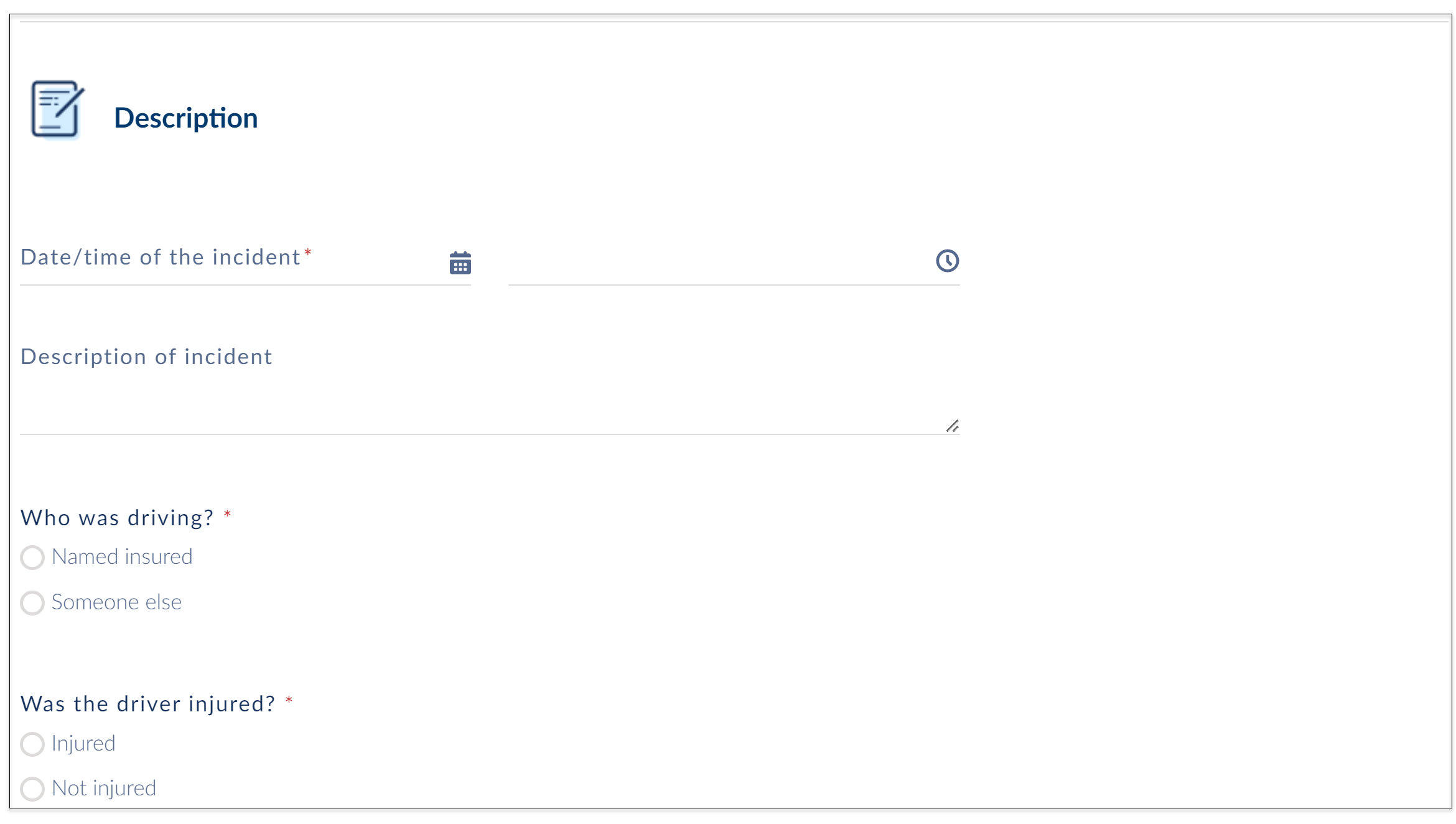
Behind the scenes, the OmniScript calls a service that creates the initial claim record.
Now we enter more information about the damaged vehicle that's covered by the policy.
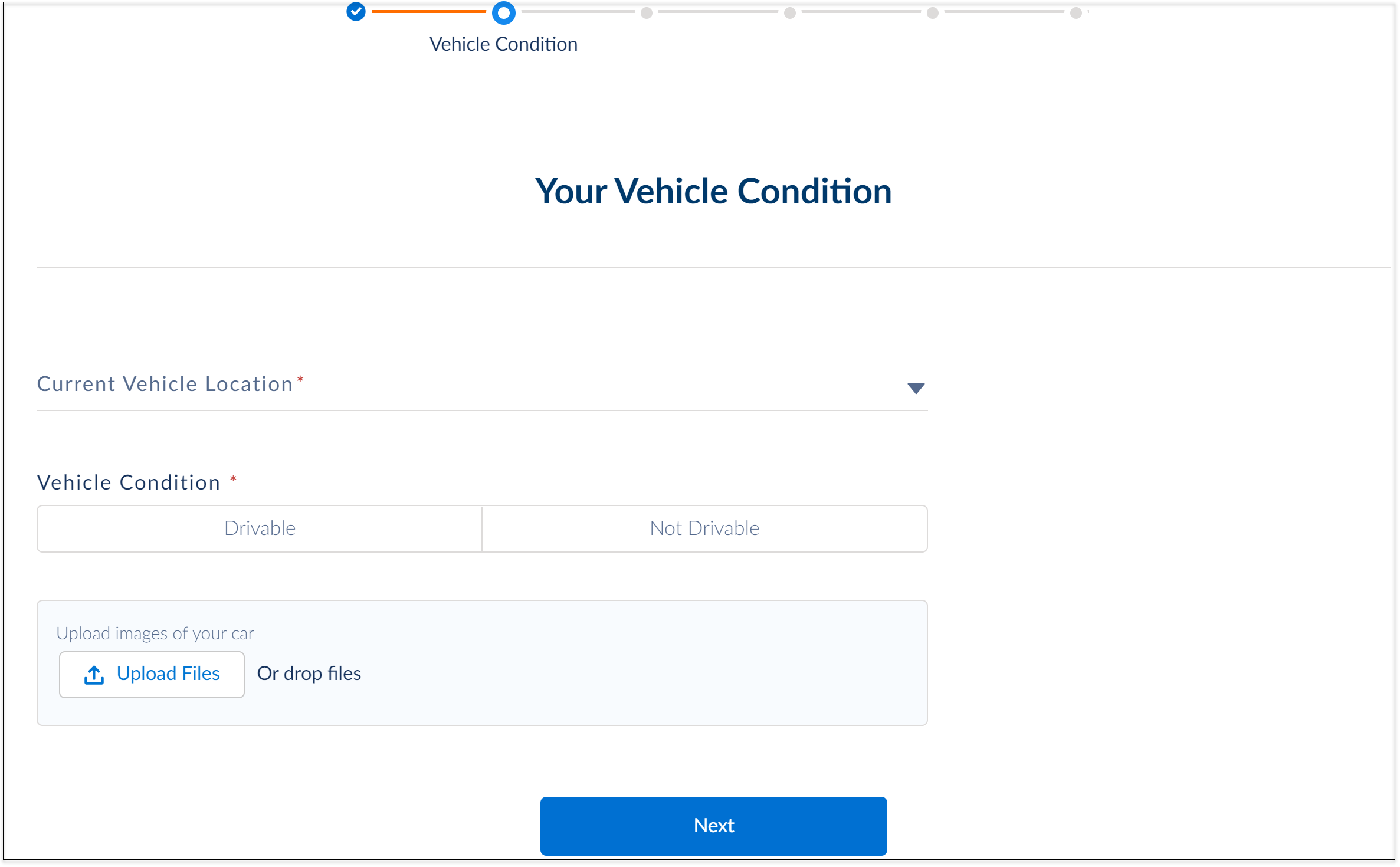
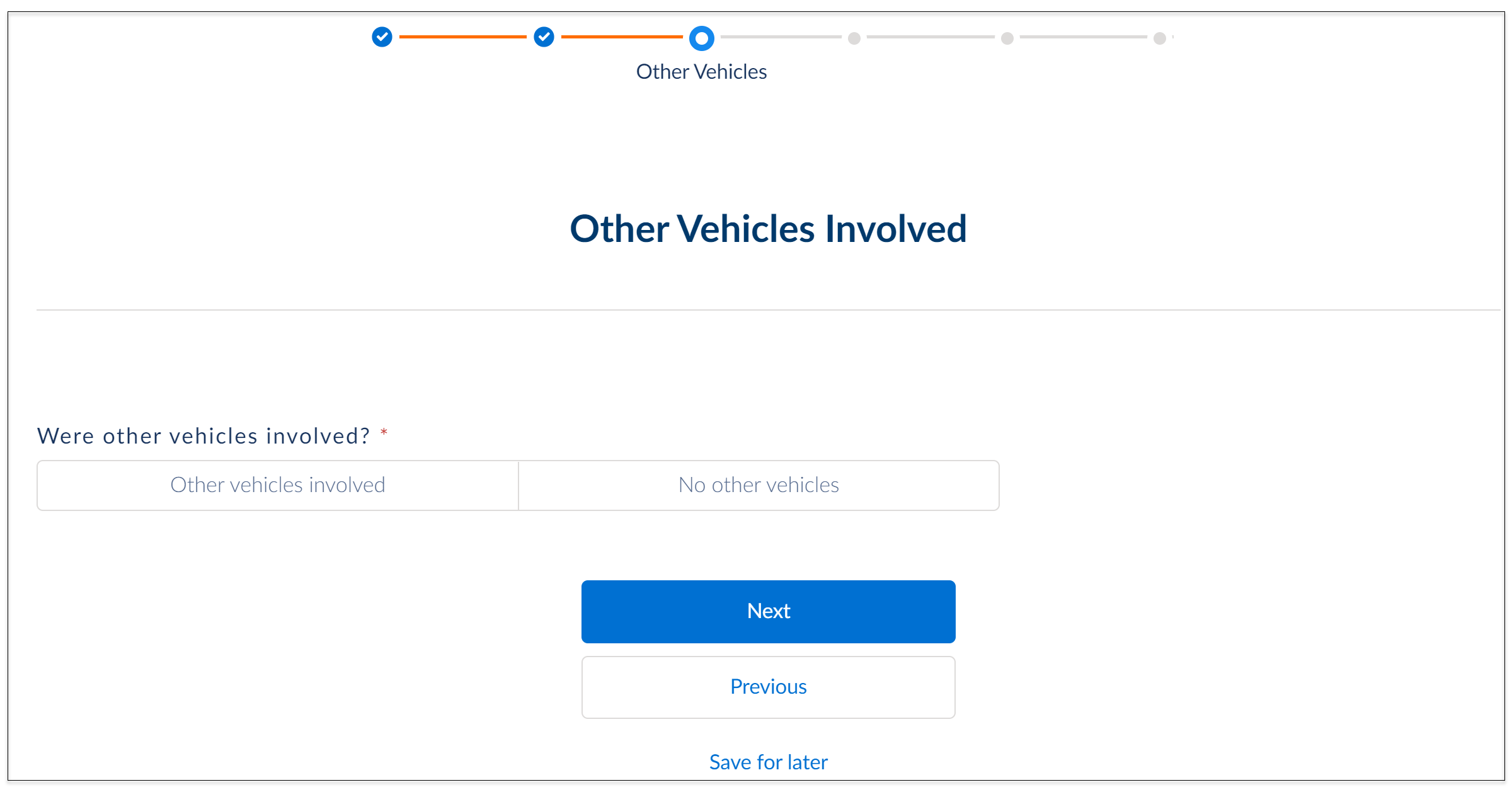
We enter information about the other damaged vehicle.
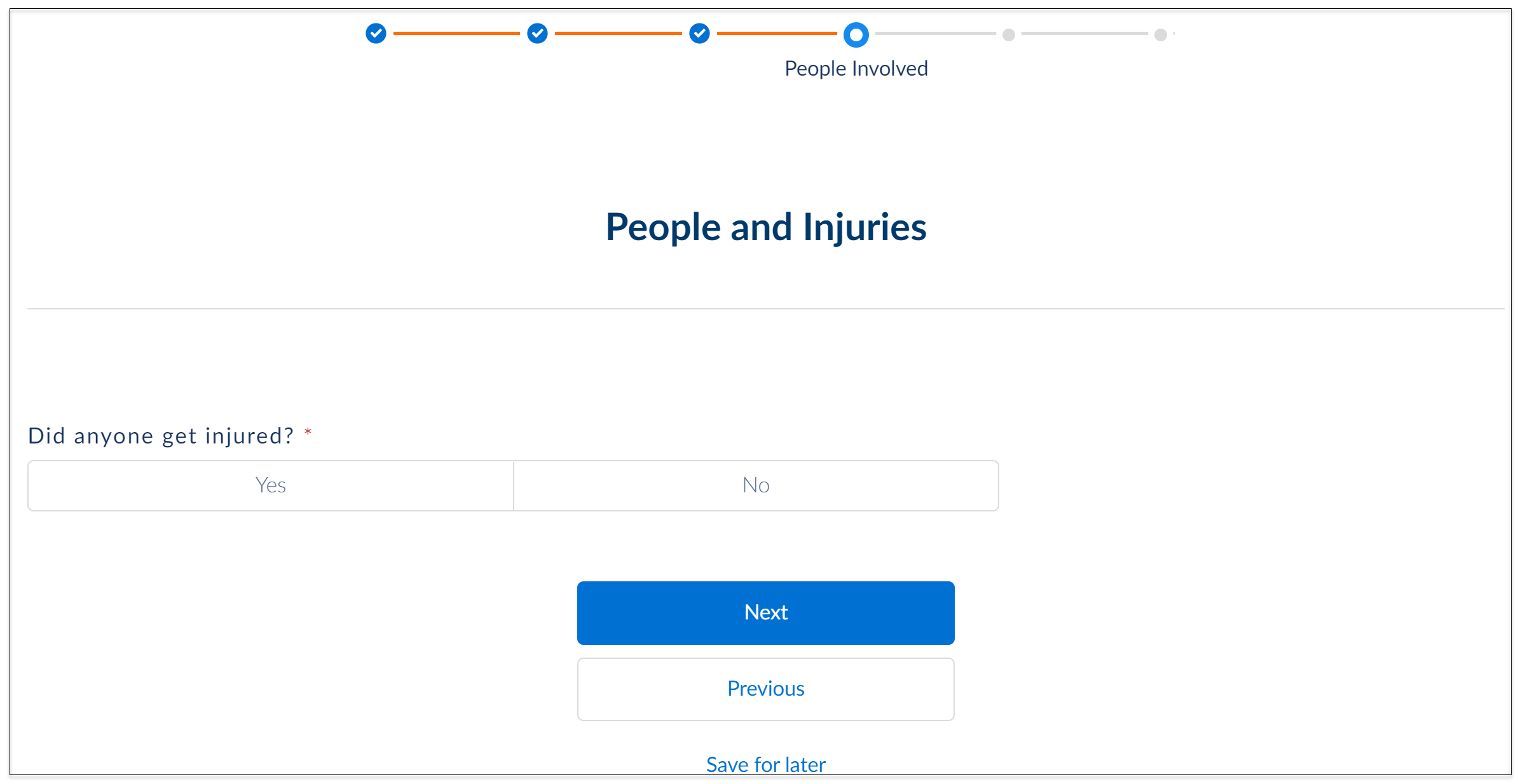
We enter information about who was injured and how badly.
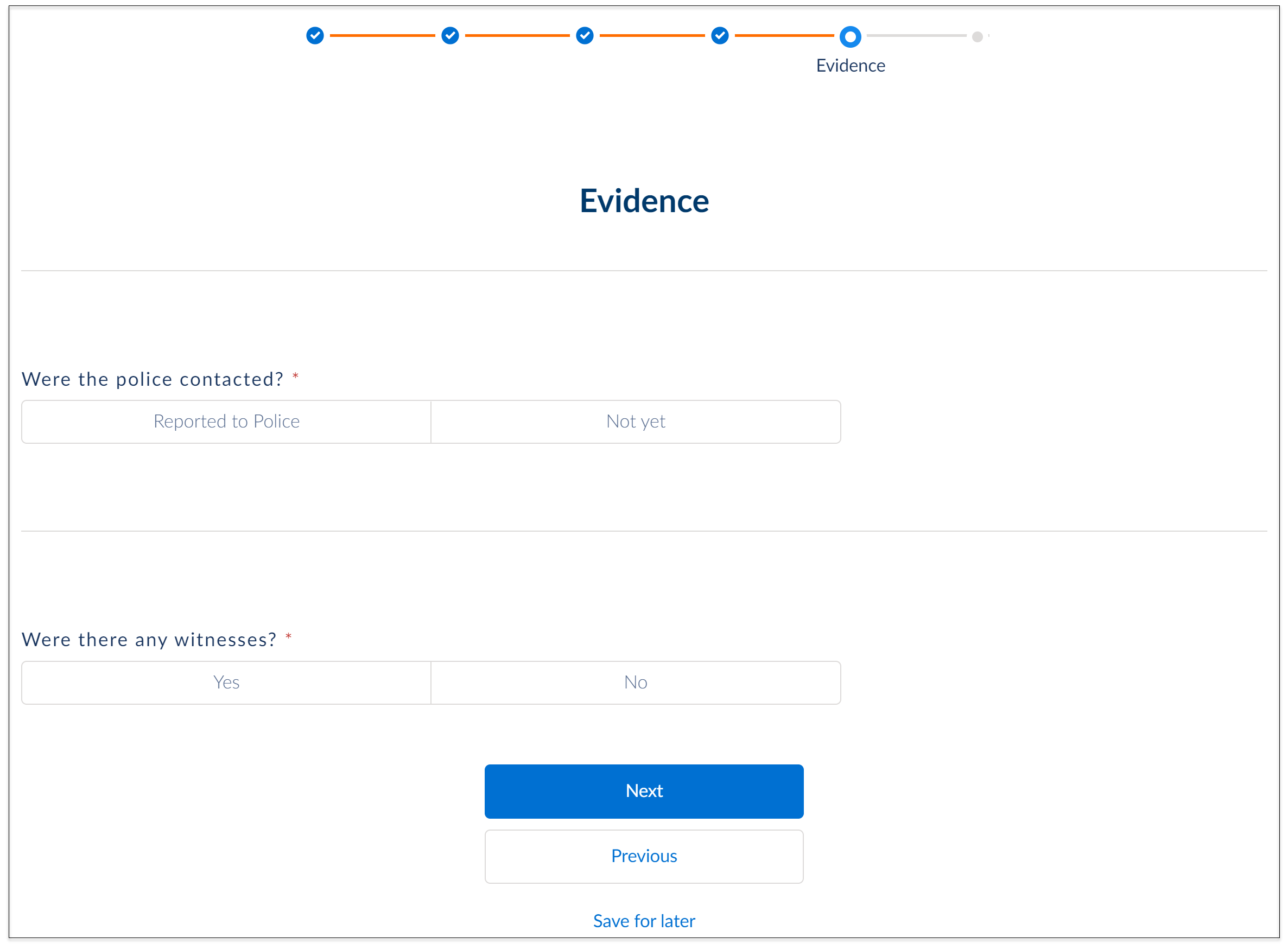
We enter information about the police report, and can upload it now if we have a copy.
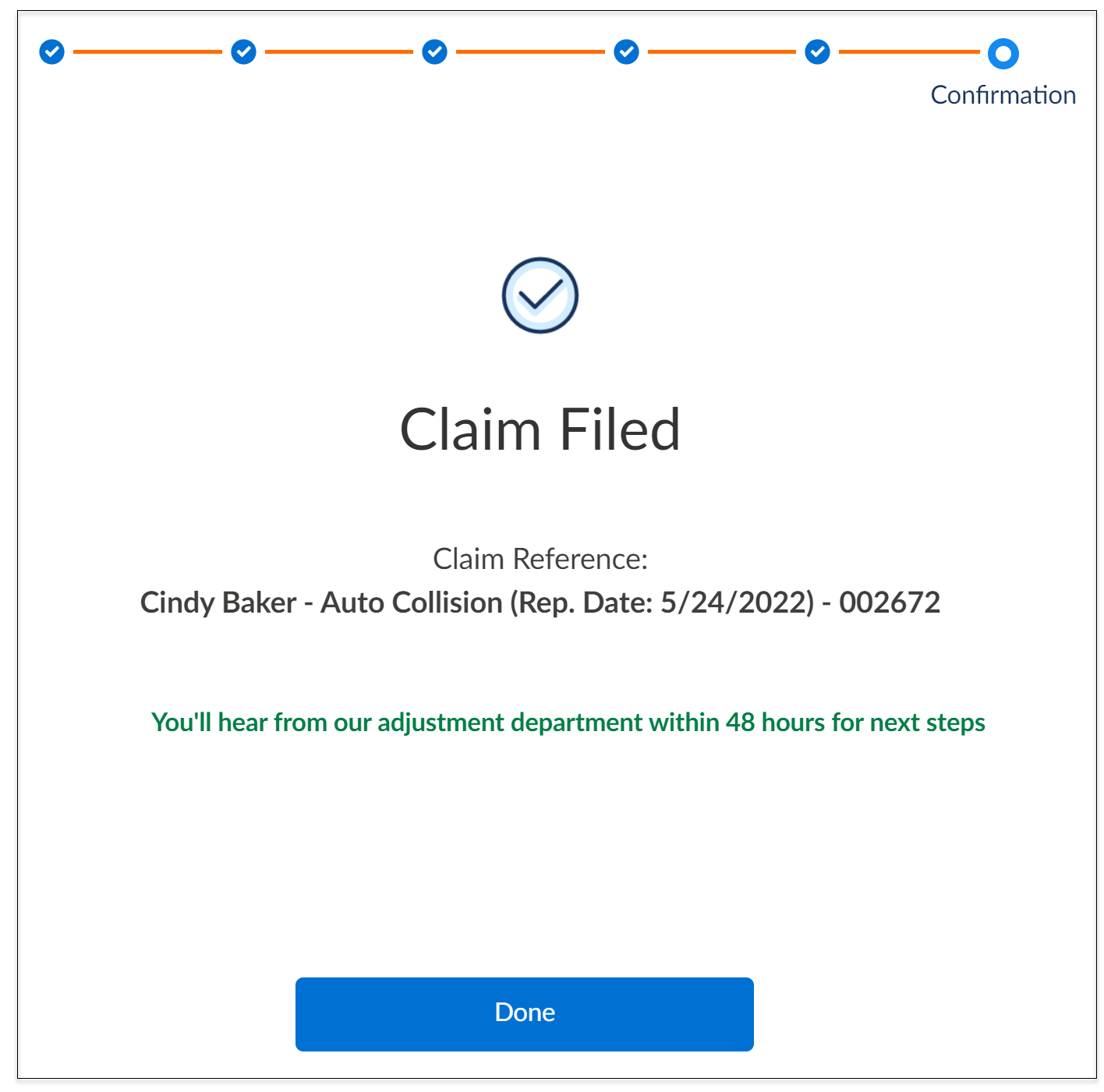
After we finish entering information, the system provides a claim confirmation that includes the claim number.