You are here:
Make a One-Time Payment for Policy Premium
Policyholders and admin users can perform the payment from the Lex Console:
-
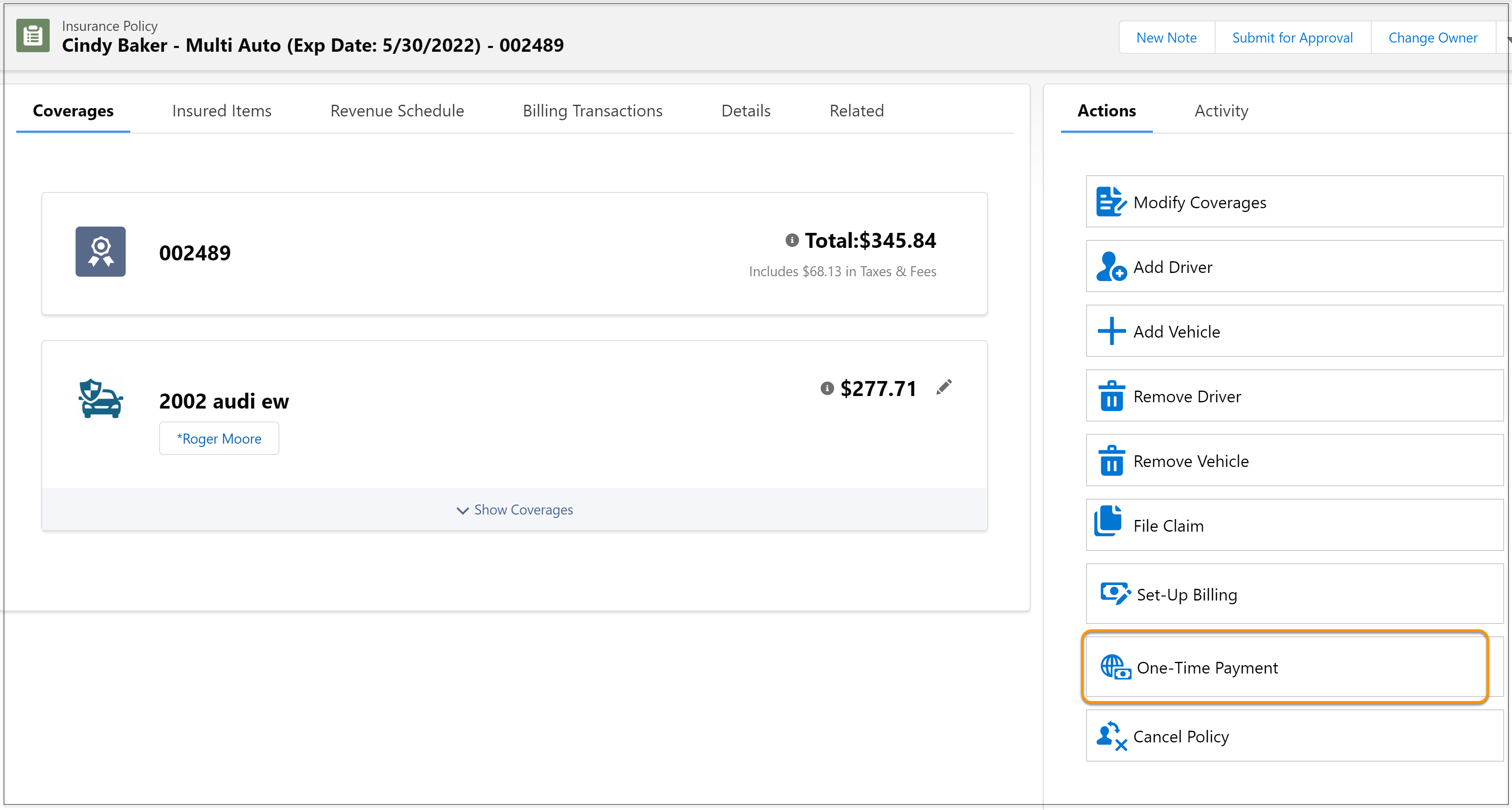
Open the policy that you want to make the payment for and from
Actions, click One-Time
Payment.
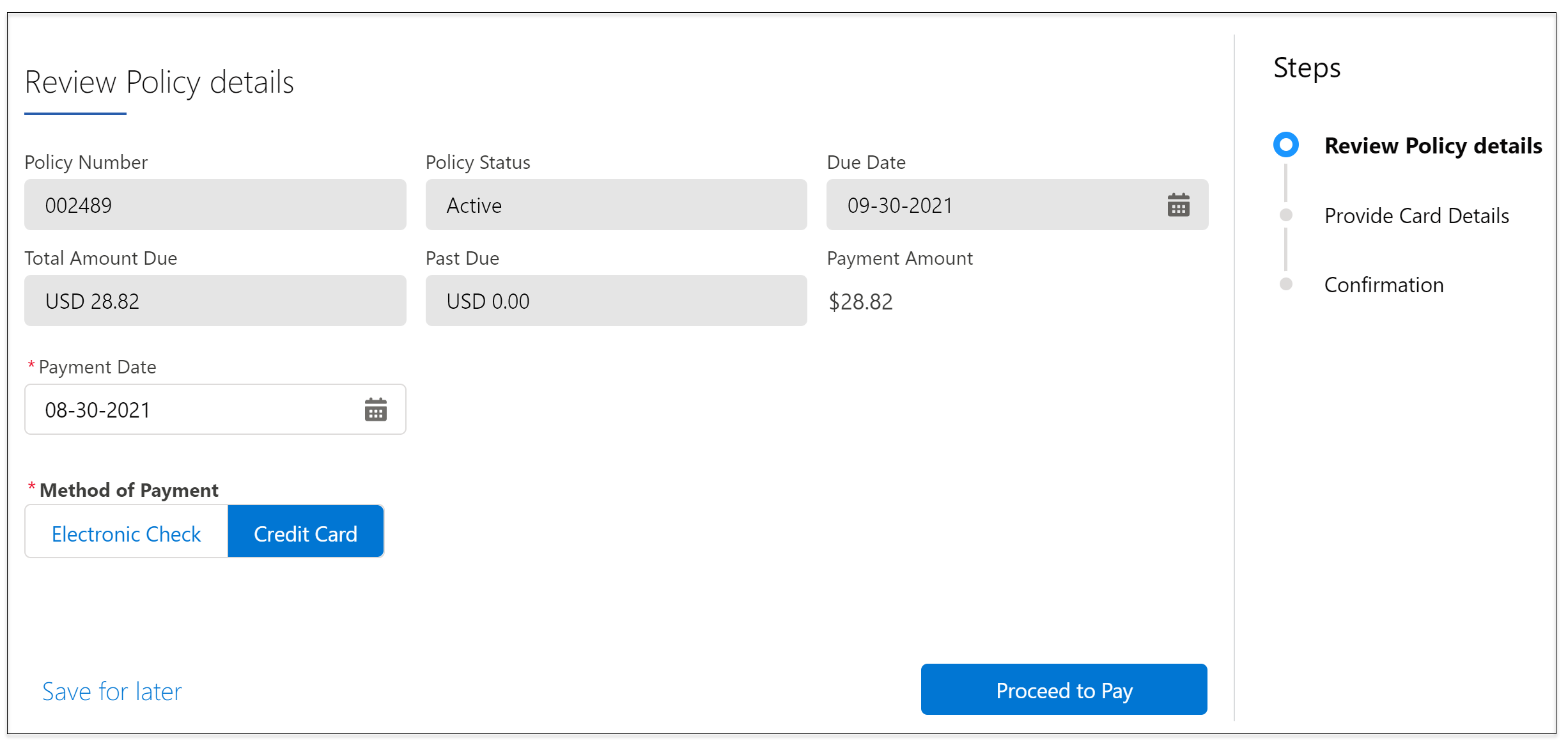
- Enter the Payment Date.
-
Select a Method of Payment and click
Proceed to Pay.
- Enter payment details and click Next.
-
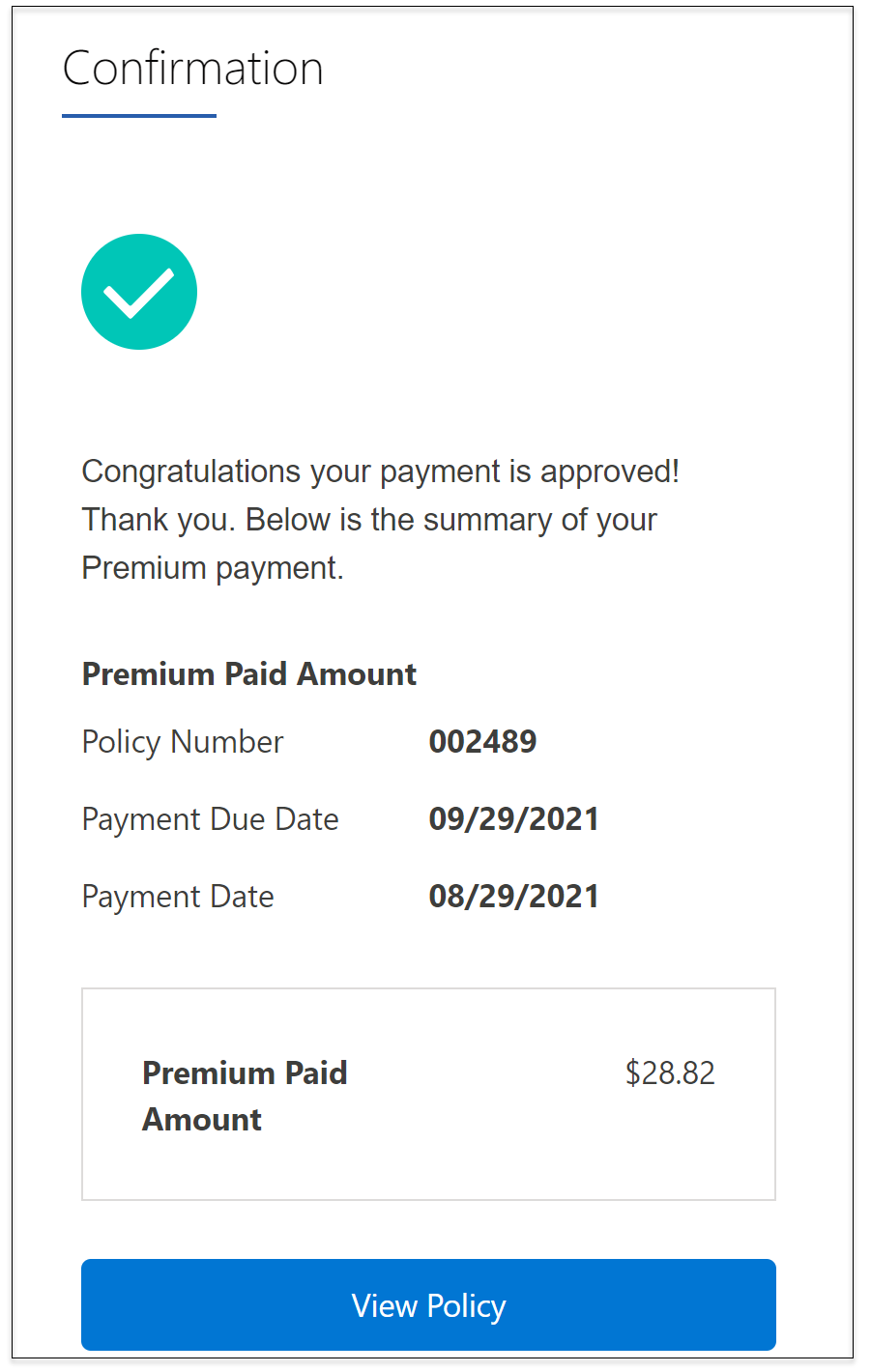
That's it! You see a confirmation if you payment is approved. To see
your policy, click View Policy.
A payment record is created in the user account associated with the policy. You can see details in the Related section, under Billing Accounts.
Did this article solve your issue?
Let us know so we can improve!
