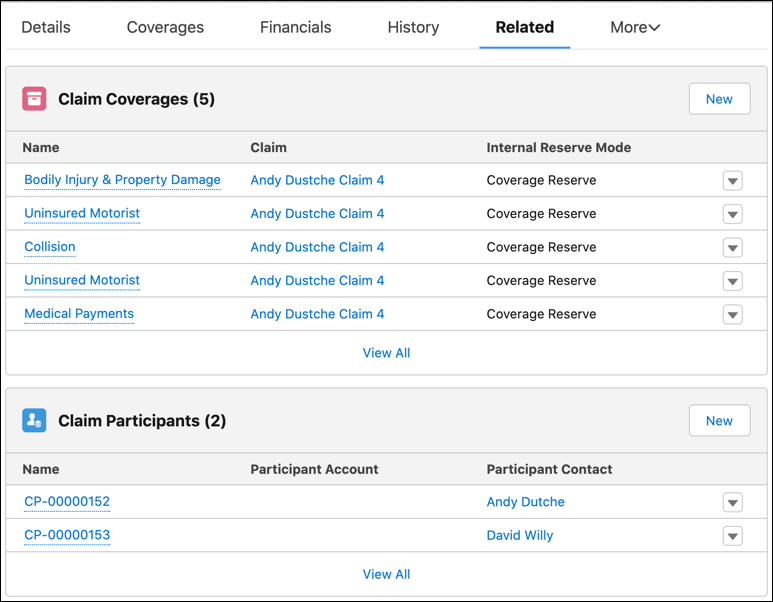
You are here:
Overview of a Claim
Claims adjusters can see essential details about a claim at a glance.
Details
The Details tab of a claim contains specifics about the claim object, including automatically generated information like the claim number, the date the loss was reported, the date of the loss, and the date an adjuster was assigned.
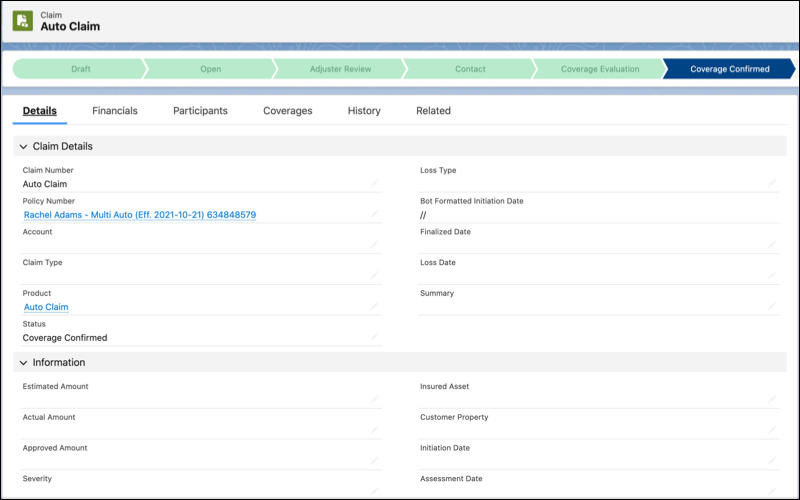

The Vlocity administrator sets up the fields that appear on the Details tab. See Customize the Claims Adjuster's View of Claim Details.
Available Coverages
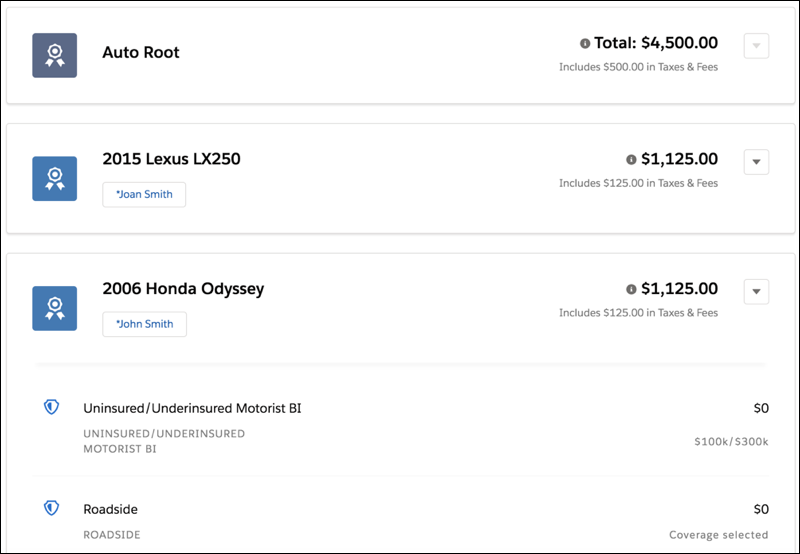
The Coverages tab shows the coverages available in the in-force policy. This read-only information comes from the policy record.
Claim Participants and Involved Items
The Claim Participants tab shows all the participants involved in a claim, including participant details, involved injuries, and involved properties.
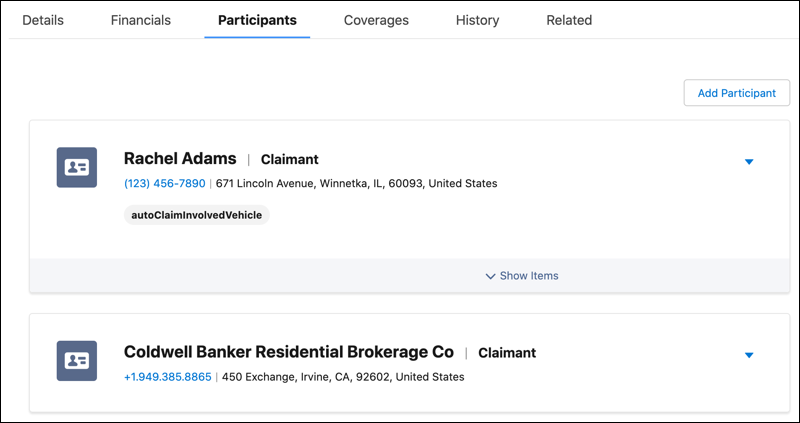
To learn how administrators can set up this tab, see Configure the Claim Participant UI.
To learn how to add new involved properties, people (claim relationships), and other items to a claim, see Manage a Claim's Participants and Manage a Claim's Involved Items.
Claim History
The History tab shows a timeline of claim activity in a single, chronological feed that's easy to scan and drill into. See essential activity at a glance and expand content like notes and emails to dive into more detail.
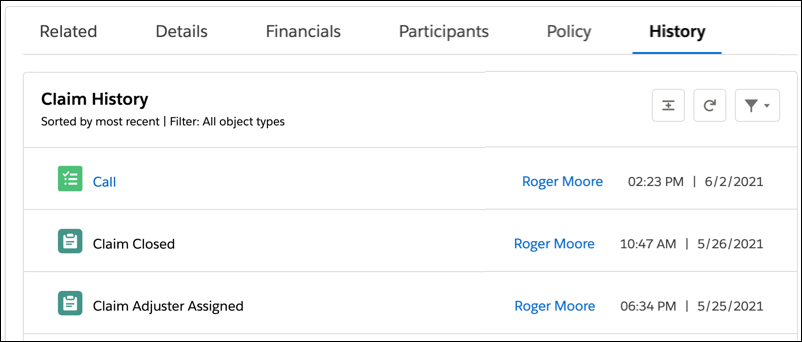
A DataPack included with your org gets you started. It has story object configuration that brings essential content into a Claim History tab out of the box. To learn more, see Configure Insurance History with Claim History LWC DataPack.