You are here:
Policyholder Digital Experience Site Home Page
When a policyholder logs into their Policyholder site, they land on the Home page.
Out of the box, the Home page looks like this:
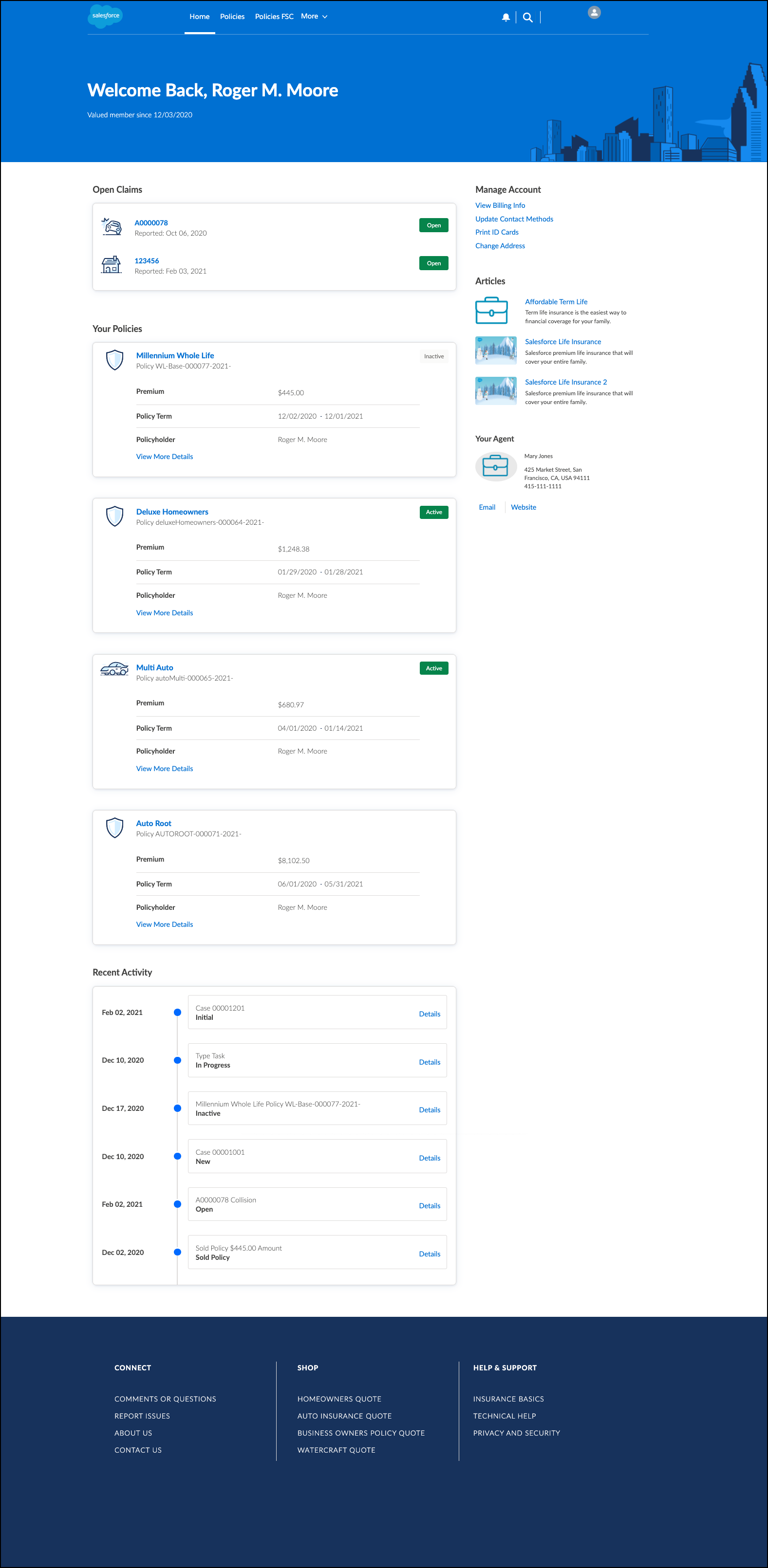
On this page, your users can:
-
See recent activity on their account
-
See a list of their policies
If policies exist, the policy name is a link to the policy record page
-
View opens claims for their account
If a claim exists, the claim name is a link to the claim record page
-
See contact information for their agent
-
Click links to helpful articles
-
Update account information
-
Click links to OmniScripts or websites

Did this article solve your issue?
Let us know so we can improve!
