You are here:
Property Quote OmniScript
Look under the hood of the property insurance quote process with details of the quote OmniScript.
The property quote OmniScript is:
-
Type: property
-
SubType: HomeQuote
-
OmniScript Name: Homeowners Quote
You can launch this OmniScript from the following applications, where it can be accessed by the types of users described:
-
Broker Portal (Newport)
For use by brokers and agents
-
Interaction Console (Lightning)
Internal insurance agent
-
Vlocity Admin (Newport)
-
Internal insurance agent
-
Vlocity admin
-
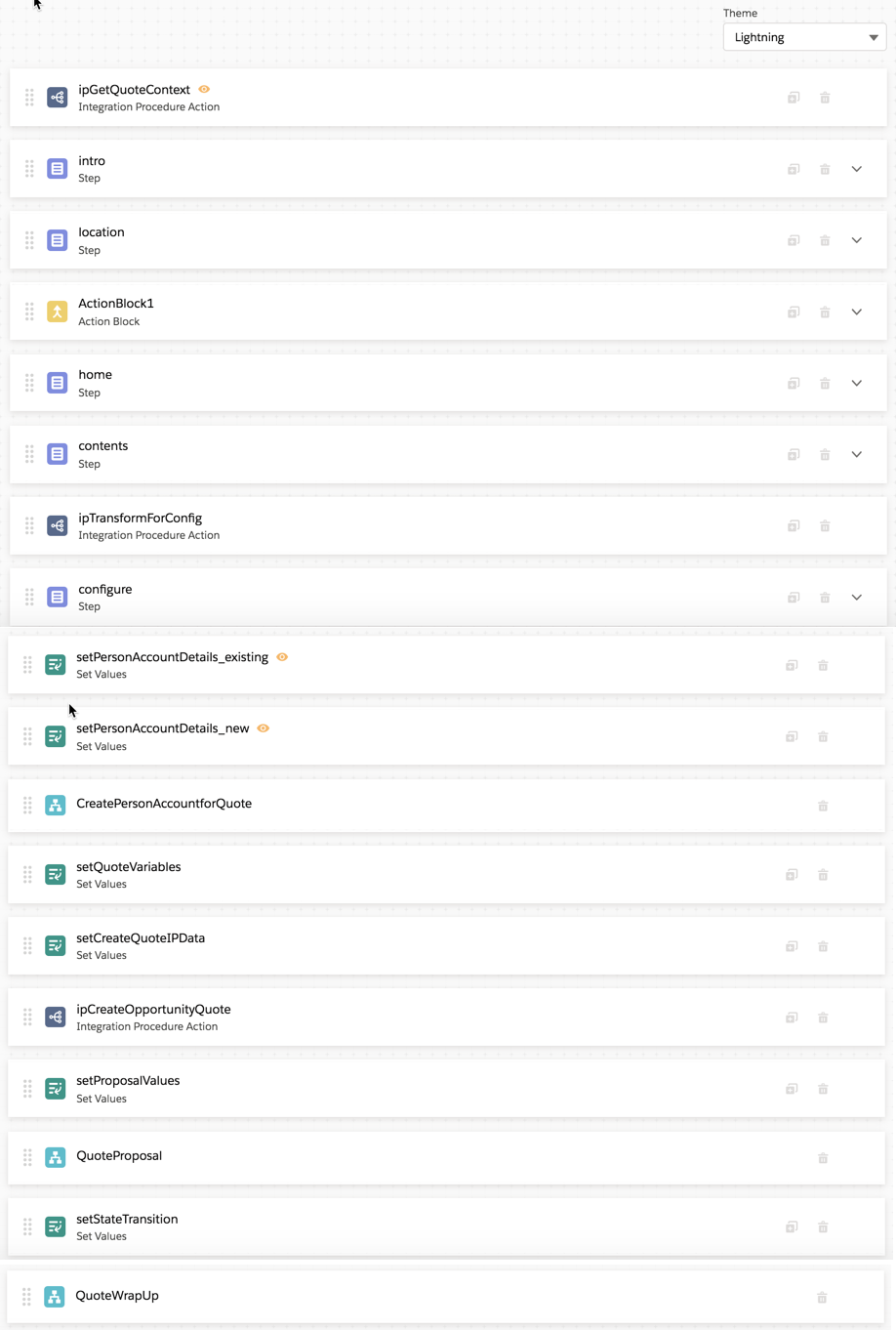
The Homeowners Quote OmniScript calls three other OmniScripts:
-
CreatePersonAccountForQuote
-
QuoteWrapUp
How It Works
This section describes how someone who goes through the Homeowners Quote OmniScript to create a quote will see and interact with it. We'll go through this OmniScript step by step, as though we were a broker or an agent creating a quote for a potential customer.
This OmniScript starts out expecting an account number to be passed to it as input, so we use an existing account for Ernie Newcomb.
The Homeowners Quote OmniScript starts with an intro page.
After clicking Next, we enter address information about the property to be insured.

You can click AutoFill on any page to fill out data quickly when you test this OmniScript.
The Effective Date defaults to today's date.
We enter more information about the property to be insured.
We enter information about the property's contents.
Now it's time to review the coverages, make changes to any of the values we need to, and add, remove, or modify values on optional coverages.
Finally, we confirm and (if needed) add to contact information.
The OmniScript calls a reusable OmniScript, QuoteProposal, and generates a PDF document that contains the details of the quote.
Lastly, this OmniScript calls the QuoteWrapUp OmniScript to conclude the quoting process. The UI displays the quote number, the total annual premium, and the date the quote expires.