You are here:
Rate the Product in a Group Benefits Quote
After uploading and correcting census data, rate the selected products. If census data continues to change, the rate automatically gets recalculated.
-
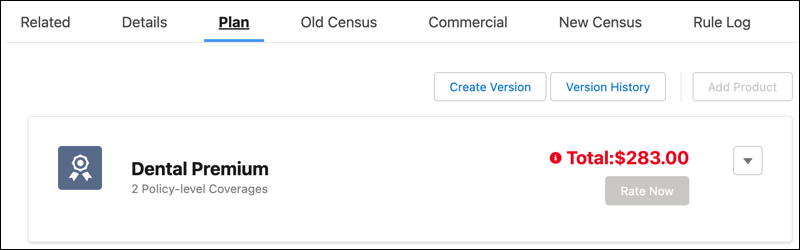
To rate a product for the first time, click Rate Now.
Later, if you upload a new census or change group member and dependent values such as birthdate and gender, the rate is adjusted based on the new data.
-
After the quote is approved and the customer signs a contract, use an OmniScript to create a contract. In the background, the
createUpdateContractmethod runs and creates a new Contract Group Plan. - Take the next step in the Group Benefits flow: Enrollment.
Did this article solve your issue?
Let us know so we can improve!
