You are here:
Search for Large Group Census Members
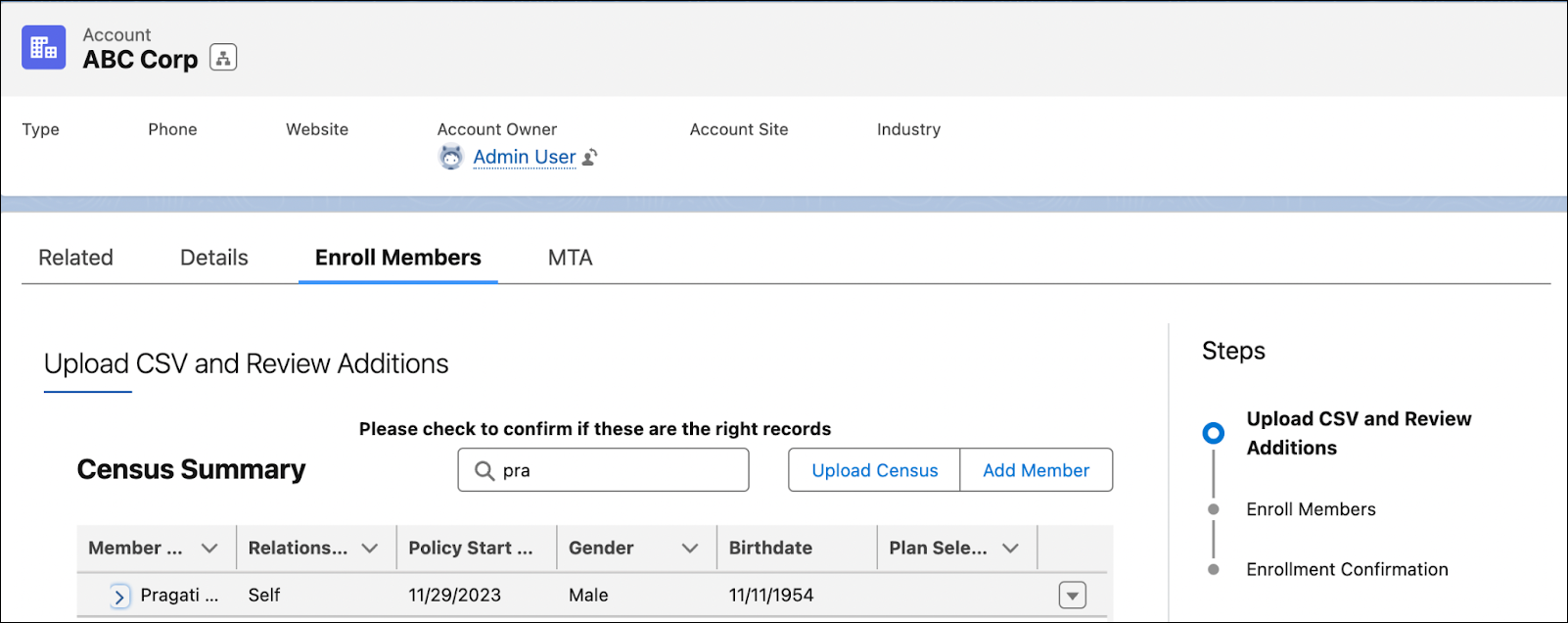
Quickly find census member details during large group enrollment and quoting by using the Search box in the Enrollment Census Lightning Web component and Quote Census Lightning web component respectively.
From an Account page or Quote page, enter the name of the census member you want to search for in the Search box.

All the member records whose FirstName or LastName start with search criteria appear in the search results.
When the search results are more than the page size, a list of matching records are shown with pagination.
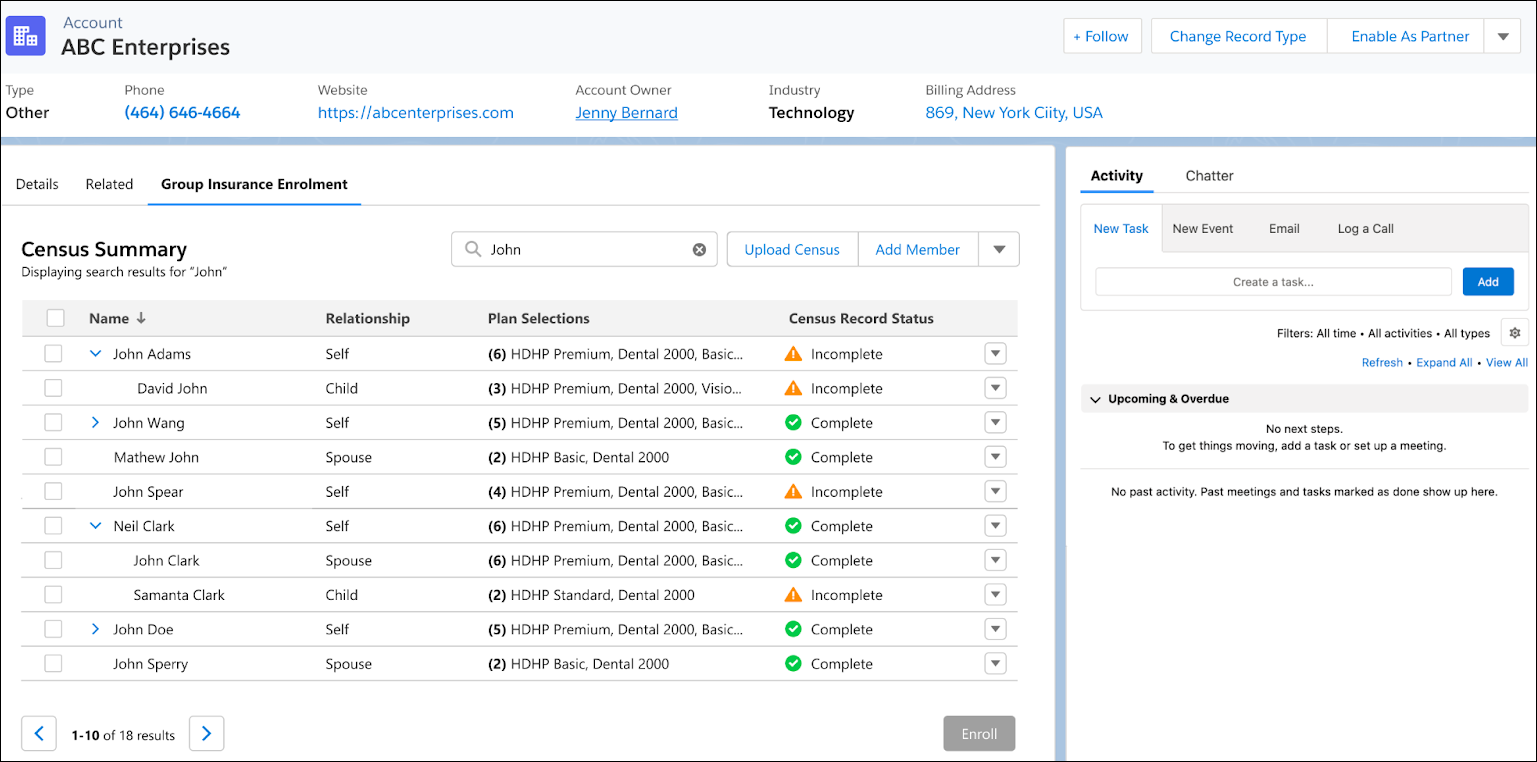
When the search string matches only with a primary member, the primary member and their dependents are shown in a collapsed accordion view.
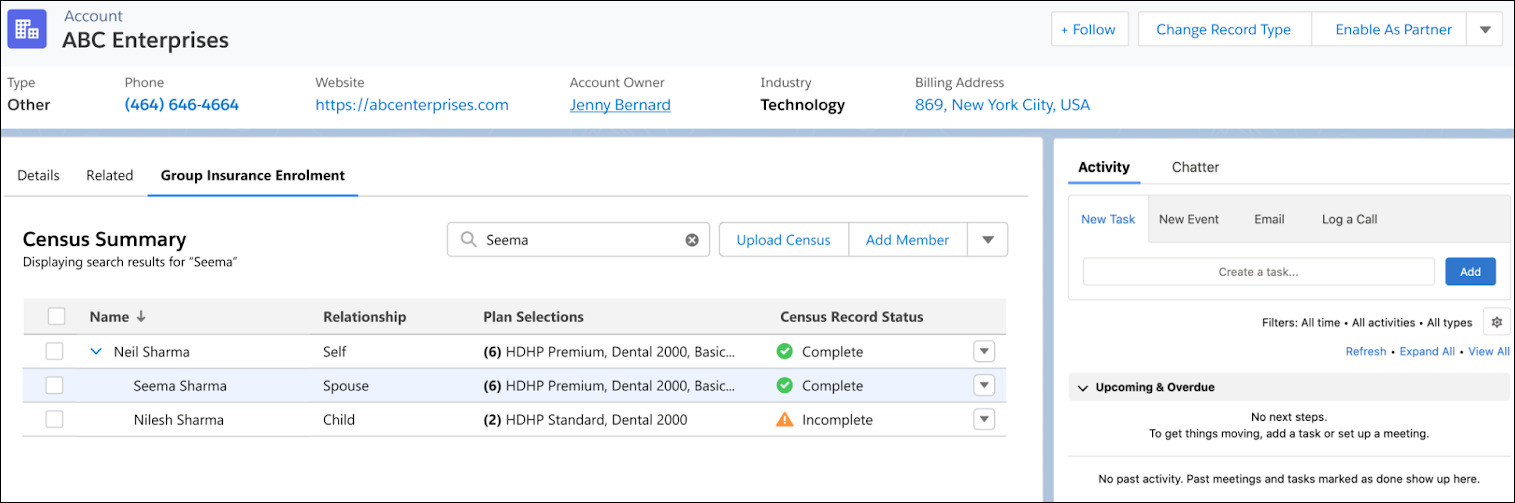
When you search for a dependent member, the related primary member and their dependents are shown in an expanded accordion view.
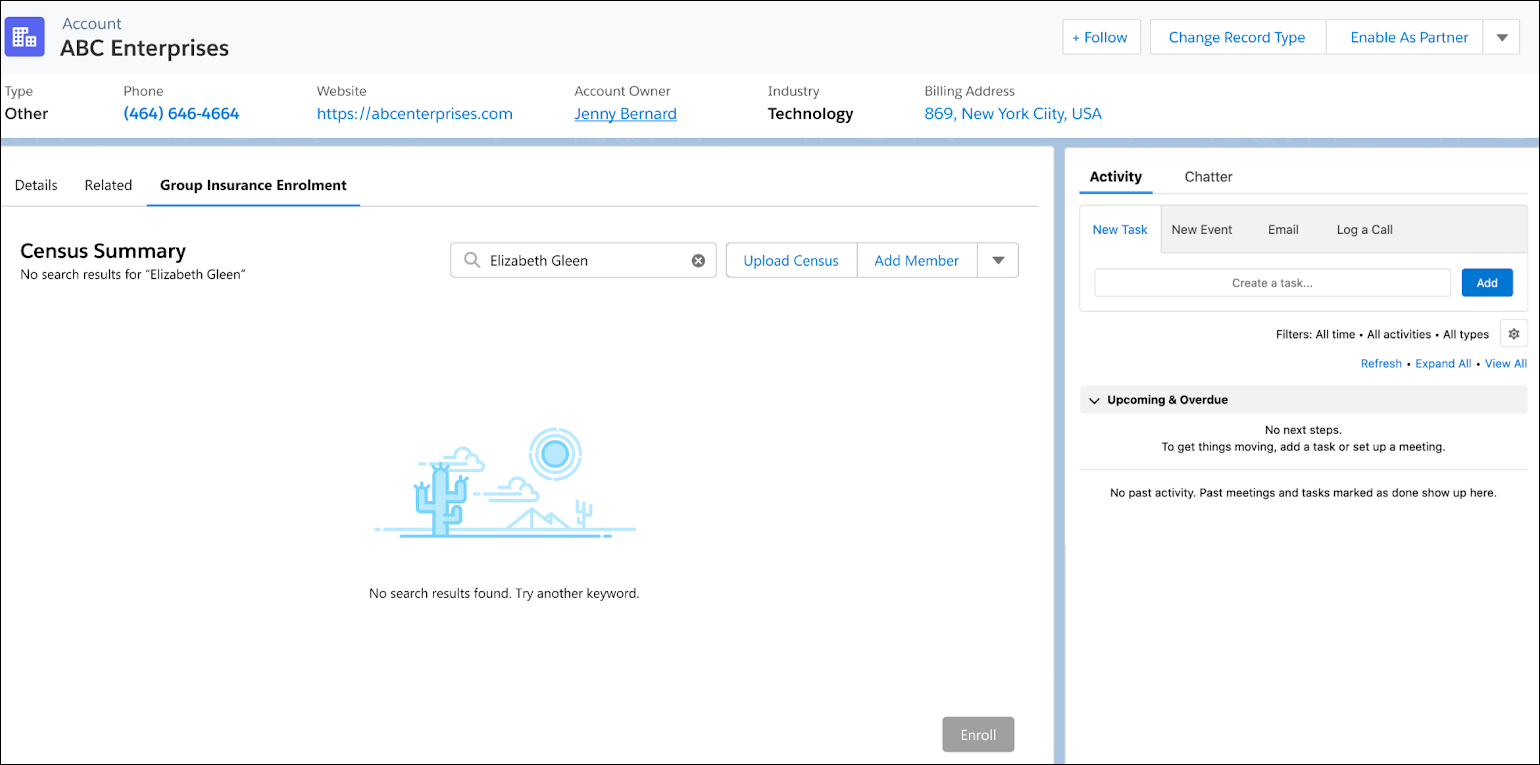
If the search doesn’t return any matching records, a message appears stating that there are no search results found.