You are here:
Commissions for Property and Casualty Application
You can now track commissions for agents and insurance products, and gain insight into commissions associated with each stage of the customer journey.
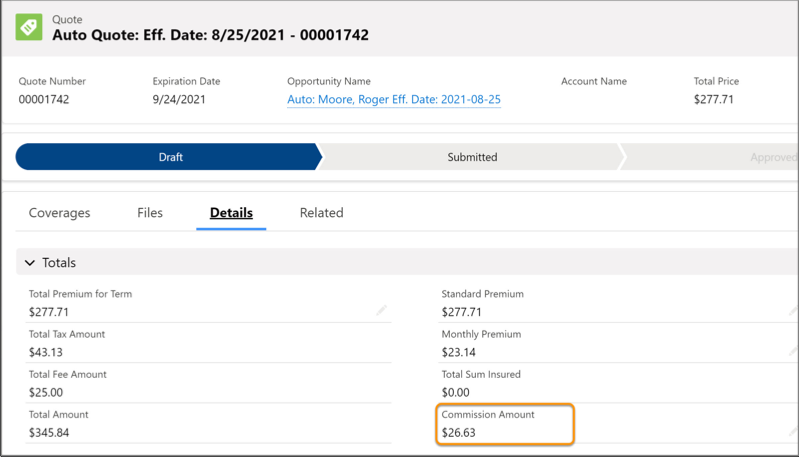
Quotes
As commissionable events occur, services calculate commissions and save them to quotes. You can see the estimated quote commission in the Details for each quote.
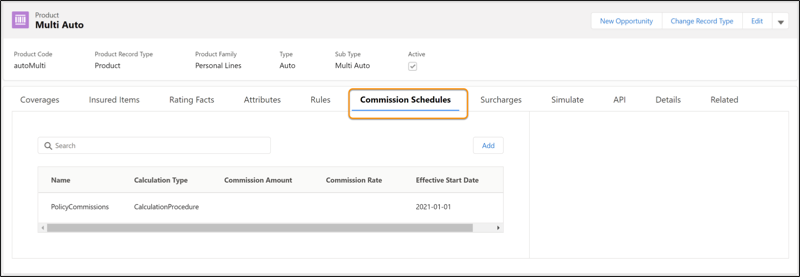
Products
You can add tabs to product pages so your users can configure commission schedules and view commission assignments. For instructions on how to do configure commission schedules, see Add Commission Schedules and Set Up Tabs to Records.
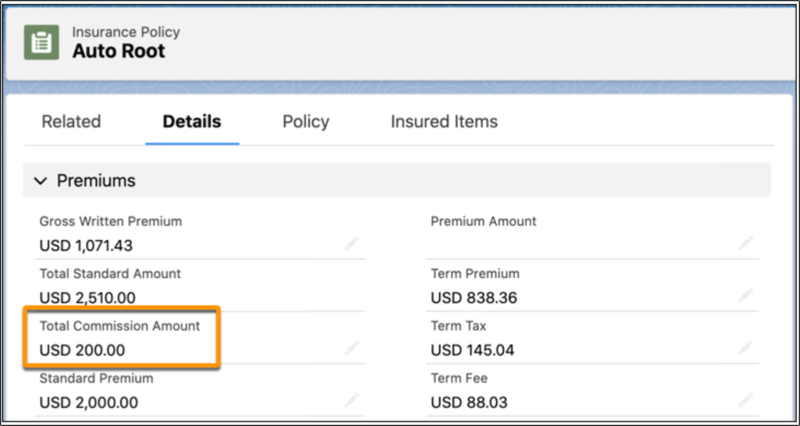
Policies and Endorsements
Commissions on policies and endorsements are visible in the policy Details.
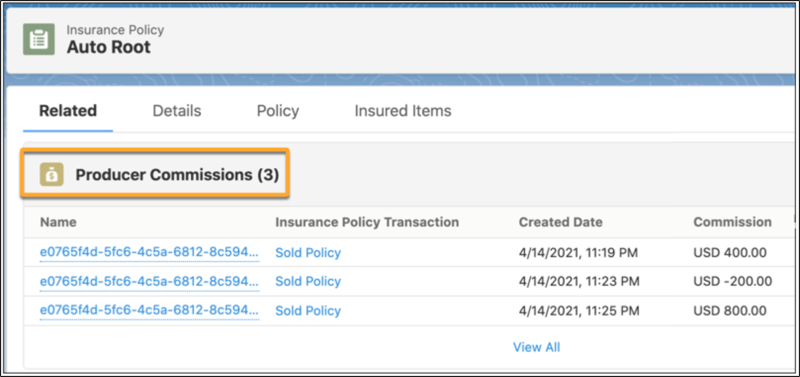
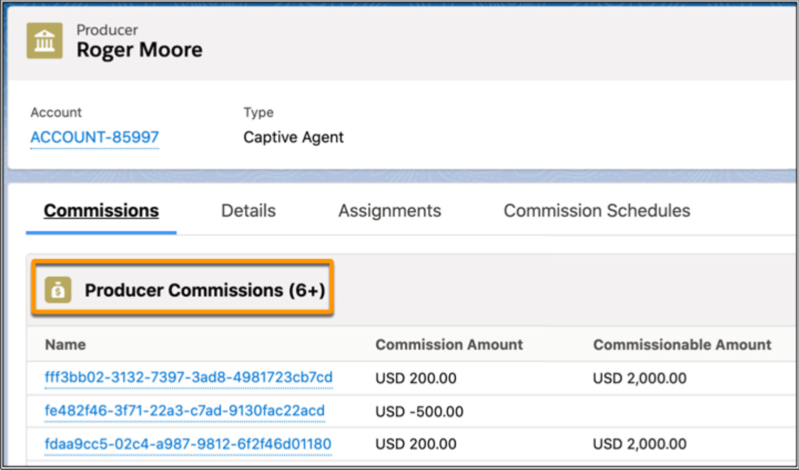
You can also see all the producer commissions for each policy in the Related section.
Commission Calculations
In our flow, we've used the Producer Commissions calculation procedure to calculate commissions. Commission schedules either reference these calculations, or specify flat amounts or fixed rates. For instructions on how to create Commission calculation procedures, see Create Commission Calculations.
Here's what our calculation procedure does:
-
Performs a matrix lookup to check the rate.
-
Calculates the base commission using the premium and rate.
-
Performs a matrix lookup of the Producer Premium to determine the commission rate.
-
Calculates the override commission using the base commission and commission rate.
-
Calculates the final commission using the base commission and override commission.
Assign Commission Schedules to Products
Commission schedule assignments give you control over who gets commissions, how much, and for what. You can create as few or as many assignments as you want, though you typically need only three or four per product. If you add multiple assignments, only one can be associated with the same commissionable event, in the same time period.
To assign a commission schedule to a product, see the instructions in Assign Commission Schedules to Products.
Assign Commission Schedules to Producers
By viewing commission schedule assignments, producers gain insight into how much they're earning as they issue quotes and close deals.
Your org comes with three commission schedules that we've created and used in our workflows:
-
EstimatedCommisions - for quoting
-
Flat Commissions
-
Policy Commissions
We then assigned these commission schedules to our producer persona. The assignments reflect terms defined in the commission schedule, and also specify unique information for the producer: minimum and maximum payments, and which events trigger the calculation of a commission. For example:
-
Quotes
-
Sales
-
Endorsements
-
Renewals
-
Payments
-
Cancellations, which result in returned commissions ("chargebacks")
To assign a commission schedule to a producer, see the instructions in Assign Commission Schedules to Producers.
