You are here:
Terminate Member Policies in Bulk
Terminate policies of the primary members and dependents in bulk in the middle of a contract.
- From the Mid-Term Adjustments tab on the Account page, click Download Template.
- Select Bulk Terminate Members, and then click Download.
- Enter termination details of all the members you want to terminate in the .csv file.
- Upload the .csv file, and then click Bulk Terminate Members.
-
To confirm the termination, click Terminate.
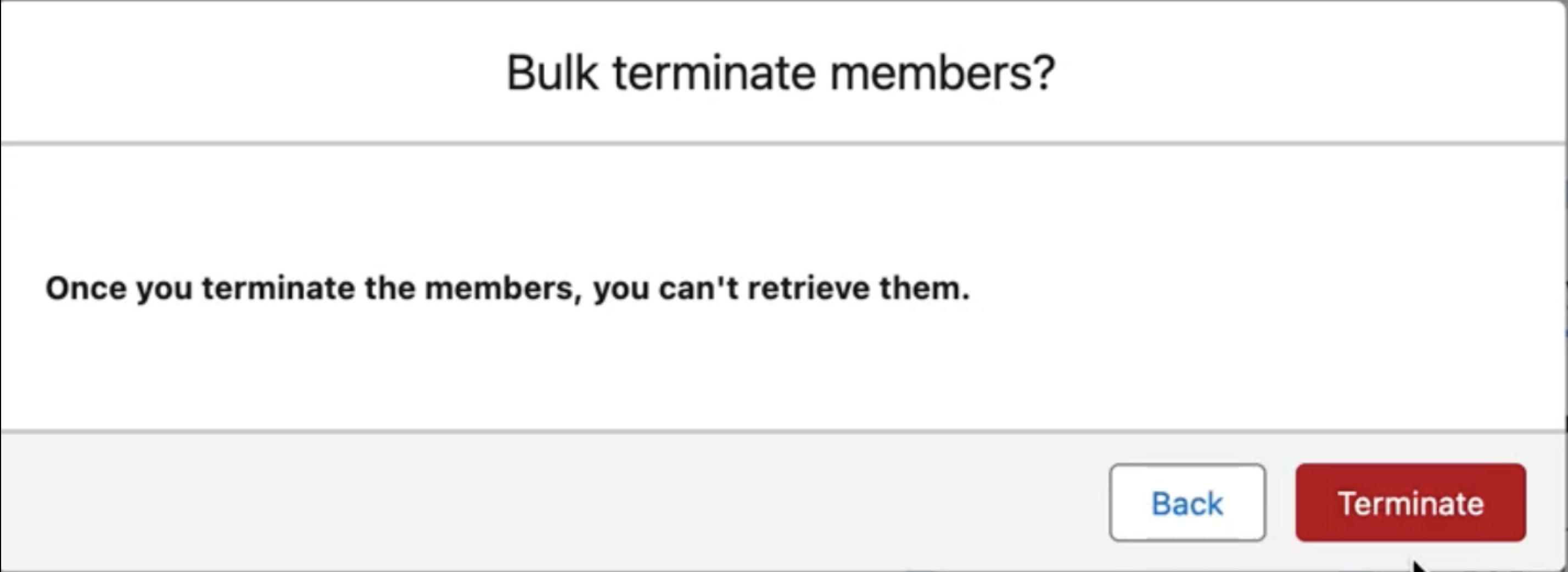 A notification message appears stating that the termination process has been initiated.
When you initiate the bulk termination process for another batch, both of the tasks run asynchronously.
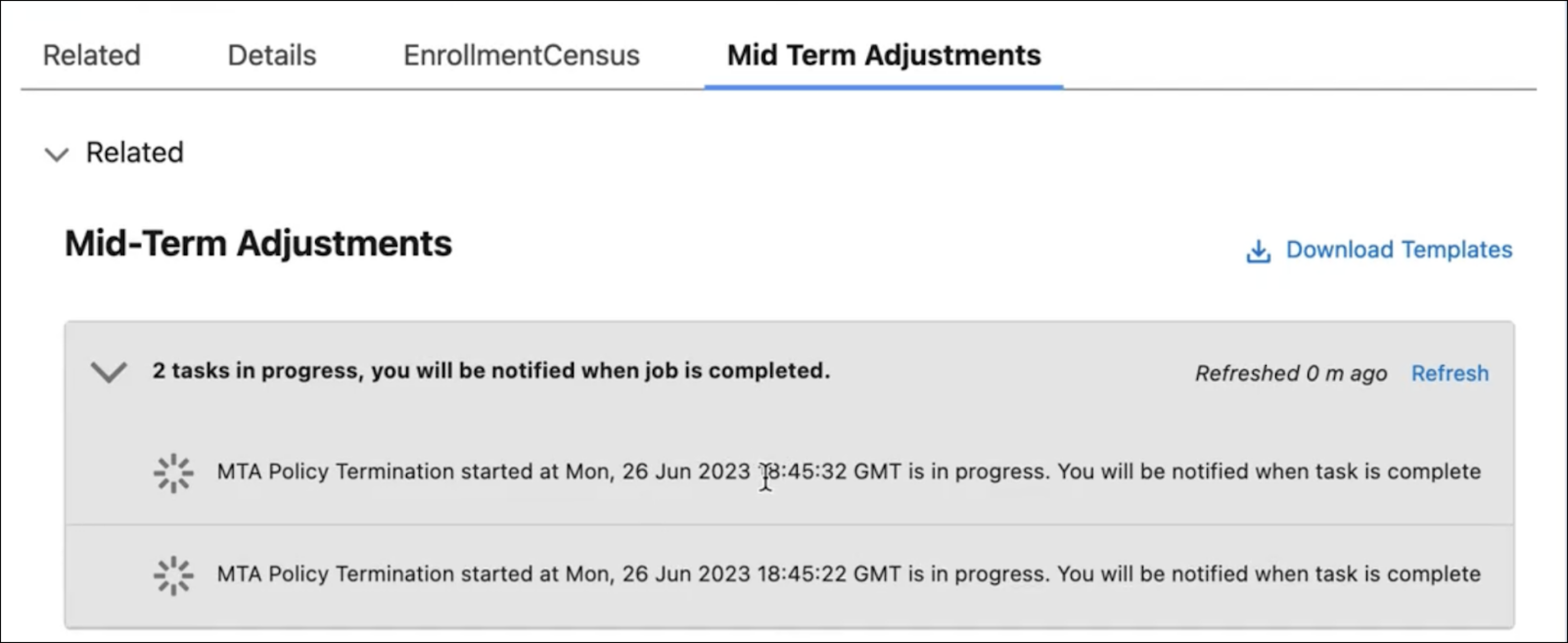
- Error Handling for the Termination Process
During the termination process, errors may occur during a CSV file upload or because of missing or inaccurate data processes by asynchronous enrollment job. Get notified when the termination is completed, and receive a list of errors if termination couldn't be completed.
Did this article solve your issue?
Let us know so we can improve!
