You are here:
Terminate a Policy for a Single Member
Terminate policies of primary members and associated dependents individually in the middle of a contract. Get notified when the termination is completed and receive a list of errors if termination couldn't be completed.
- From the Mid-Term Adjustments tab on the Account page, click Terminate Member.
-
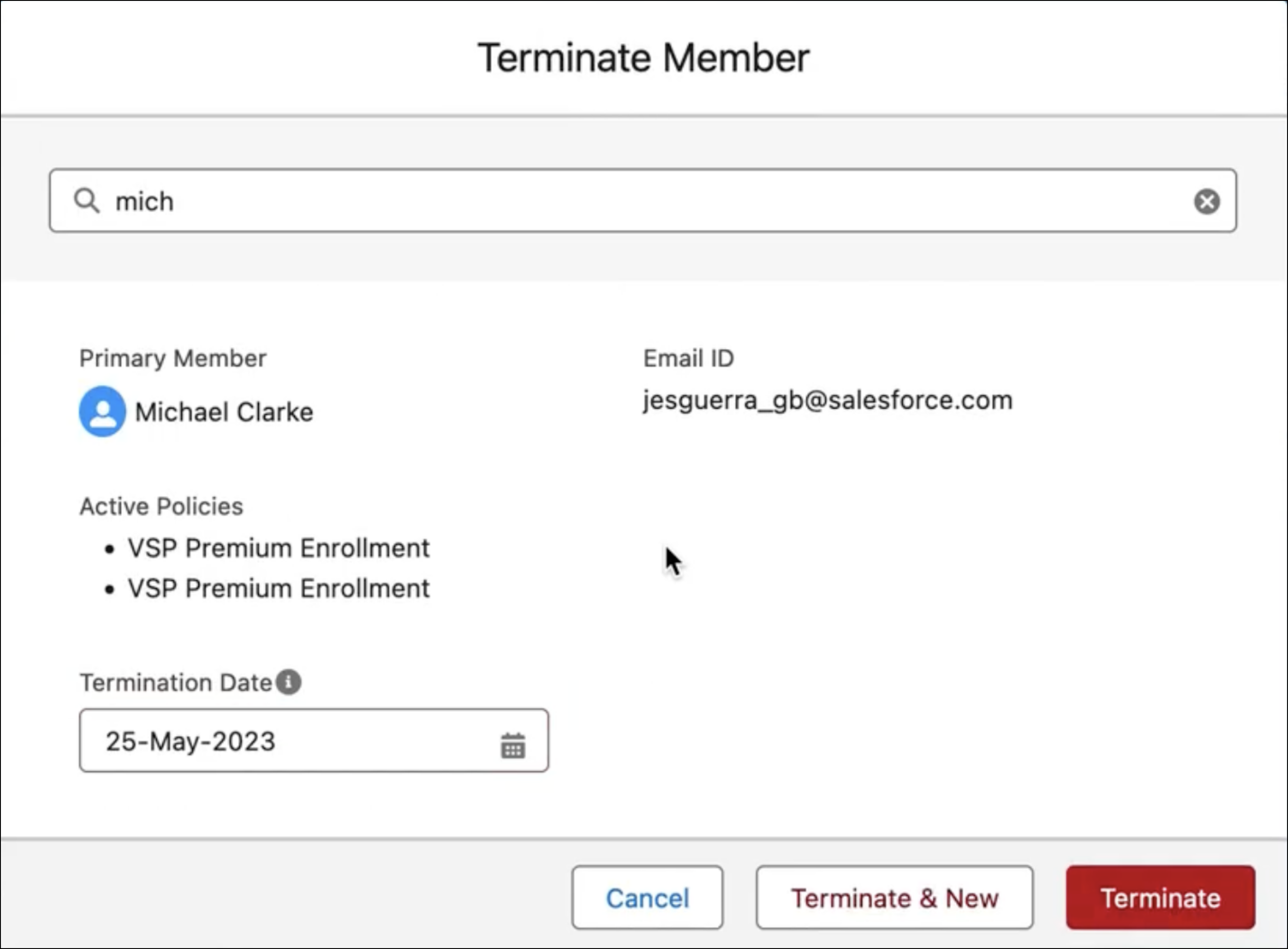
Search for the member policy you want to terminate, and then click Enter.
The member details and all the associated active policies appear. If there are no active policies associated with that member, a message appears stating that there are no active policies that exist for that member.
-
Enter a Termination Date, and then click Terminate.
-
Click Confirm & Terminate.
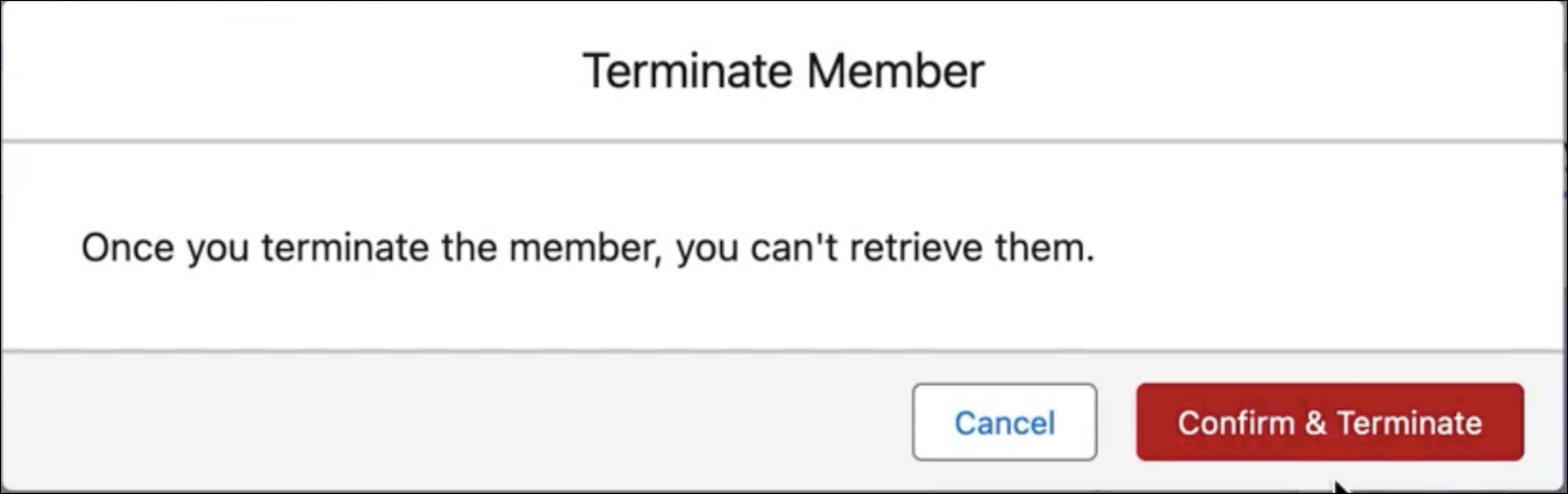 In the background, the
InsPolicyService:cancelPolicyservice cancels all the policies associated with the member. To learn about other tasks the service performs, see InsPolicyService:cancelPolicy.When you initiate the termination process for another member, both of the tasks run asynchronously.
Did this article solve your issue?
Let us know so we can improve!
