You are here:
Update the Information of the Census Member
You can update personal information, plan, and coverage selections of any member in the census during bulk enrollment.
You can choose the fields to appear in the Personal Information section when you add a member or update the member information.
The CensusMemberAddEdit fieldset is shipped out-of-the-box. If you use this field set, then the fields from the GroupCensusMember entity that are present in the CensusMemberAddEdit fieldset appear in the Personal Information section when you add or edit a member.
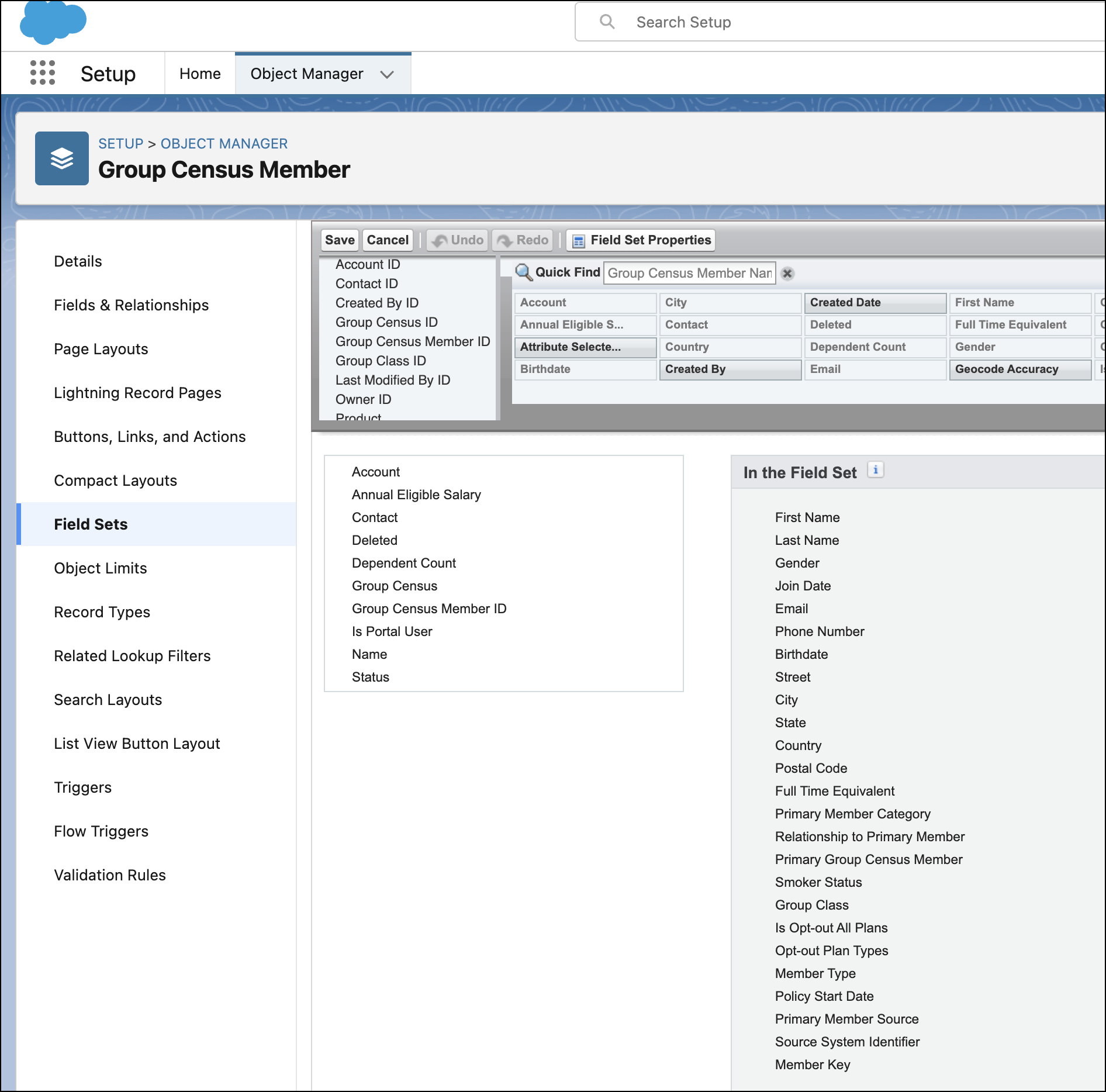
You can create your own custom field set, but you must include First Name, Last Name, Email, and Relationship to Primary Member fields.
- Click the action menu for any member and select Edit Member.
- Review member information, plans, and coverage selections.
- Save changes and click Enroll.
Did this article solve your issue?
Let us know so we can improve!
