You are here:
Upload New Hire Census Data for Enrollment
After a contract is in place, upload group benefits product enrollment data with new hire census members and dependents.
- From an Account page, click Bulk Enroll New Hires.
- Click Upload Census.
-
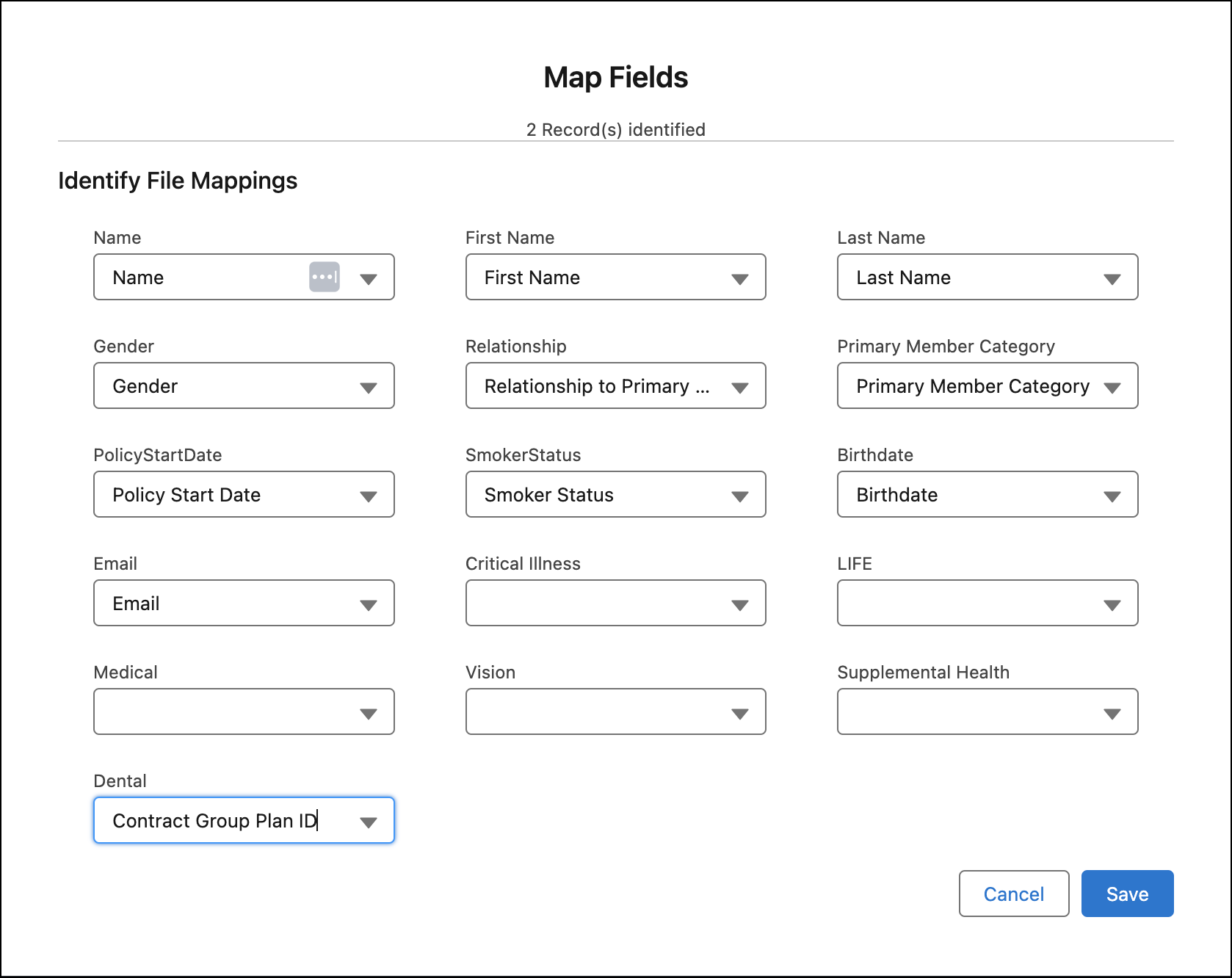
Map fields in the source data to fields in Group Census Member records.
-
The field labels are the same as the column headings in the source file.
-
The field values displayed in the dropdown lists are populated from the Group Census Member object.
After mapping fields and clicking Save, uploaded census members appear in a hierarchical tree view.
-
-
Click Enroll.
The
InsEnrollmentServiceStd:enrollMembersAsyncservice creates policies for new hires and calculates the employer contribution on a prorated basis based on the group class specified for the primary members.
During the new hire enrollment process, you may encounter errors during uploading a CSV file or when the asynchronous enrollment jobs are completed. Get notified when the enrollment is completed, and receive a list of errors if enrollment couldn't be completed.
To learn how to handle errors for the new hire enrollment process, see Error Handling for Bulk Enrollment.
