You are here:
Verify Rating Input Mappings
After you map rating inputs to attributes, make sure input variables look right on the product spec.
Go to the root product spec and click the Simulate tab. For all inputs that you mapped from an expression set, the Input Mapping displays the input variable you mapped. Default values defined for these inputs appear in the Simulate Values column.
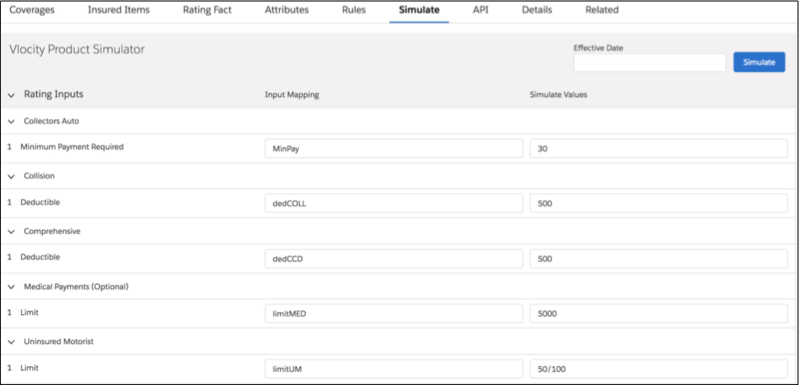
If you mapped inputs from an Integration Procedure, they don't appear in the simulator. You must type in both the input variable and the value you want to use for the simulation.

Did this article solve your issue?
Let us know so we can improve!
