Loading
Salesforce now sends email only from verified domains. Read More
Table of Contents
Select Filters

          No results
          No results
          Here are some search tips

          Check the spelling of your keywords.
          Use more general search terms.
          Select fewer filters to broaden your search.

          Search all of Salesforce Help
          Generate Patient Outcome Summary

          Generate Patient Outcome Summary

          Gain valuable insights into individual patient performance and engagement through a comprehensive summary view. Patient Program Outcome Management uses Einstein generative AI capabilities to generate patient outcome summary for defined outcomes over a specific period. This summary plays a key role in identifying the patient drop-off risks and helps reps take the steps to improve patient engagement and adherence.

          Required Editions

          Available in: Lightning Experience
          Available in: Enterprise and Unlimited Editions with Health Cloud or Life Sciences Cloud, and Einstein GPT Platform and Einstein GPT Prompt Builder Add-On licenses
          User Permissions Needed
          To generate a patient outcome summary for program leads:

          Context Service Admin permission set

          AND

          Context Service Runtime permission set

          AND

          Prompt Template Manager permission set

          AND

          Prompt Template User permission set

          AND

          Access Patient Support Programs as a Program Lead permission set

          AND

          Patient Program Outcome Management permission set

          To generate a patient outcome summary for patient services reps:

          Context Service Admin permission set

          AND

          Context Service Runtime permission set

          AND

          Prompt Template Manager permission set

          AND

          Prompt Template User permission set

          AND

          Access Patient Support Programs as a Case Agent permission set

          AND

          Patient Program Outcome Management permission set

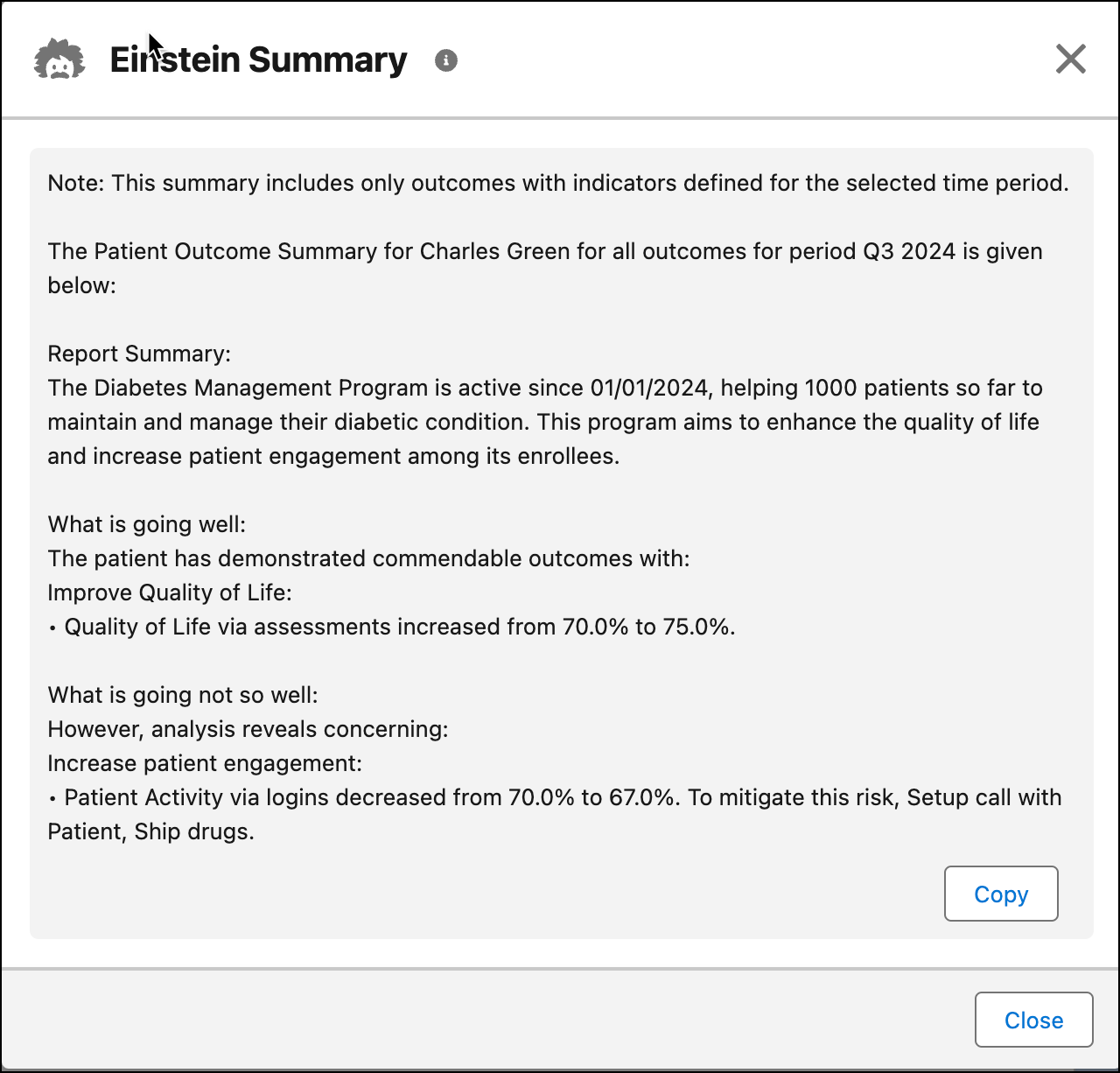
          The summary is divided into three sections. The first section highlights the patient’s performance against the defined outcomes and time period. The second section outlines what is going well, while the third section identifies areas that need improvement along with recommended next best actions. This summary can be easily copied with a single click.

          Important
          Important If you wish to customize the Generate Patient Summary flow as per your business needs, you must implement the TransposeContext interface.

          You can easily generate the patient outcome summary for any care program enrollee with just the click of one button. Here are the steps to generate a patient outcome summary.

          1. From the App Launcher, find and select Care Program Enrollee.
          2. Click any care program enrollee.
          3. Click Generate Patient Summary.
            The Generate Patient Summary screen flow is launched.
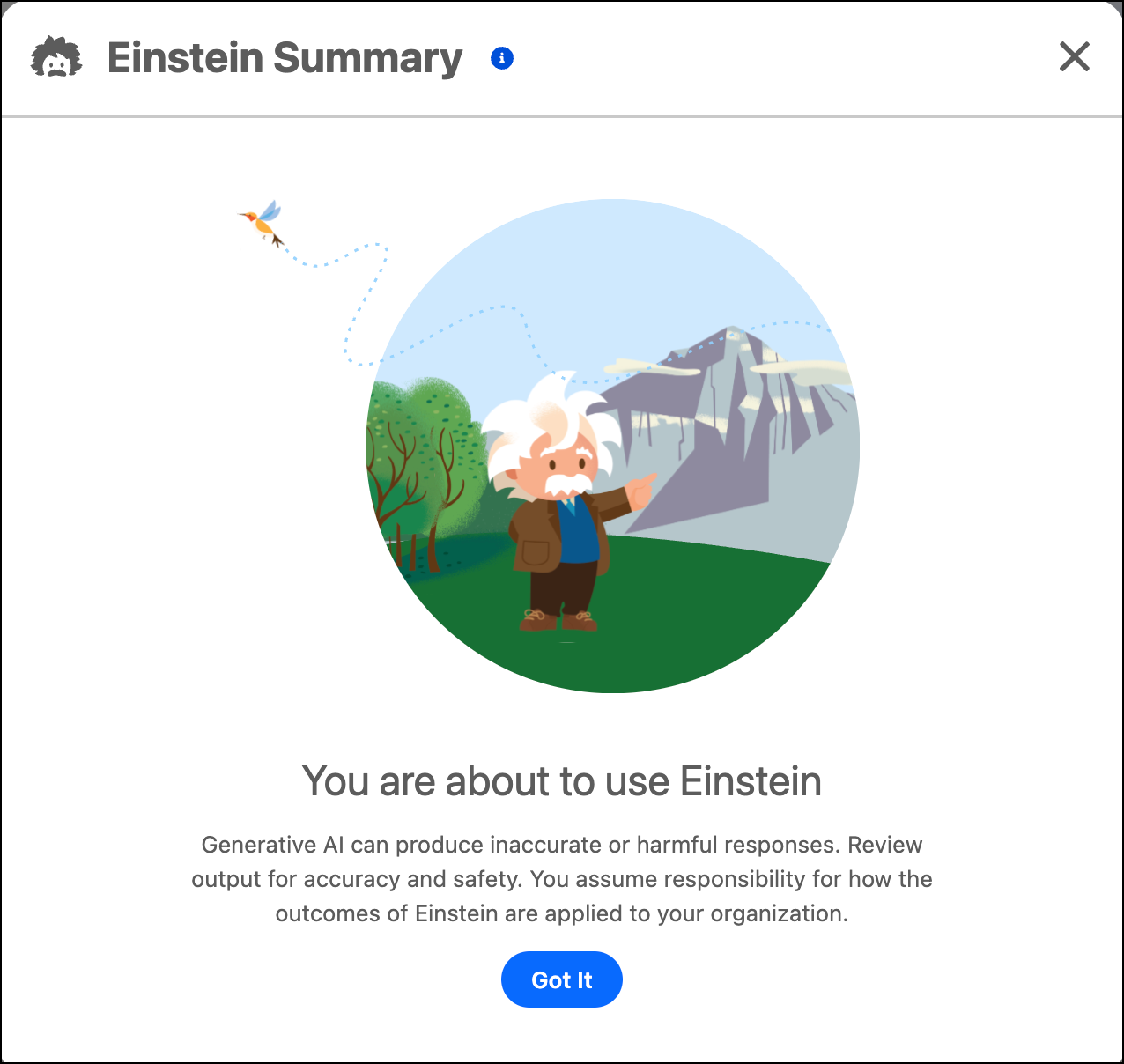
          4. To proceed, click Got It.
            Einstein Disclaimer
          5. Select the outcomes for which you want to generate the summary. Select All, or any individual outcomes, and click Next.
          6. Select the time period for which you want to generate the summary, and click Next.
            The patient outcome summary is generated.

            Here’s a sample patient outcome summary.

            Sample Patient Outcome Summary

          To copy the patient outcome summary, click Copy. You can share this summary with the patient, healthcare provider, or practitioner.

          Warning
          Warning This tool uses generative AI, which can produce inaccurate or harmful responses. Before using, review the output for accuracy and safety. You assume responsibility for how the outcomes of Einstein are applied to your organization.
           
          Loading
          Salesforce Help | Article