You are here:
Attachments in Salesforce Contracts
The Contract Attachments allow you to upload, delete, search, and download the files from the list of attachments.
You can attach, remove, search and download files from a contract document version.
Attach a File to a Contract Document Version
You can attach one or more files to a contract document version.
To attach a file to a contract document version:
- On the Contract record detail page, expand the Contract Documents page.
- Select the version of the contract to which to attach the file.
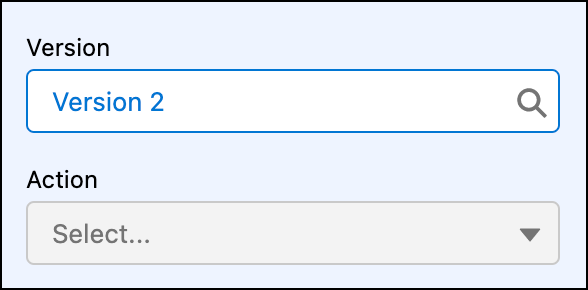
 Note Can only add or remove the attachments of the draft contract document version.
 - Click Upload Files under Contract Attachments. You can also drag the files from their original location to Contract Attachments.
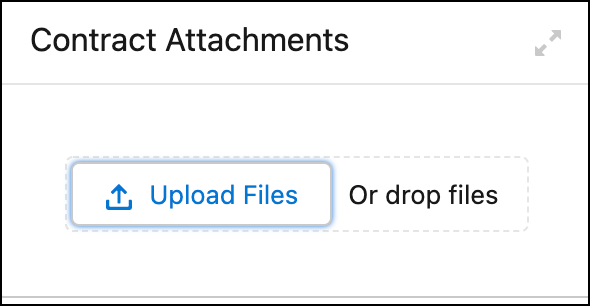
- Find and select the file from your computer, and then click Open.
The files are attached to the contract document under the Contract Attachments section.
Delete a File from a Contract Document Version
You can delete attached files from a contract document version.
To delete an attachment from a contract:
- On the Contract record detail page, expand the Contract Documents page.
- Select the version of the contract from which to delete the file.Note Can only add or remove the attachments of the draft contract document version.
- Hover over the file to delete.
- Click the trash button next to the file to delete it.
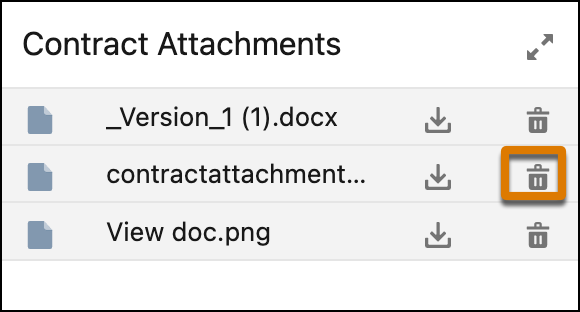
The files are deleted from the contract document.
Search a File from a Contract Document Version
You can search attached files from a contract document version.
To search for an attachment from a contract:
- On the Contract record detail page, expand the Contract Documents page.
- Select the version of the contract from which to search the file.
- Click the expand button on the Contract Attachments.
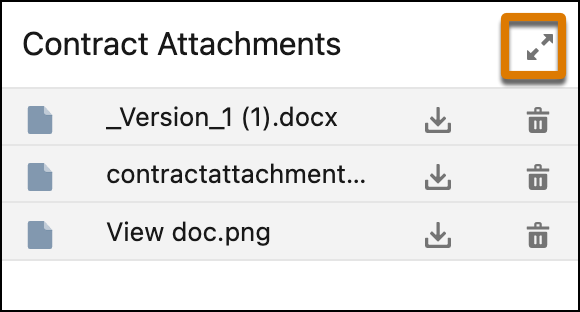
- This will provide an expanded view of the contract attachments.
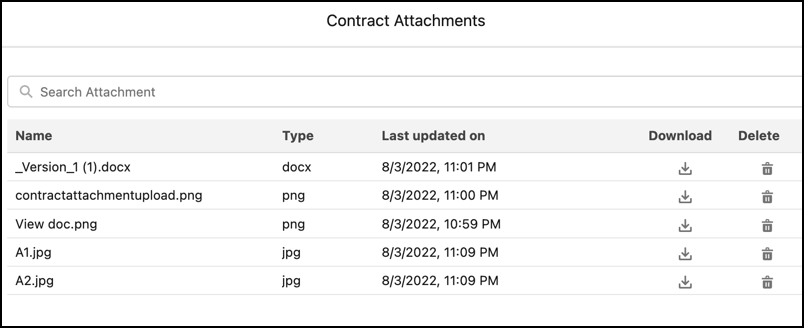
- Type the name or type of the file in the Search Attachment field to search for a file.
Download a File from a Contract Document Version
You can download the attached files from a contract document version.
To download an attachment from a contract:
- On the Contract record detail page, expand the Contract Documents page.
- Select the version of the contract from which to search the file.
- Click the expand button on the Contract Attachments.
- This will provide an expanded view of the contract attachments.
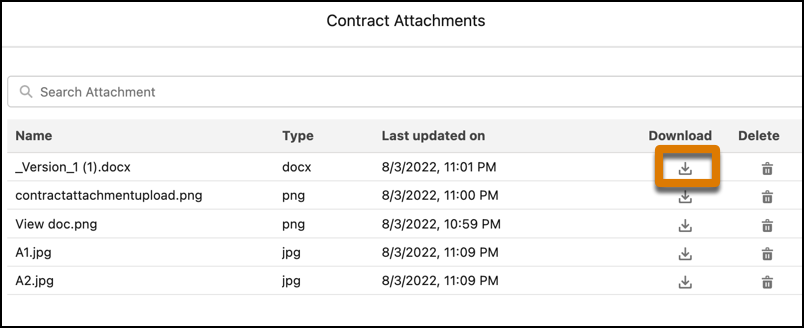
- Click the Download button next to the file which you want to download.
