You are here:
View Contract Documents
You can preview the contract document for any version of the document.
To preview a contract document version:
- On the Contract record detail page, select View Documents dropdown.
- Select the .docx or .pdf file.
- Select the expand button to expand the contract document page.
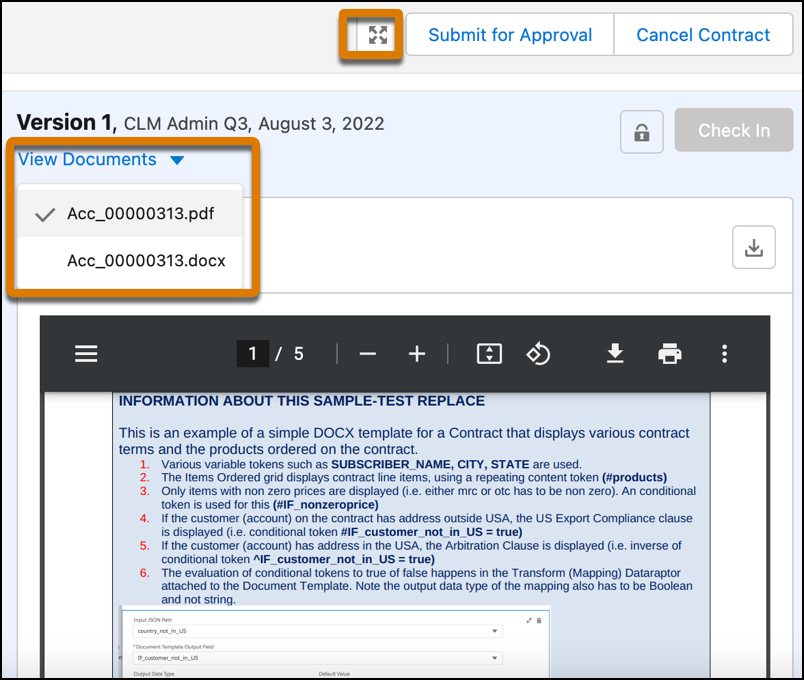
You can view the contract in sections or by pages. If the contract is several pages long, you can quickly access the different parts by viewing it section by section. The preview is available for both the .pdf and .docx file.
Did this article solve your issue?
Let us know so we can improve!
