You are here:
Workflow for Revoking an Envelope Status
Salesforce Contracts renders Revoke Envelope Status flow when request for revoking e-signature.
You can use the “Revoke Signature” action to revoke the signature request that was sent to the recipient when the contract document is in Awaiting Signature state.
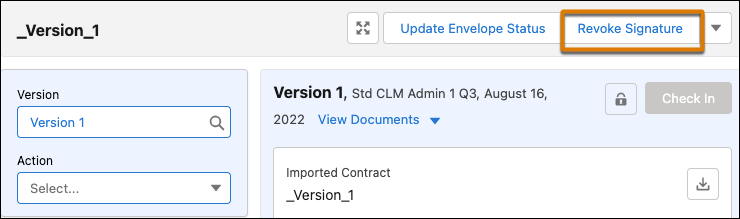
Revoke Signature action voids all the docusign envelopes previously sent for the document and terminates the e-signing process. The signature becomes null and void and the document version is unlocked. The contract status changes to ‘Negotiating’ and ‘Send for Signature’ button is enabled.
Did this article solve your issue?
Let us know so we can improve!
