
You are here:
Stay on Top of Tasks with the Activity Timeline
Track the intervention tasks that are related to barriers in the activity timeline.
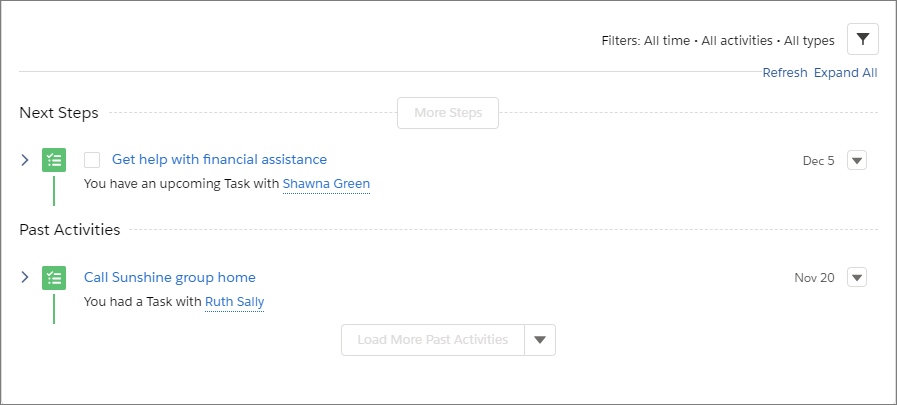
Next steps appear in this order from the top: tasks without a due date, future tasks in chronological order to today, and overdue tasks. Clicking More Steps or More Past Activity shows eight more items at a time.
Close a task by selecting its checkbox. There’s no need to open the record, edit, and save to check a task off the list. Click the subject or use the action menu within an activity to open the details for viewing or editing.
Did this article solve your issue?
Let us know so we can improve!
