You are here:
Learn About Lightning Sync for Google Features
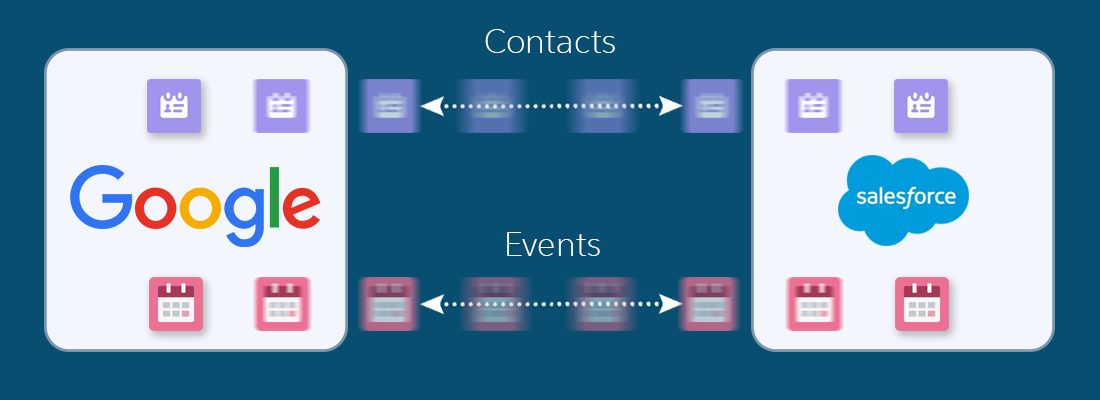
Keep contacts and events in sync between your Google applications and Salesforce. Lightning Sync for Google requires a G Suite account.
Required Editions
| Sync available in: Salesforce Classic, Lightning Experience, and the Salesforce mobile app |
| Set up available in: Salesforce Classic and Lightning Experience |
| Available in: Professional, Enterprise, Performance, Unlimited, and Developer Editions with Sales, Service, and Lightning Platform |

Starting in Winter ‘21, Lightning Sync isn’t available to new Salesforce customers. Use Einstein Activity Capture to sync events, contacts, and emails between your connected account and Salesforce.
If you have Lightning Sync, use the migration tool to move to Einstein Activity Capture before Lightning Sync retires in 2027. Before you migrate, review Compare Einstein Activity Capture and Lightning Sync to understand what to expect when you migrate.
If your org is exempt from migration because of a licensing issue or if your org doesn’t support Einstein Activity Capture, you won’t see the migration tool in Lightning Sync.
When you sync contacts and events between your Google applications and Salesforce, you increase your productivity. That’s because there’s no need to duplicate work between the two applications. Plus, Lightning Sync syncs items whether you’re working from your desk or from the Salesforce mobile app.
Salesforce admins define a reps’ experience by selecting sync settings from Salesforce. For example, admins can choose whether both contacts and events sync, or whether only contacts or only events sync. Admins can also decide which direction your items sync: between Salesforce and your Google account, or just one way.
Admins can also decide whether you sync only the events you select. In that case, you choose which Google events sync using the Google Integration app. Gmail integration lets you experience Salesforce features directly from Google applications like Google Contacts, Gmail™, and Google Calendar™.
Admins can select more settings to define your sync experience. Ask your administer about how you’re set up to sync in these cases:
- Are you syncing private events?
- Are events that you delete from one calendar automatically removed from the other?
- Are your events automatically related to relevant Salesforce contacts, or one relevant lead?
Lightning Sync for Google Limitations
Currently, Lightning Sync for Google doesn’t:
- Sync tasks. Admins can set up the Google integration to let you work with Salesforce tasks from Gmail.
- Sync recurring events (repeating events created in Salesforce Classic) or event series (repeating events created in Lightning Experience).
- Automatically remove deleted contacts from the other application.
- Let you edit which Google contact and event fields map to Salesforce contact and events fields.
See Lightning Sync Considerations for more details.
