
You are here:
Recent Visitors Report
The Recent Visitors report shows the visitors who came to your site since the beacon was activated, updated in real time.
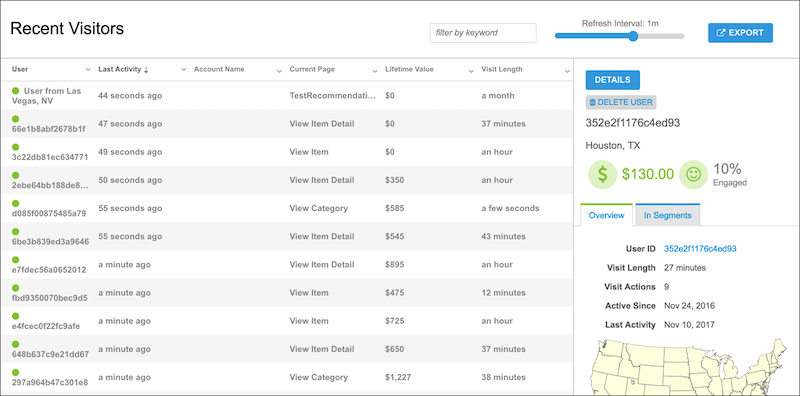
When viewing the Recent Visitors report, keep the following in mind:
- A green dot next to a user indicates an active visitor on your site.
- To add and remove columns, click the down arrow next to any column name and select the three dots.
- To view more detailed information on individual visitor behaviors and preferences, double-click a user to open their profile.
- All information is available in real time to create segments and personalized experiences.
Did this article solve your issue?
Let us know so we can improve!
