
You are here:
Integrate Marketing Cloud Personalization with Tableau
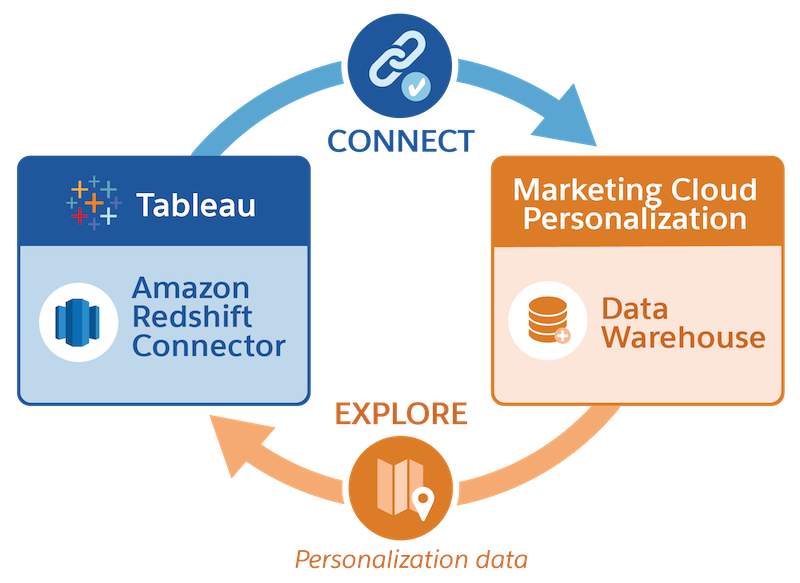
In Tableau, connect to Marketing Cloud Personalization’s Data Warehouse and explore personalization data.
About the Personalization Data Warehouse

The Personalization Data Warehouse contains personalization data that is optimized for analysis and available in a preformatted schema. Marketing Cloud Personalization provides daily updates to the Data Warehouse from its operational data store.
Integration Prerequisites
To gain access to the Personalization Data Warehouse, you need a user account and connection information. You must also be added to the IP Allowlist. For instructions, see Set Up Access to the Personalization Data Warehouse.
Connect and Explore Data
Tableau connects to the Personalization Data Warehouse using its Amazon Redshift database connector (see Tableau Help: Amazon Redshift).
After you’re connected, use SQL commands to explore the data in the Data Warehouse. For schema details, see Developer Documentation: Marketing Cloud Personalization Data Analytics.
