You are here:
Automation Rule Examples
Automation rules perform actions based on criteria. Here are some examples of common automation rule use cases.
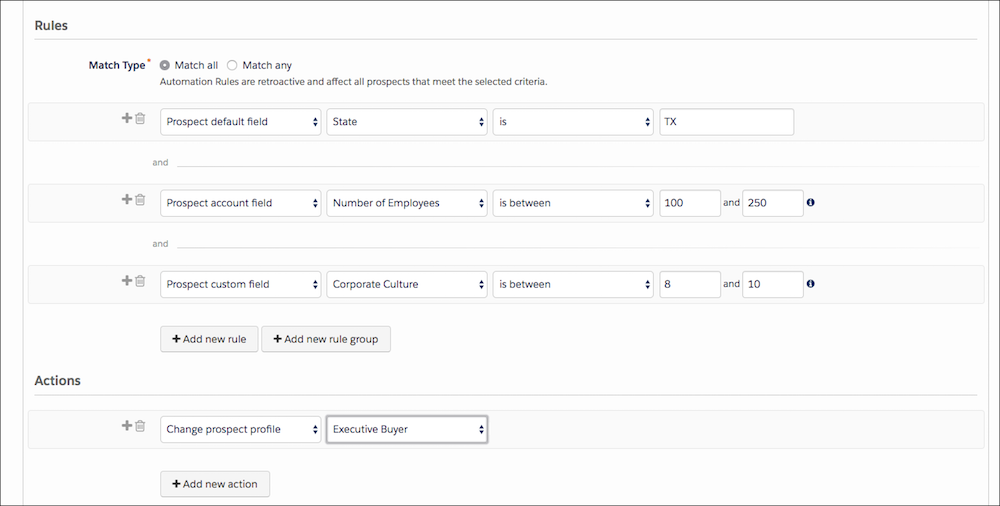
Change Prospect Profile
This rule changes a prospect’s profile to Executive Buyer if the person is in Texas, works at a midsize company, and has a particular score for corporate culture.

Rules
- Match Type | Match All
- Prospect default field | State | is | TX
- Prospect account field | Number of Employees | is between | 100 and 250
- Prospect custom field | Corporate Culture | is between | 8 and 10
Actions
- Change prospect profile | Executive Buyer
Add Prospects to a List
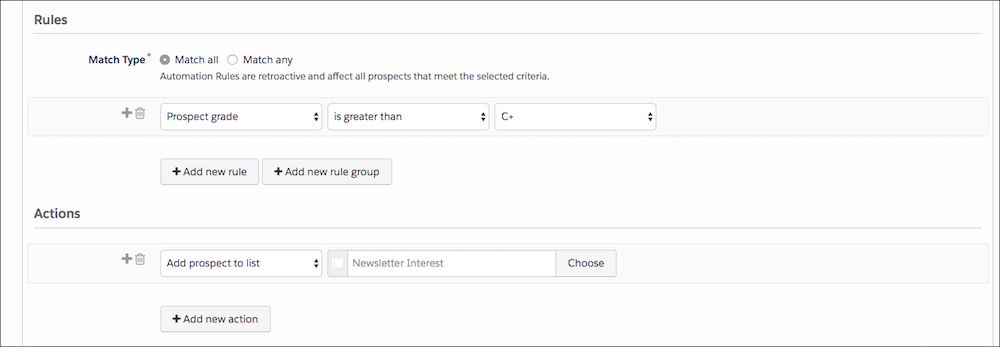
This rule adds a prospect to the Newsletter Interest list when the person reaches a grade of C+ or better.
Rules
- Match Type | Match All
- Prospect grade | is greater than | C+
Actions
- Add prospect to list | Newsletter Interest
Adjust Prospect Score
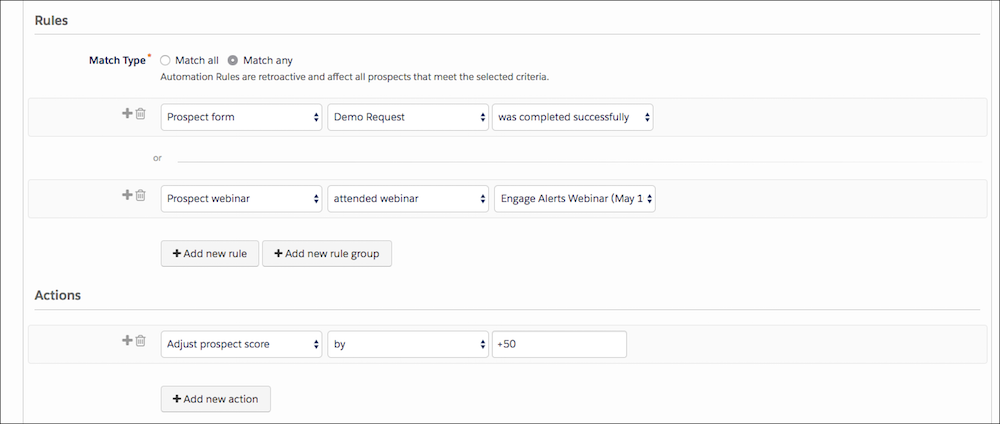
This rule adds 50 points to the score of a prospect who submitted the Demo Request form or attended the Engage Alerts webinar.
Rules
- Match Type | Match Any
- Prospect from | Demo Request | was completed successfully
- Prospect webinar | attended webinar | Engage Alerts
Actions
- Adjust prospect score | by | +50
Decrease Prospect Score Based on Inactivity
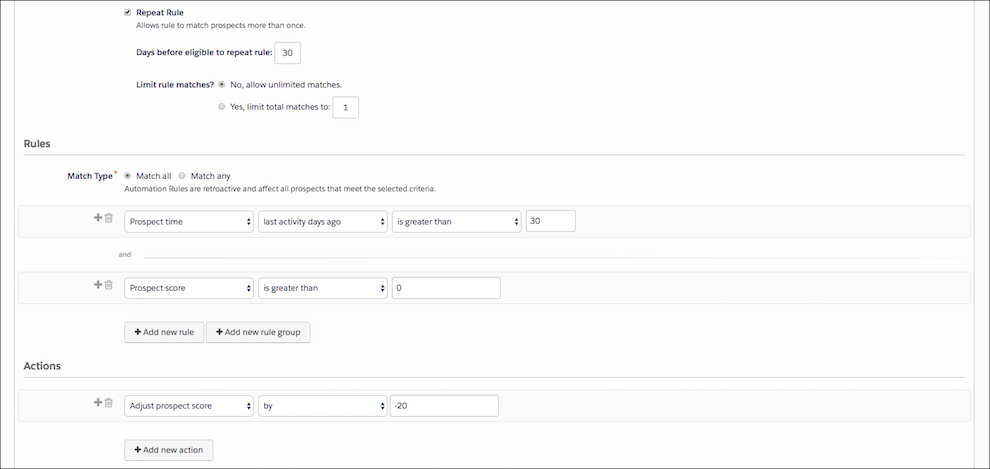
This repeating rule checks for prospects with no activity in the past 30 days. It decreases inactive prospect scores by 20 points every 30 days that a prospect in inactive.
Rules
- Match Type | Match All
- Prospect time | last activity days ago | is greater than | 30
- Prospect score | is greater than | 0
Actions
- Adjust prospect score | by | –20
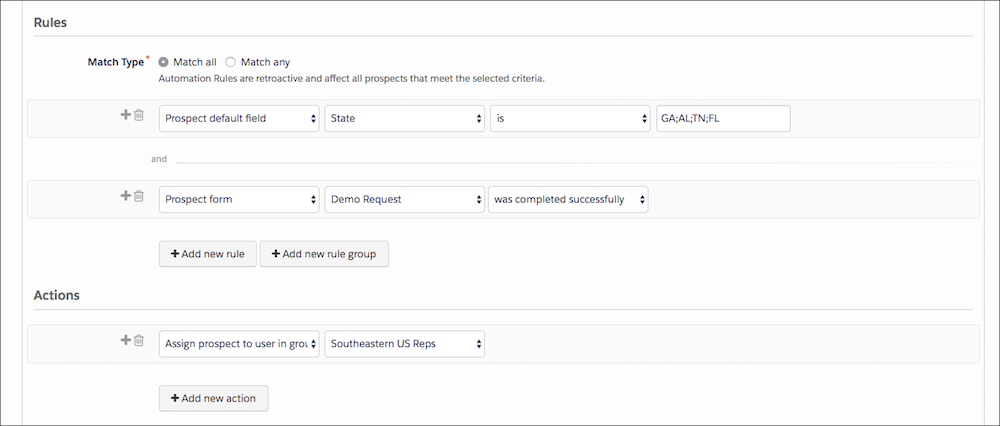
Assign a Prospect Based on Form Submission and Location
This rule combines criteria and prospect actions. If a prospect expresses interest in a demo by completing a Demo Request and is also from Georgia, Alabama, Tennessee, or Florida, the prospect is assigned to the Southeastern US Reps user group.
Rules
- Match Type | Match All
- Prospect default field | State | is | GA;AL;TN;FL
- Prospect form | Demo Request | was completed successfully
Actions
- Assign prospect to user in group | Southeastern US Reps