Engagement Studio Overview
Engagement Studio is a robust lead nurturing tool in Account Engagement, which you can adapt to your needs. Here’s an overview of how engagement programs work and how to work with them.
Required Editions
| Available in:All Account Engagement Editions |
Recipients
When starting a new program, you fill in basic program information and select at least one recipient list. You can use multiple lists with a single engagement program. When you add new prospects to a program recipient list, they start the program from the beginning. You can add new prospects to the program at any time without affecting other prospects in the program.
Step Types
There are three types of steps available in engagement programs:
-
- Triggers:
- wait for prospect actions.
-
- Rules:
- define paths based on prospect criteria.
-
- Actions:
- do something to prospect records.
Wait Periods
When you add or edit a program step, you can hold prospects there for a specific time period before moving them to the next step. On trigger steps, you can instead choose to hold prospects for a maximum time period Holding for a maximum time period means that if the trigger occurs, the prospect moves to the next step immediately.
Pausing and Editing Programs
You can pause or make changes to your engagement programs at any time. Programs must be paused before you edit them. Changes to steps only affect prospects who land on those steps in the future. If a prospect is waiting on a step when a program is paused, the wait period is paused as well. When the program resumes, the prospect finishes the wait they’re on before moving to the next step.
Only one user can edit an engagement program at a time. If you want to access a program that’s locked for editing, contact the user editing the program or ask your Account Engagement admin to end the editing session. Engagement programs that are locked for editing are released after 15 minutes of inactivity.
Versioning
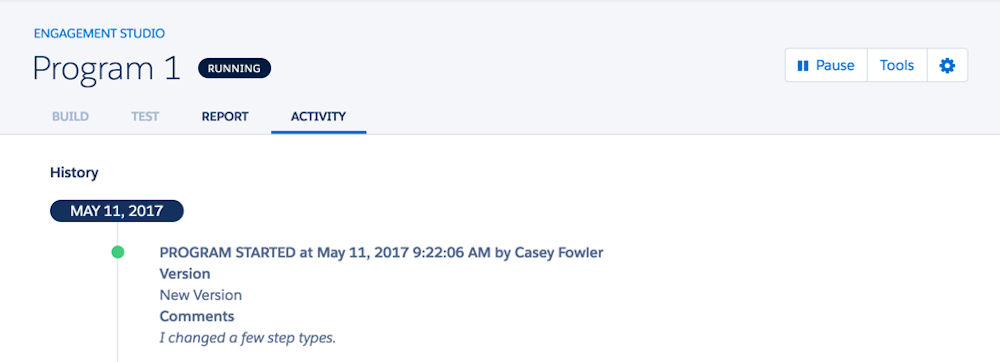
Engagement programs have built-in version control. When a user pauses and restarts a program, Account Engagement saves a version of the program from before the pause. Versions can help you see the impact of small changes to your programs so you can evolve your marketing strategy accordingly.