You are here:
Lightning Experience–Only Editions
Customers using Lightning Experience are more productive than customers working in Salesforce Classic. To ensure that our customers benefit from these productivity gains, selected trials and purchased subscriptions for several editions offer Lightning Experience as the exclusive user interface for end users without admin permissions.
Admins in these orgs can access Salesforce Classic, but they can’t disable Lightning Experience or grant users access to Salesforce Classic on the Lightning Experience Migration Assistant setup page.
Want to determine if Lightning Experience is the exclusive interface? For end users, the Switch to Salesforce Classic option isn’t available when Lightning Experience is the only interface for the edition.
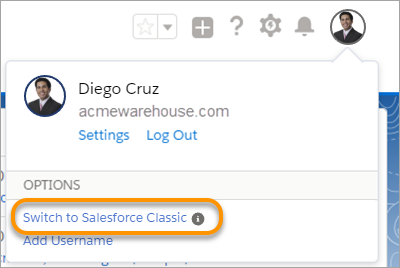
If you believe that your org has a strong business need for your end users to access Salesforce Classic, use the exception request process.
- Go to Salesforce Help Finder and log in with your Salesforce credentials .
- Click the Feature Activation topic, and then the Other category .
- Click Log a New Case.
- For the Subject field, enter Enable Classic.
- For the Description field, enter details on why you are requesting end-user access to Salesforce Classic.
- Check that the OrgId is accurate, and then submit the case.
