You are here:
Understand Deal Outcomes by Generating Closing Recaps
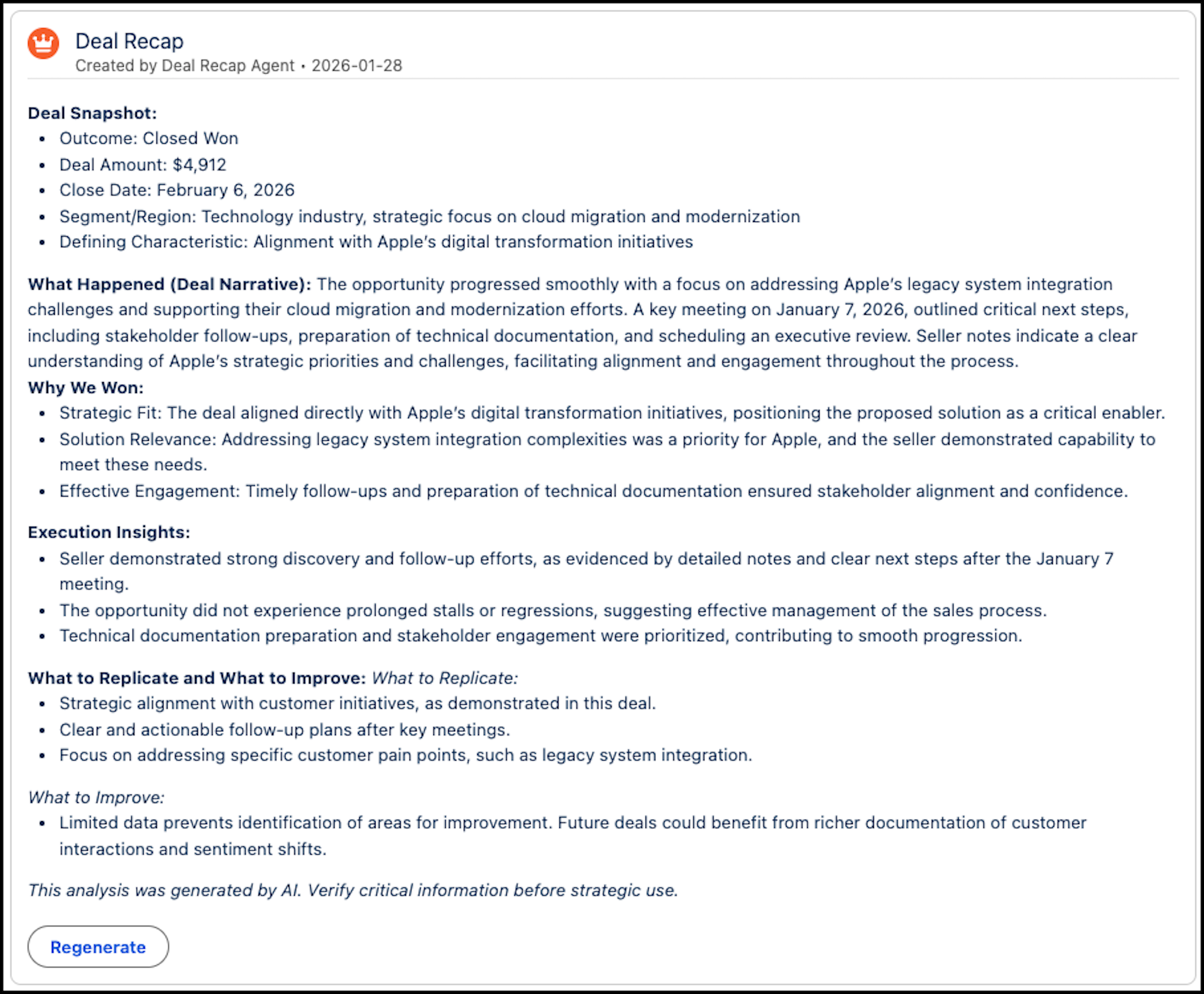
Generate an AI-powered summary of a closed opportunity to capture the history of the deal and the reasons for its outcome.
| Available in: Lightning Experience |
|---|
| Available in Einstein Conversation Insights in Agentforce 1 Sales Edition and Agentforce for Sales add-on license. |
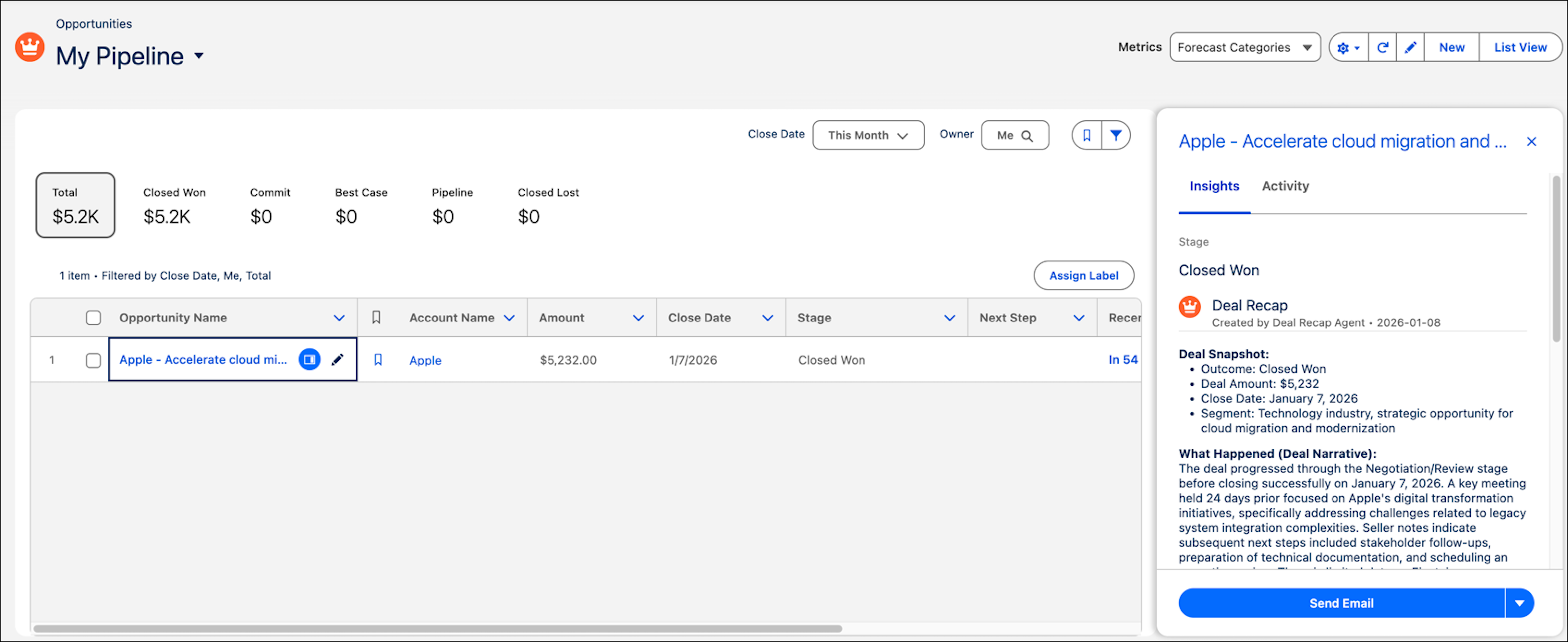
For a closed opportunity record, deal recaps appear within the Deal Recap component, which you add to the opportunity page. Deal recaps also appear in Pipeline Inspection, under the Insights tab.
The recap is visible only to users with the Deal Recap Standard User permission set.
If you have the Deal Recap Edit User permission set, a dedicated field to provide closing notes set up by your admin, and you have edit access to the specific field and opportunity, regenerate the recap by clicking the Regenerate button. If you don’t have the required permissions, this button is hidden.