You are here:
Learn About the Application Tab Page in the Social Intelligence Module
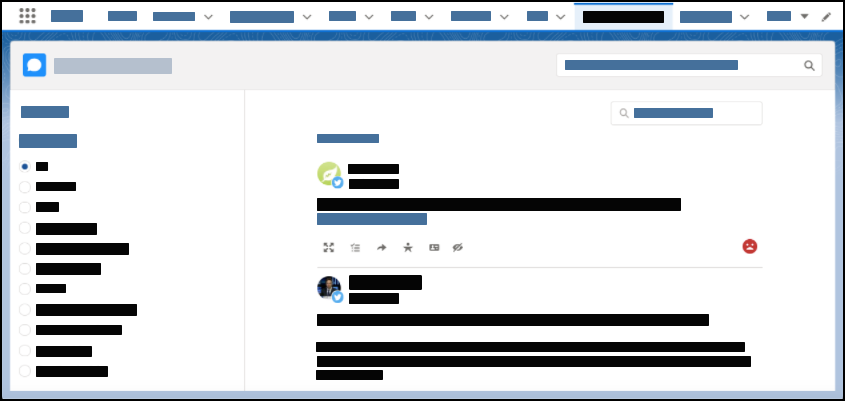
To search, sort, and filter more social data, use the Social Intelligence Module's (SIM) standalone application tab page. You can get greater insight into trends and conversations highlighted by the Top Posts view. You can also use the page to identify leads and opportunities, find communities, and authors to follow and engage with.

Salesforce is retiring the Social Studio family of products on November 18, 2024. Customers won’t have access to Social Studio after the retirement date. Customers may continue to use Social Studio for the duration of their current contract or until November 18, 2024, whichever comes first. To learn more, see Social Studio Retirement.
You can add the application tab page to your Sales Cloud tab bar for quick access. When adding tabs, look for Social Intelligence.