
You are here:
Track and Restore Alignment History
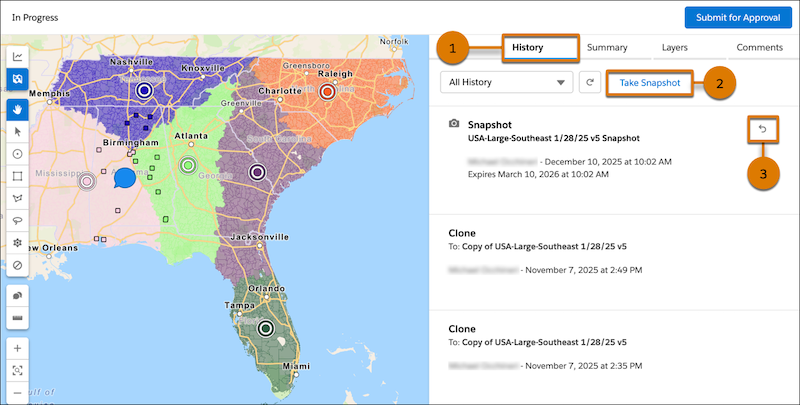
Help your sales team follow changes to alignments in Territory Planning, and protect your hard work from accidental data changes. Create a snapshot of an alignment’s current territory model and unit assignments, and review a history of changes that other users have made. A snapshot provides a checkpoint or backup when you make significant changes to an alignment. You can restore the alignment to its configuration at the time of the snapshot. For example, if you take a snapshot and then delete a territory, restoring the snapshot also restores the territory.
Did this article solve your issue?
Let us know so we can improve!
