
You are here:
Default Salesforce Go Settings for Case Management
To quickly start using case management, we recommend turning it on in Salesforce Go. When you turn on Case Management in Salesforce Go, these settings become active.
Required Editions
| Salesforce Go is available in Lightning Experience |
| Available in: Pro Suite, Professional,Enterprise, Unlimited, and Developer editions with Agentforce Service (formerly Service Cloud) |
Where To Find Salesforce Go
In Setup, click Salesforce Go at the top of the Setup menu. Then, search for Case Management.
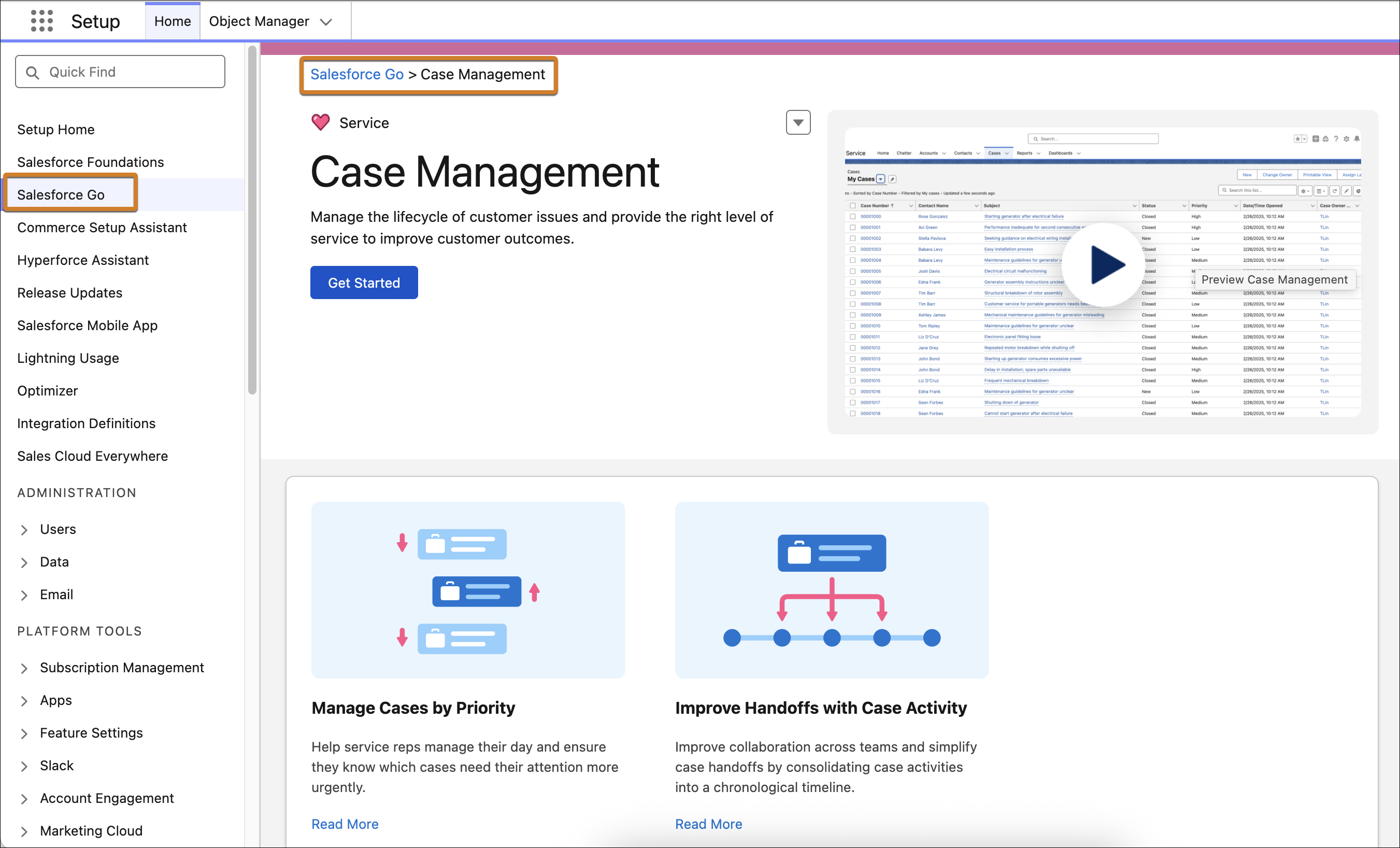
Default Settings
Case Management is a dependent step in other features you turn on, so it's important to understand its effects when enabled.
| Setting | What It Does | Considerations |
|---|---|---|
| Create Case Status picklist values | Create values for the Status field on cases. The values can be used for case merging, status-based email notifications, and other features.
|
Adds sample data. You can modify or delete the values or add your own. |
| Enable case owner notifications for new case comments | Notifies the case owner when a user adds a public or private comment to a case. If you select this setting, case owners can't opt out of receiving these notices. Notices aren't sent to inactive case owners. | You can turn off this setting without affecting other Support Settings. |
| Create sample email templates | Creates the Case Created or Updated (Sample) and the Case Assigned (Sample) email templates. | Critical templates used for Web-to-Case when it's turned on. You can edit this setting and templates but they're used across channels. |
| Enable case merge | Lets support reps merge cases and lets developers use the API to merge cases. | You can turn off this setting without affecting other Support Settings. |
| Create sample queues | Creates Escalation, General, and Priority queues, which lets users manage and distribute work. | You can modify or delete the queues. |
| Create sample case assignment rules | Creates an assignement rule named Priority. | You can modify or delete the assignment rule. |
| Create sample case escalation rules | Creates an escalation rule named New High Priority Case Over 2 Hours. | You can modify or delete the escalation rule. |
Did this article solve your issue?
Let us know so we can improve!
