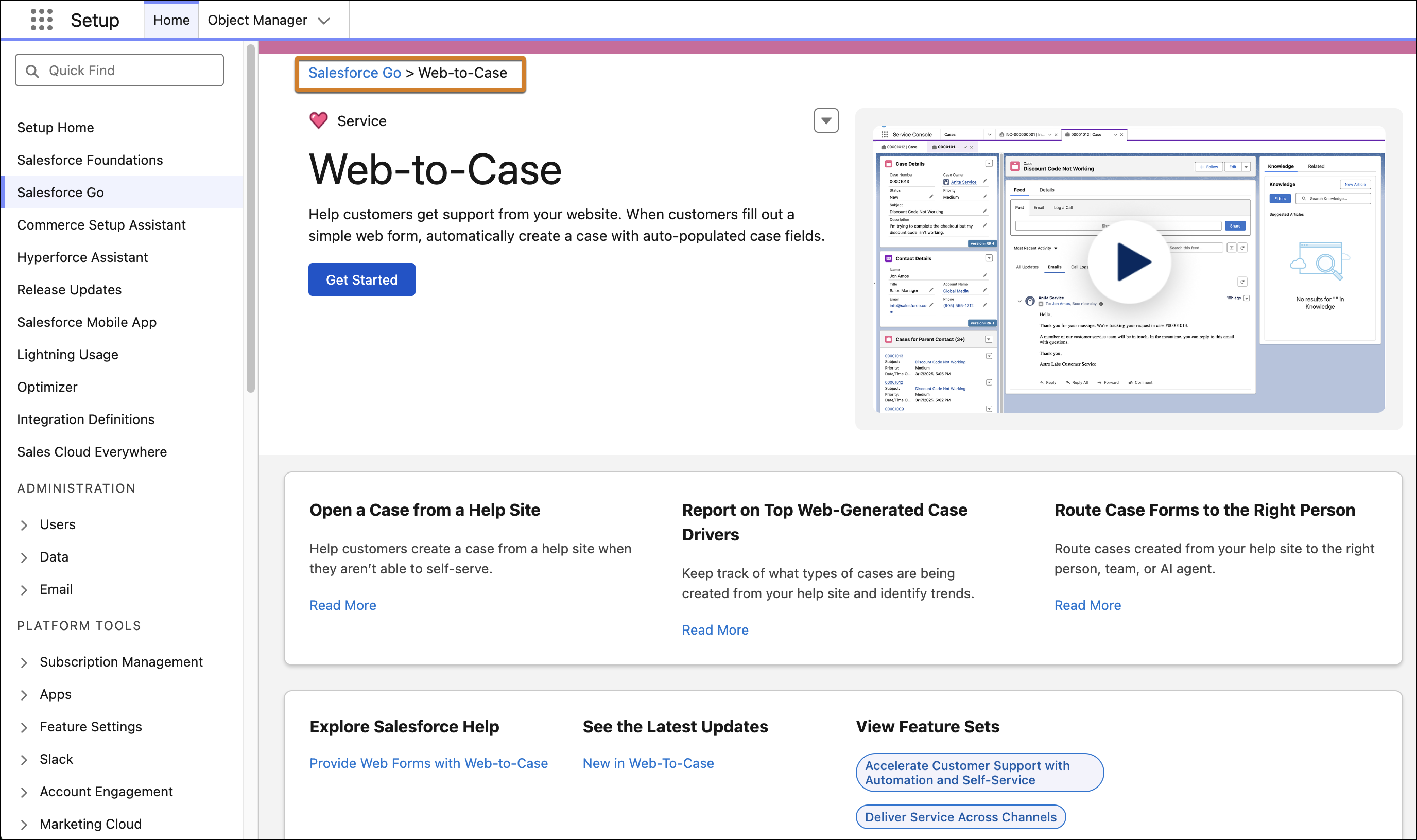
You are here:
Default Salesforce Go Settings for Web-to-Case
To quickly start using Web-to-Case, we recommend turning it on in Salesforce Go. When you do that, these settings become active.

Use more general search terms.
Select fewer filters to broaden your search.
You are here:
To quickly start using Web-to-Case, we recommend turning it on in Salesforce Go. When you do that, these settings become active.
| Salesforce Go is available in Lightning Experience |
| Available in: Pro Suite, Professional,Enterprise, Unlimited, and Developer editions with Agentforce Service (formerly Service Cloud) |
In Setup, click Salesforce Go at the top of the Setup menu. Then, search for Web-to-Case.
Web-to-Case interacts with other features, so it's important to understand its effects when enabled.
| Setting | What It Does | Considerations |
|---|---|---|
| Turn on Case Management | Creates the Case Updated or Created (Sample) email template, which is required for Web-to-Case. | Case Management is required to use Web-to-Case. You can modify Case Management settings. |
| Turn on Web-to-Case | Enables Web-to-Case. | You can turn off Web-to-Case. |
| Set Case Origin to Web | Sets the Case Origin field to Web on cases created with Web-to-Case. | You can modify this setting. |
| Set Default Response Template to Case Updated or Created (Sample) | Sets the default response email template for Web-to-Case to Case Updated or Created (Sample). | You can modify the email template or replace it with another one. |

We use three kinds of cookies on our websites: required, functional, and advertising. You can choose whether functional and advertising cookies apply. Click on the different cookie categories to find out more about each category and to change the default settings.
Privacy Statement
Required cookies are necessary for basic website functionality. Some examples include: session cookies needed to transmit the website, authentication cookies, and security cookies.
Functional cookies enhance functions, performance, and services on the website. Some examples include: cookies used to analyze site traffic, cookies used for market research, and cookies used to display advertising that is not directed to a particular individual.
Advertising cookies track activity across websites in order to understand a viewer’s interests, and direct them specific marketing. Some examples include: cookies used for remarketing, or interest-based advertising.