
You are here:
Use Case: Use If Condition to Show Content Based on Complex Logic
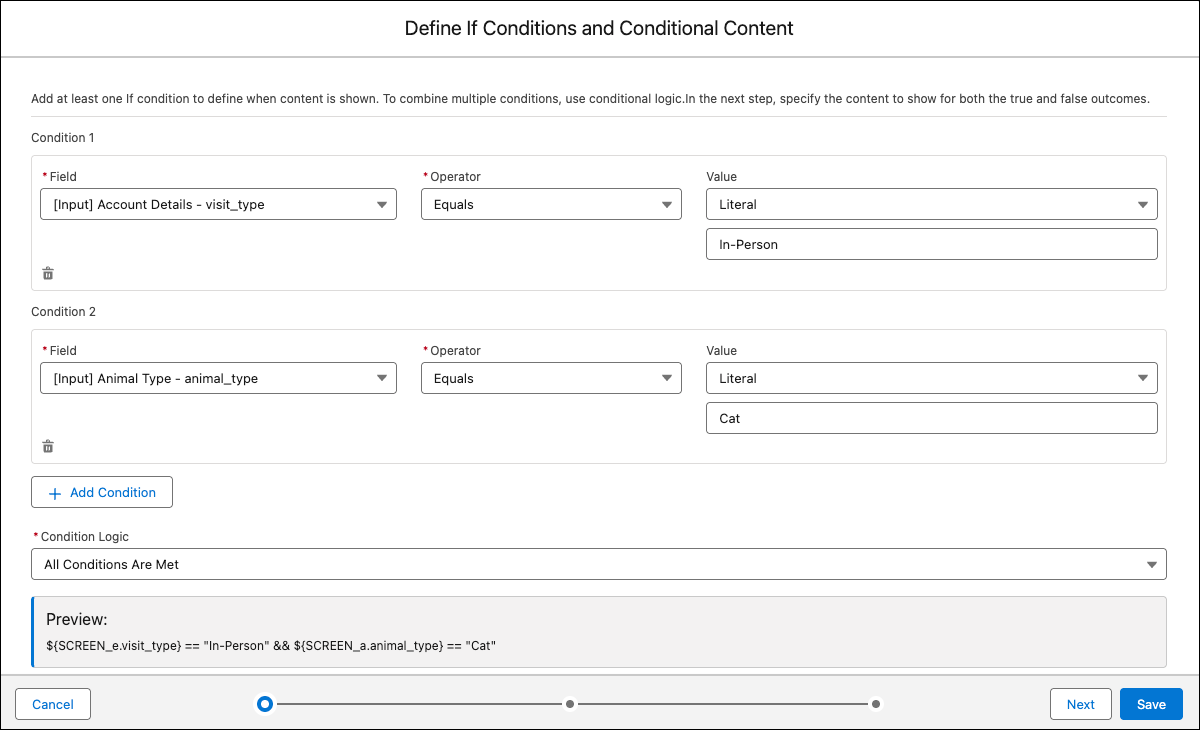
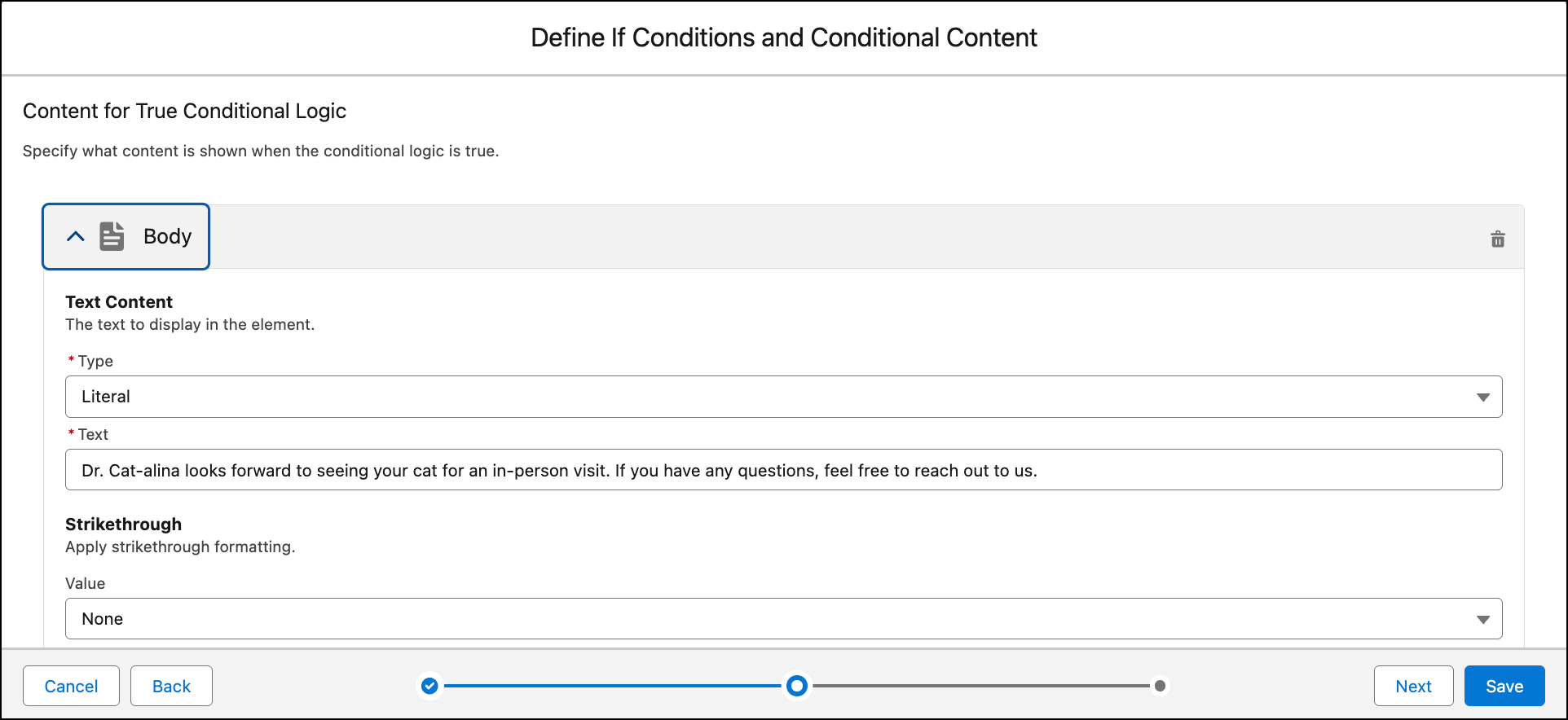
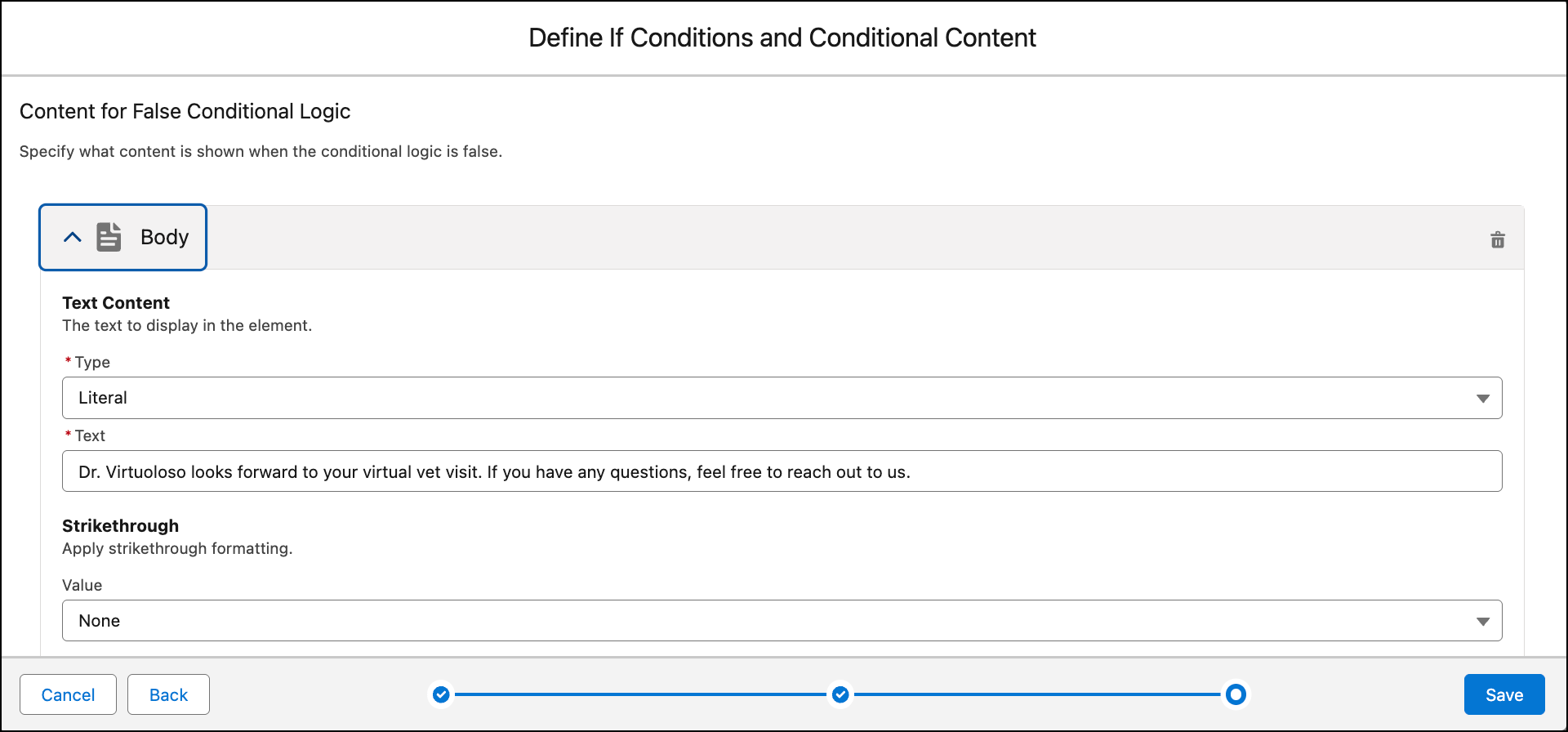
Use the If Condition screen element to dynamically show content or screens. For example, you can use the If Condition to add a footer that navigates to a different screen based on the previous selection. With the If Condition screen element, Salesforce evaluates one or more conditions in sequence and displays the content if the condition evaluates to true. If the condition is false, the logic returns the other preconfigured content. Unlike the Switch conditional logic, If Condition logic supports complex criteria by combining conditions using AND and OR logical operators.


Did this article solve your issue?
Let us know so we can improve!
