
Data Capture Flow Screen Component: Address
Let users enter an address.
Required Editions
| Available in: Lightning Experience in Enterprise, Unlimited, and Developer Editions. |
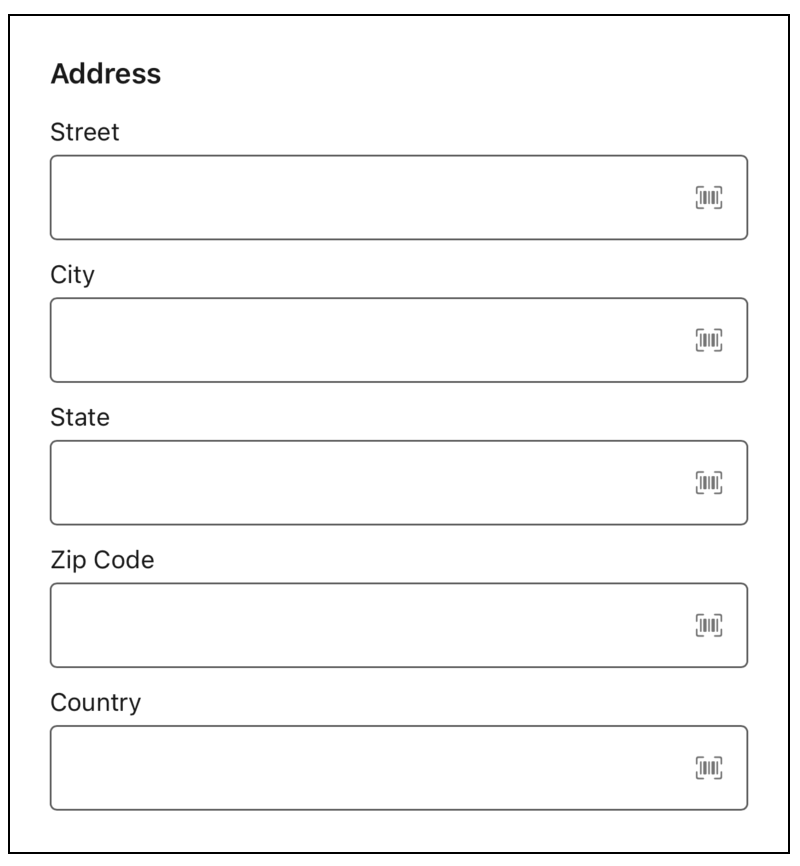
Address
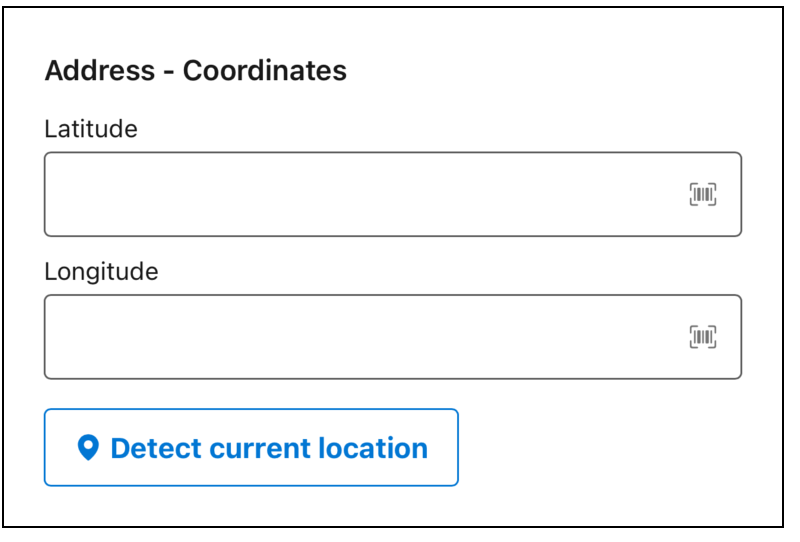
Address with Coordinates
Configure the Address Component
You can select resources from the flow, such as variables or global constants, or you can manually enter a value.
| Attribute | Description |
|---|---|
| City | The city that the user enters. Determines the default city that the user sees in the field. |
| Country | Determines the default country that the user sees in the field. |
| Disabled | Determines if the user can change the values. |
| Label | The label that the user sees. |
| Latitude | Determines the default latitude that the user sees in the field. |
| Longitude | Determines the default longitude that the user sees in the field. |
| Read-Only | Determines if the user sees the address as a string. |
| Required | Determines if the user must fill in all of the fields. |
| State | Determines the default state that the user sees in the field. |
| Street | Determines the default street the user sees. |
| Use Coordinates | Determines if the user sees a street address or latitude and longitude coordinates. If you set the Use Coordinates to Tue, the Detect current location button appears on the mobile app. |
| Zip Code | Determines the default zip code that the user sees. |
Did this article solve your issue?
Let us know so we can improve!
