
Data Capture Flow Screen Component: Counter
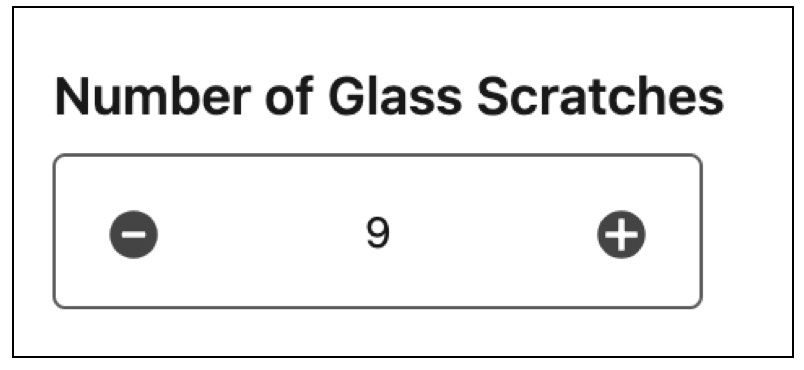
Let users enter a number in counter format.
Required Editions
| Available in: Lightning Experience in Enterprise, Unlimited, and Developer Editions. |
Configure the Counter Component
You can select resources from the flow, such as variables or global constants, or you can manually enter a value.
| Attribute | Description |
|---|---|
| Label | The label that the user sees. |
| Disabled | Determines if the user can change the default counter. |
| Required | Determines if the user must use the counter to set a value. |
| Value | Determines the default value shown by the counter. |
| Increment | The increment step for the plus and minus buttons. |
| Maximum | The maximum value allowed. |
| Minimum | The minimum value allowed. |
| Maximum Error Message | The message the user sees when they reach the maximum limit. |
| Minimum Error Message | The message the user sees when they reach the minimum limit. |
Did this article solve your issue?
Let us know so we can improve!
