
Data Capture Flow Screen Component: Picklist
Let users select values from lists you define.
Required Editions
| Available in: Lightning Experience in Enterprise, Unlimited, and Developer Editions. |
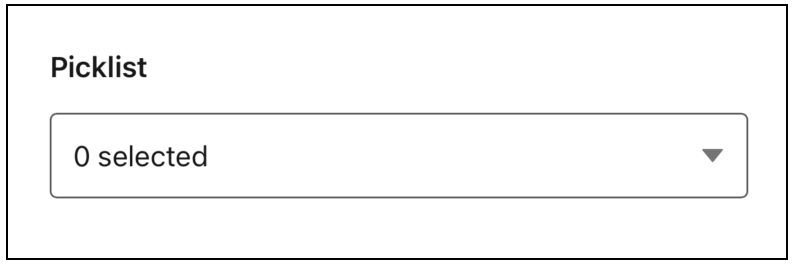
Picklist
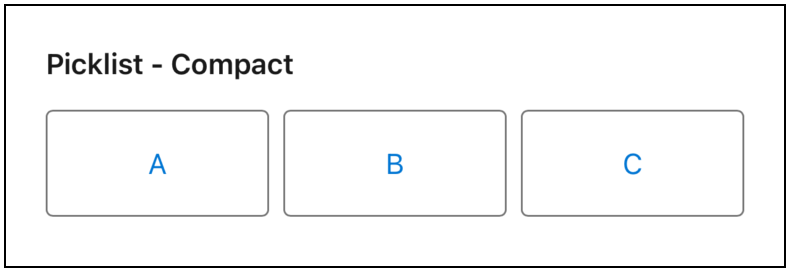
Compact Picklist
Configure the Picklist Component
You can select resources from the flow, such as variables or global constants, or you can manually enter a value.
| Attribute | Description |
|---|---|
| Label | The label that the user sees. |
| Compact | Determines whether to show the picklist in compact mode. When the value is false, the picklist doesn't show in compact mode. Compact mode is best for a short list of options. |
| Disabled | Determines if the user can change the selected options. |
| Read-Only | Determines if the user sees the picklist as read-only. |
| Required | Determines if the user must select an option. |
| Selected Picklist Labels | A semi-colon separated list of the labels with the options the user selected. Output only. |
| Selected Picklist Values | A semi-colon separated list of the picklist values selected by the user. Output only. |
Did this article solve your issue?
Let us know so we can improve!
