
Loading
Feature degradation | Gmail Email delivery failureRead More
Service
Table of Contents
Select Filters

          No results
          No results
          Here are some search tips

          Check the spelling of your keywords.
          Use more general search terms.
          Select fewer filters to broaden your search.

          Search all of Salesforce Help
          Reports Tab

          Reports Tab

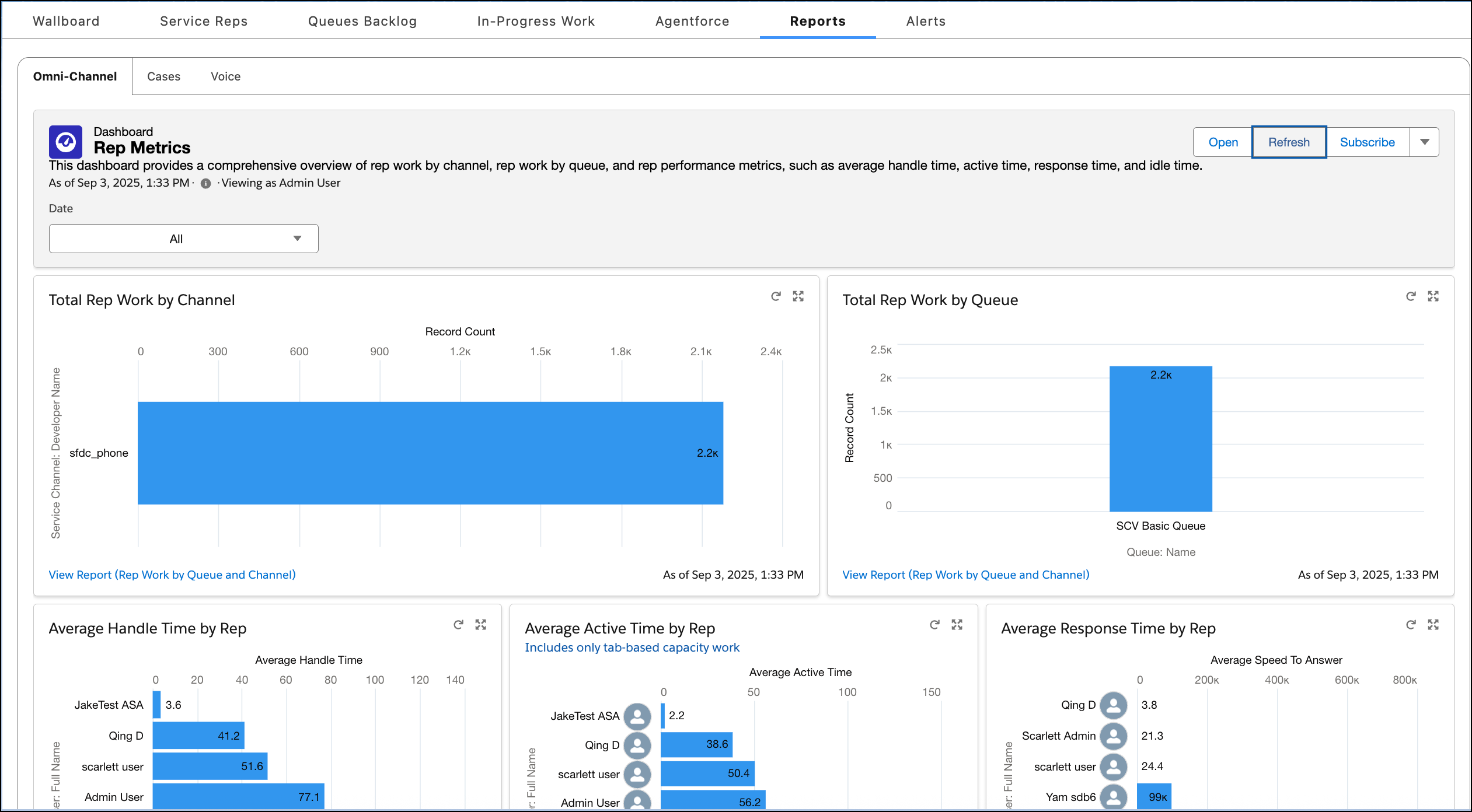
          Quickly gain comprehensive insights into historical contact center and representative performance using the reports in Command Center for Service. Leverage this information to strategize, make data-driven decisions, and take immediate actions to enhance team efficiency, contact center operations, and customer satisfaction. For instance, use the reports to identify trends in case volume, and then optimize resource allocation to manage contact center costs.
          Required Editions

          View supported editions.

          To view the reports on the Reports tab in Command Center for Service, you must enable Enhanced Omni-Channel and install the reports. If you configured a supervisor configuration, the supervisor must be granted access to view the Reports tab. By default, supervisor configurations are set up to show the Reports tab.

          Command Center for Service Agentforce Tab
           
          Loading
          Salesforce Help | Article