You are here:
Service Catalog Site Basics
The Service Catalog Site is a CRM-powered self-service site that connects your customers and partners with your Service Catalog to browse and request catalog items.
Required Editions
| View supported editions. |
What Is the Service Catalog Site?
The Service Catalog site provides your customers and partners access to request products and services from your Service Catalog. The site is created, customized, and managed with Experience Cloud. With Experience Cloud, you have no-code, point-and-click tools and prebuilt templates, themes, and components to quickly set up your Service Catalog site. Experience Cloud provides several frameworks to build Experience Sites. Service Catalog supports the Aura and Lightning Web Runtime (LWR) frameworks. See Learn About Experience Cloud Frameworks and Templates.
You can also integrate Service Catalog with sites alternative to Experience Cloud, such as Salesforce and externally built sites. See Alternative Sites Setup Pathway.
Supported Site Frameworks, Templates, and Themes
To provide you a streamlined and quick setup experience, the Service Catalog pages and components are available in several templates from Experience Cloud. The templates help you quickly build and customize your site with Experience Builder, and each template contains a specific page layout and standard components for common business scenarios.
Each template is based on two site frameworks: LWR and Aura. These frameworks shape how you build your Service Catalog site and how it runs when it's live. For Service Catalog, the difference between the frameworks is that LWR templates support data categories, which help provide an intuitive site indexing of all your catalog items, categories, and their hierarchies.
Review each and determine which is best for your business needs. See Learn About Experience Cloud Frameworks and Templates. If you select LWR, be sure to:
- Review LWR Service Catalog Site Guidelines.
- Have data categories. See Create a Data Category Group and Work with Data Categories.
Here are the supported templates you can use to quickly build, customize, and launch your site. They’re available for selection as part of the Service Catalog site setup process.
| Framework | Supported Templates |
|---|---|
| Aura | |
| LWR | Build Your Own (LWR) |
In addition to the templates, the Service Catalog pages and components are supported on Experience Cloud themes. The theme is a specific visual flow, design, and color scheme of a template. Themes provide you even more flexibility and customization of your site’s style. See Add Style to Your Experience Builder Site with Themes.
Supported Site Components and Pages
The Service Catalog site is made up of Experience site pages. The Service Catalog features are contained within these site pages, which are available only with the Service Catalog Access permission set license and Service Catalog User permission set. Each site page contains Service Catalog components, which are no-code, point-and-click tools used to build and customize your site. The components are preconfigured on each page. Just point and click each component to customize it to your preferences. These components are designed for Service Catalog using the Aura and LWR frameworks and are in addition to the standard Experience Cloud components.
The pages and components provide you with the Service Catalog features to help you get set up quickly and provide your customers with an efficient self-service experience for Service Catalog. Here’s what the Service Catalog site contains for both Aura and LWR frameworks.
| Objects | Components | Pages | Page Variations |
|---|---|---|---|
|
Aura Components
LWR Components
|
|
|
Which Service Catalog Components Can I Use with Each Experience Cloud Template?
Review the table to find out which templates from Experience Cloud currently support the Service Catalog components for both Aura and LWR. All the listed components are supported on all Experience Cloud themes that are available with each template.
To determine what standard components are available for you to use within your site based on your selected template, see Which Components Can I Use with Each Aura Template? and Standard Components for the Build Your Own (LWR) Template.


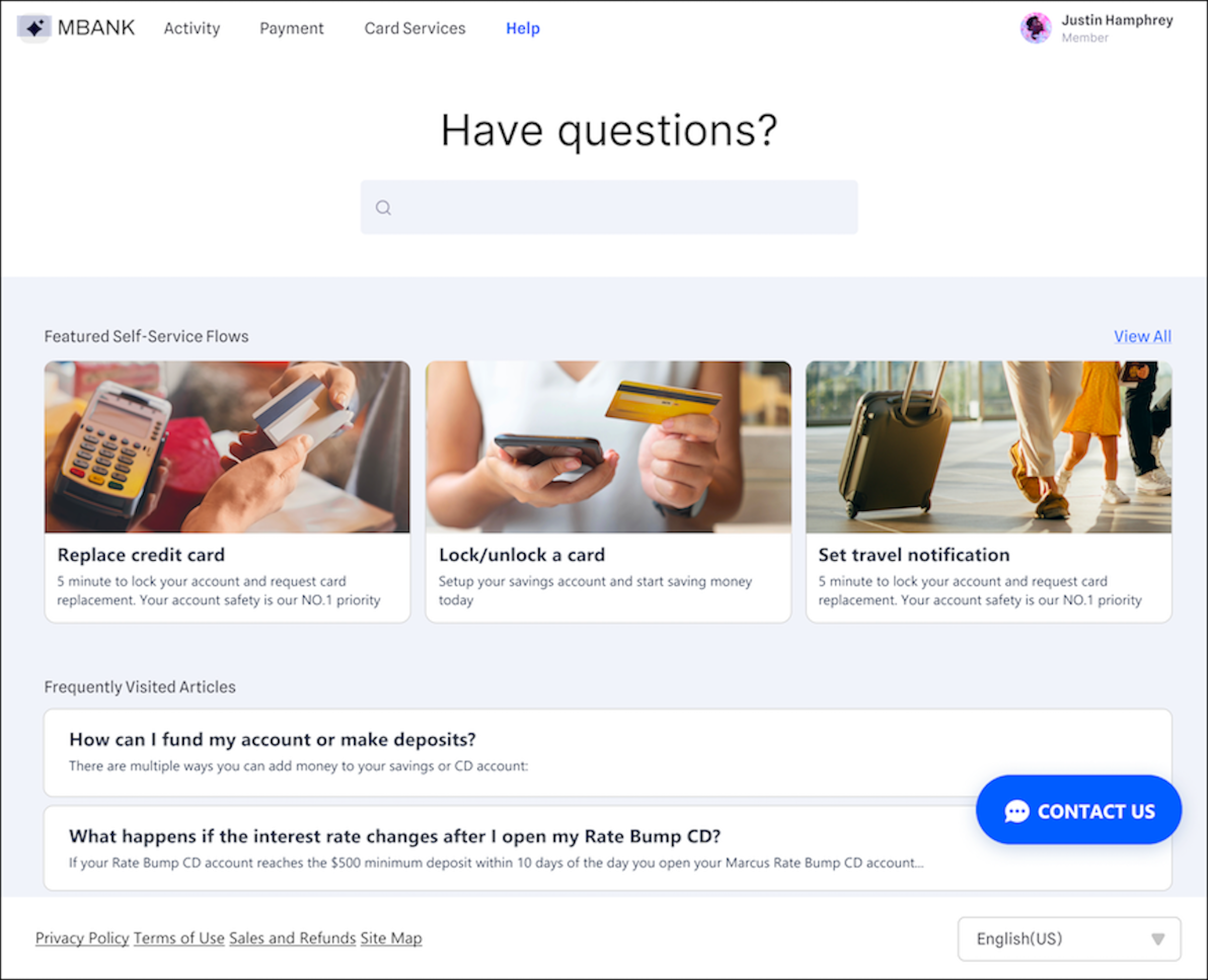
Here’s an Aura-based Service Catalog site that uses the components and pages built for Service Catalog.