
You are here:
Configure Unified Routing For Partner Telephony
Use the unified routing option in the contact center details page to enable or disable unified routing for the contact center.
This article applies to:
- Salesforce Voice with Partner Telephony
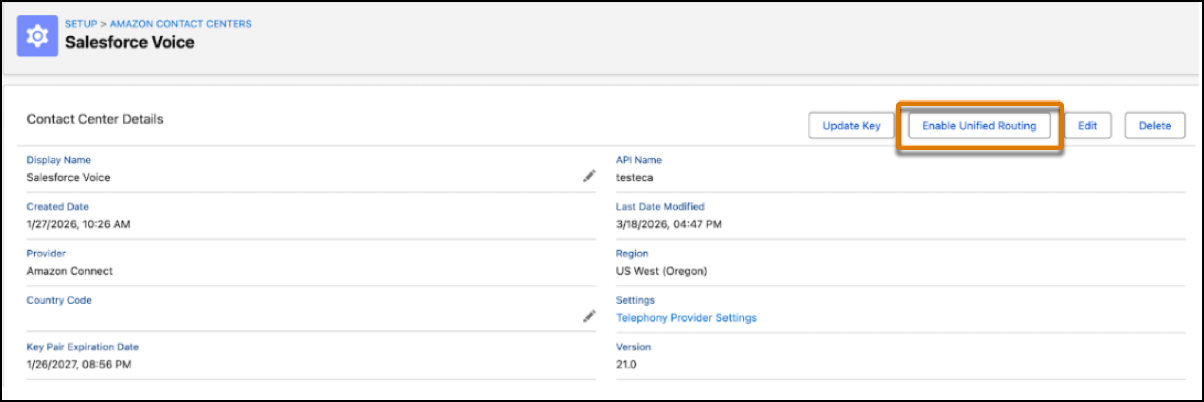
When unified routing is enabled for a contact center, Salesforce uses Omni-Channel to handle call routing for all the voice channels in the contact center.
- Unified Routing for Voice Calls
Set up unified routing for voice calls. - Unified Routing for Skills-Based Routing
After configuring unified routing, set up skills-based routing. - Route Calls Directly to a Rep with Unified Routing
Route voice calls directly to a preferred rep by using Omni-Channel Unified Routing. For example, you can route sales calls from customers to their account executives.
Did this article solve your issue?
Let us know so we can improve!
