
You are here:
Unfurling Slack Record Layouts with Data Sharing Options
Understand the role of URL Unfurling Slack Record Layouts.
You can configure how unfurled links appear in Slack using Unfurling Slack Records and configuring data sharing options.
| Unfurling Options | Description | Preview |
|---|---|---|
| Do Not Share Data | The most secure option. A preview of the data isn’t shared to the channel. | The link isn’t unfurled. |
| Preview Button Only | Display only a preview button to open a window containing the record details. The window opens with the viewer’s permissions. Data isn’t displayed in the channel. | 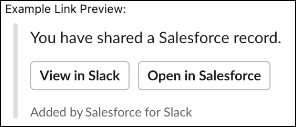 |
| Object Type and Preview Button | Display the record's object type and a preview button to open a window containing the record details. The window opens the viewer's permissions. | 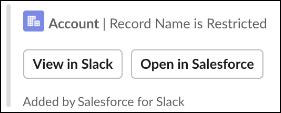 |
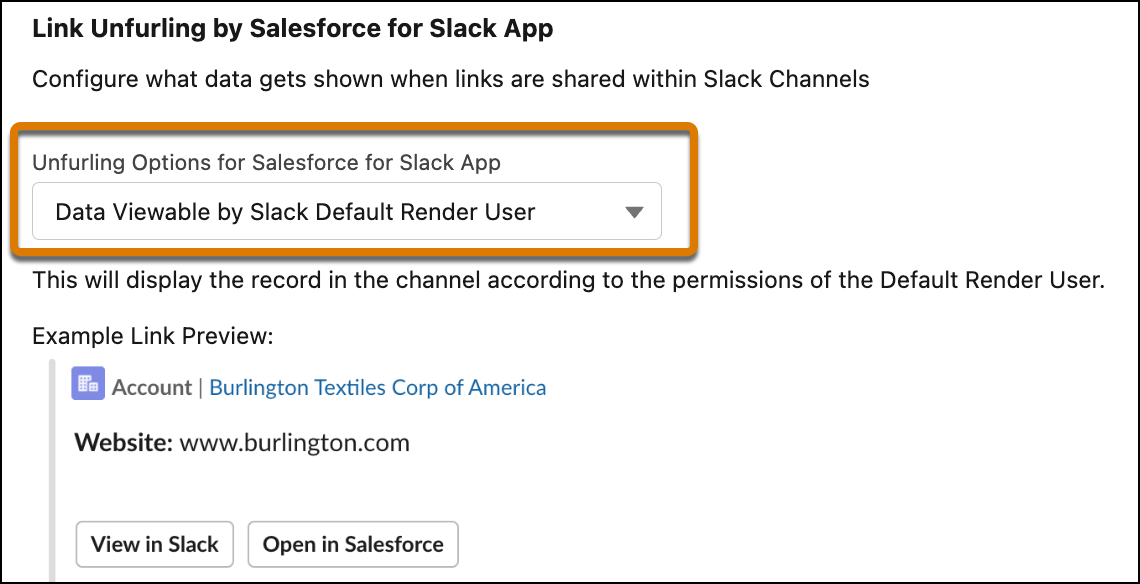
| Data Viewable by Slack Default Render User | Display the record in the channel according to the permissions of the Default Render User. | 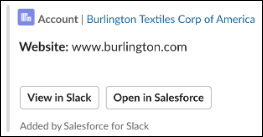 |
| Name, Type, and Preview Button | Display the record’s object type, name, and a preview button to open a window containing the record details. The window opens the viewer’s permissions. | 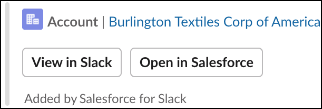 |
| Data Viewable by User Sharing the Link | Display the record in the channel according to the permissions of the user posting the link. | 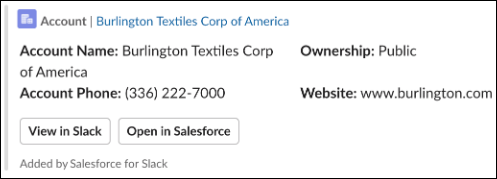 |
When setting up data sharing options in Salesforce Setup there are two unfurling options a Slack Record Layout applies to.
Data Viewable by Slack Default Render User
Data Viewable by User Sharing the Link
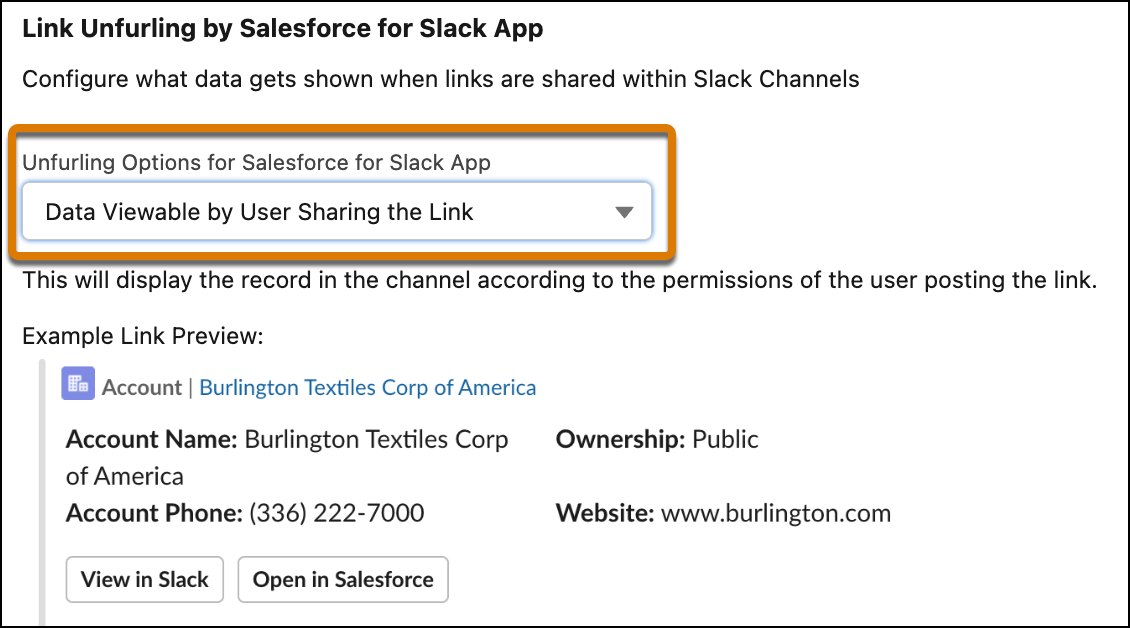
When either option is selected, unfurling initially looks for an Unfurling Slack Record Layout for the Object Type referenced by the shared link. If there isn’t a Slack Record Layout assigned to the user for that Object Type, then the object's Compact Layout is used to determine which fields to show in the link preview content.
Did this article solve your issue?
Let us know so we can improve!
