You are here:
View Errors in Error Windows
Before Spring ’26, and by default, Lightning Experience shows runtime errors in an error window.
These error windows interrupt whatever you are doing.

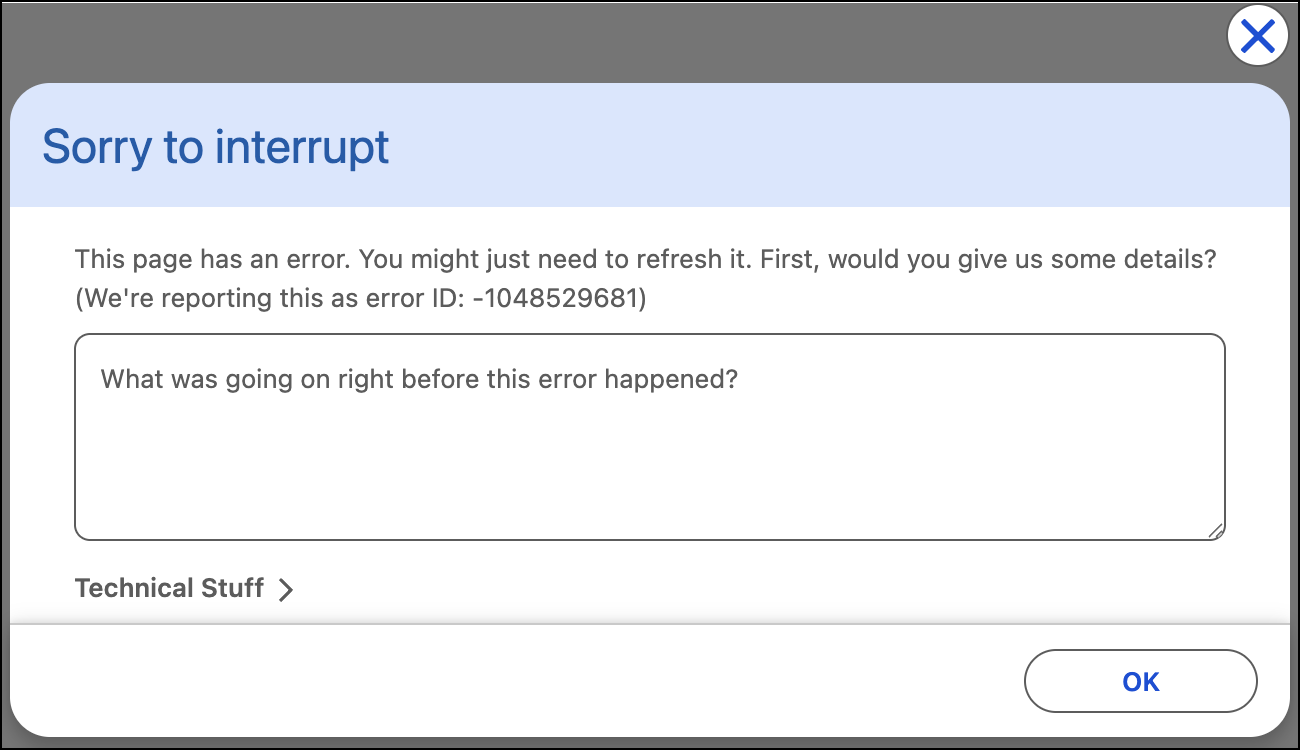
Generally speaking, there’s not much you can do about these errors other than click OK and reload the page. If the error repeats, contact your Salesforce admin.
You can help to avoid the error repeating by doing one or both of these steps.
- If you can describe the steps that immediately preceded seeing the error, providing that information in the text box can help Salesforce or your admin to find and fix the problem.
- Sometimes there’s useful information in the Technical Stuff section, which is collapsed by default. If you’re using a custom app developed by your organization, expanding this section and copying the information to share with your development team can be extremely helpful.
See Also
Did this article solve your issue?
Let us know so we can improve!
