Transaction Security Actions and Notifications
When a real-time event triggers a transaction security policy, you can block a user or enforce multi-factor authentication (MFA). You can also optionally receive in-app or email notifications of the event.
Required Editions
| Available in both Salesforce Classic (not available in all orgs) and Lightning Experience. |
Available in: Enterprise, Unlimited, and Developer Editions Requires Salesforce Shield or Salesforce Event Monitoring add-on subscriptions. |
Block
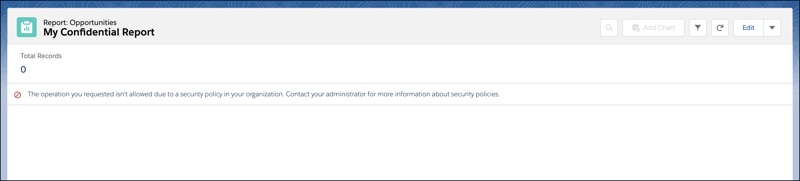
Don’t let the user complete the request. For example, if a ReportEvent policy with a block action triggers during a report view, the user sees a message explaining the action. You can also customize the block message when you create your policy. Each custom message can be up to 1000 characters, and you can only customize messages for ApiEvent, ListViewEvent, and ReportEvent policies. Custom block messages aren’t translated.
Multi-Factor Authentication
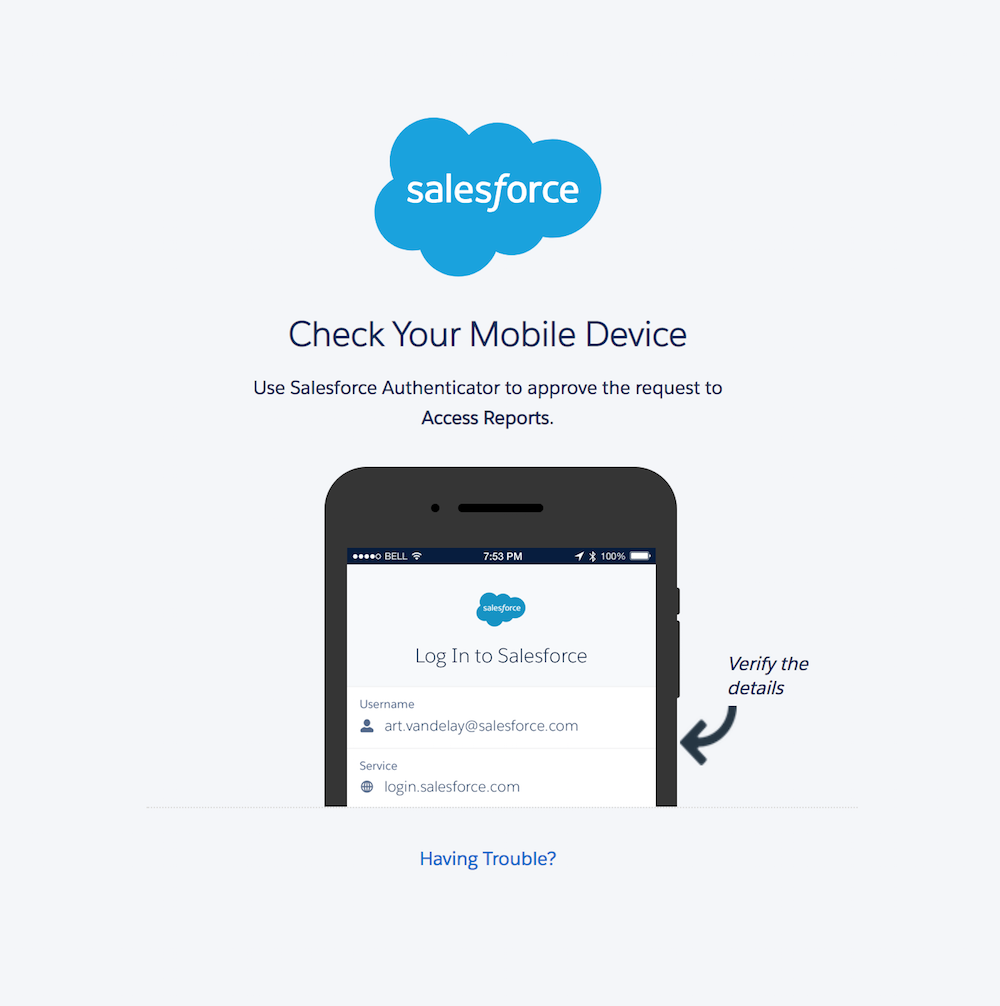
Prompt the user to confirm their identity with an additional verification method, such as the Salesforce Authenticator app, when they log in. In situations where you can’t use multi-factor authentication (for instance, during an API query), this action changes to a block action.
Email Notifications
You can send two kinds of email notifications when a policy is triggered: default email messages and custom email messages. Both use the subject Transaction Security Alert.
Default email notifications contain the policy that was triggered, the event or events that triggered it, the policy’s ID, and related event fields. The times listed indicate when the policy was triggered in the recipient’s locale and time zone. For example, a policy is triggered at 6:46 AM Eastern Standard Time. The administrator who receives the notification is in the Pacific Standard Time zone, so the time shows as PST. Here’s an example.
From: Transaction Security <noreply@salesforce.com>
To: Admin@company.com
Sent: Wednesday, September 4, 2021, 10:00 AM
Subject: Transaction Security Alert

One of your transaction security policies was triggered.

Policy Name:
Restrict Views of the My Confidential Report

ID:
0NIRM00000000dV

Event responsible for triggering this policy:
ReportEvent associated with user lisa.johnson@company.com at 7/21/2021 06:46:11 AM PST

For more context about this event, refer to these event fields:
Org ID: 00DLA0000003YjP
User ID: 005IL000001ZqMb
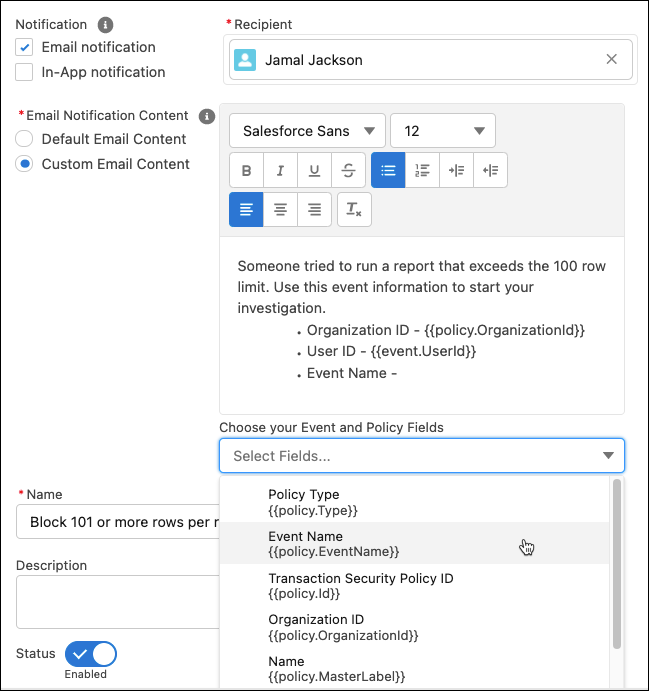
Custom email notifications let you write your own email content and include event-specific field data of your choosing. To populate your message with field-level event data, use the lookup field. Salesforce recommends that you include only event information that the recipient is authorized to view. Custom email notifications aren’t translated.
In-App Notifications
In-app notifications list the policy that was triggered. Notifications aren’t available in Classic. Here’s an example.

Transaction Security Alert:
Policy Restrict Views of the My Confidential Report was triggered.

16 minutes ago