Condition Builder Examples
Use these examples to help you convert your own real-world use cases into Condition Builder conditions.
Required Editions
| Available in both Salesforce Classic (not available in all orgs) and Lightning Experience. |
Available in: Enterprise, Unlimited, and Developer Editions Requires Salesforce Shield or Salesforce Event Monitoring add-on subscriptions. |
Track Report Executions
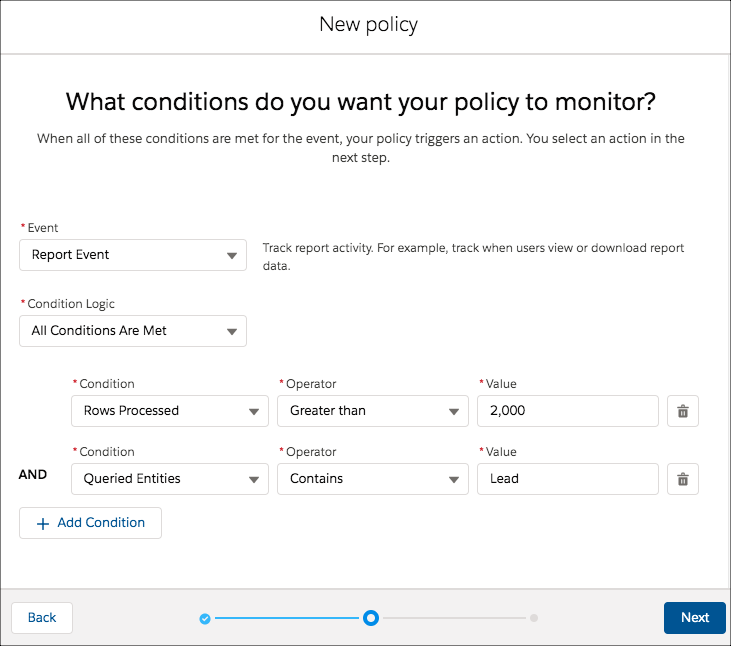
Track when a user views or exports more than 2,000 rows from any report on the Lead object.
- Event: Report Event
- Condition Logic: All Conditions Are Met
- Conditions:
Rows Processed Greater Than 2,000Queried Entities Contains Lead
- Notes: Use the Contains operator, rather than Equals, to also include reports that are based on multiple objects, one of which is Lead.
Description of Example: Track when a user views or exports a report that has a column that contains email addresses.
- Event: Report Event
- Condition Logic: All Conditions Are Met
- Conditions:
Name of Columns Contains Email - Notes: Use the Contains operator to include any of these column
names:
Email,Customer Email, orEmail of Customer.

Track User Logins
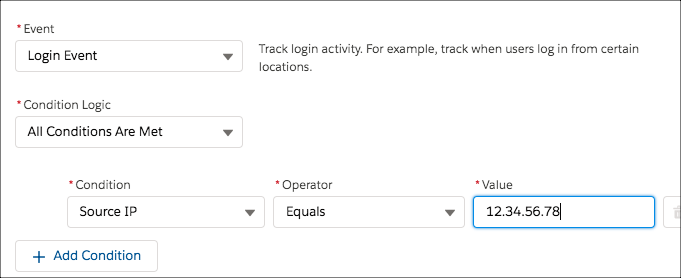
Description of Example: Track when a user logs in from the IP address 12.34.56.78.
- Event: Login Event
- Condition Logic: All Conditions Are Met
- Conditions:
Source IP Equals 12.34.56.78 - Notes: Only the specific IP address 12.34.56.78 triggers the policy. If you want to
track logins from any IP addresses that start with 12.34.56, use the condition
Source IP Starts With 12.34.56.
Description of Example: Track when a user logs in using a Chrome browser.
- Event: Login Event
- Condition Logic: All Conditions Are Met
- Conditions:
Browser Contains Chrome - Notes: You can also track logins from the Safari and Firefox browsers.

Track API Queries and Elapsed Time
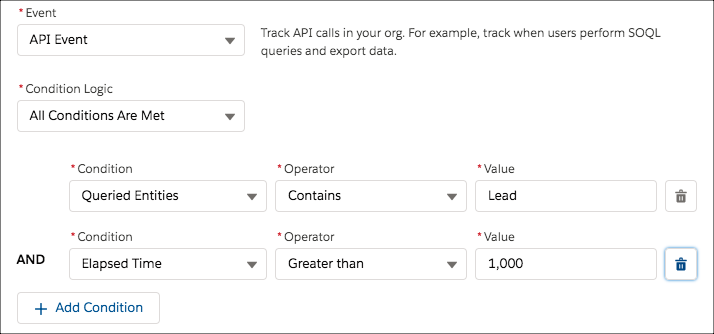
Description of Example: Track when a user uses any API to query the Lead object and the request takes longer than 1,000 milliseconds.
- Event: API Event
- Condition Logic: All Conditions Are Met
- Conditions:
Queried Entities Contains LeadElapsed Time Greater Than 1000
- Notes: Use the Contains operator, rather than Equals, to also include queries on multiple objects, of which one is Lead.
Track API Queries of Any List View
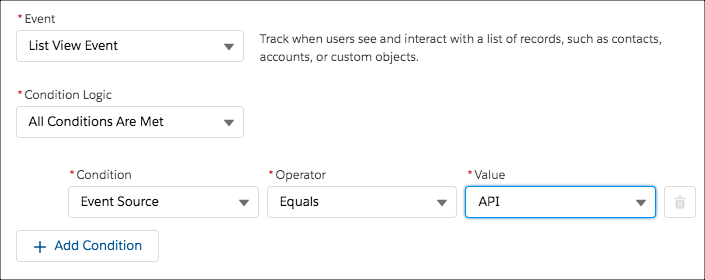
Description of Example: Track when a user uses any API to query any list view.
- Event: List View Event
- Condition Logic: All Conditions Are Met
- Conditions:
Event Source Equals API - Notes: To track when a user uses the UI to query a list view specify
ClassicorLightninginstead ofAPI.
Track User's Session Level Security
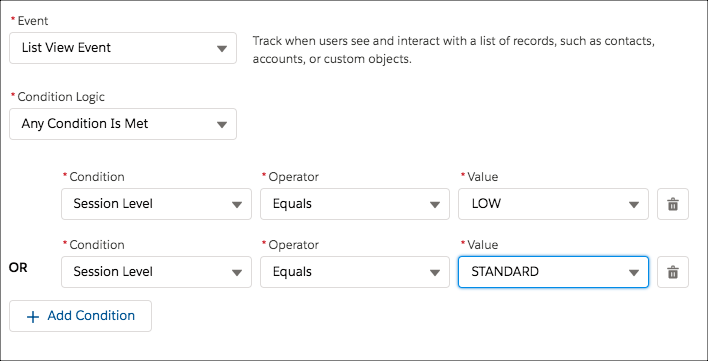
Description of Example: Track when a user who doesn’t have high assurance session-level security access (not logged in with two-factor authentication) queries any list view.
- Event: List View Event
- Condition Logic: Any Condition Is Met
- Conditions:
Session Level Equals LOWSession Level Equals STANDARD
- Notes: Track when a user without high assurance executes a report (Report Event) or an API query (API Event) using the same condition in separate transaction security policies.
Track Assignments of Modify All Data Permission
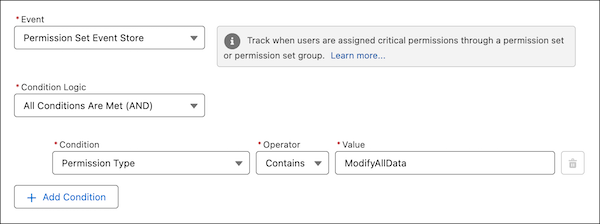
Description of Example: Track when a user is assigned the Modify All Data permission.
- Event: Permission Set Event Store
- Condition Logic: All Conditions Are Met
- Conditions:
Permission Type Contains ModifyAllData - Notes: Use the
Containsoperator, rather thanEqualsfor permission set events. The value must be the API name of the permission.
Block File Download
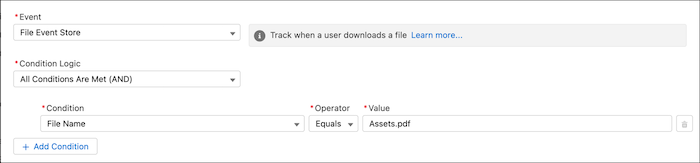
Description of Example: Detect and block a user from downloading a specific file.
- Event: File Event
- Condition Logic: Any Condition Is Met
- Conditions:
File Name Equals Asset.pdf
Use Custom Logic
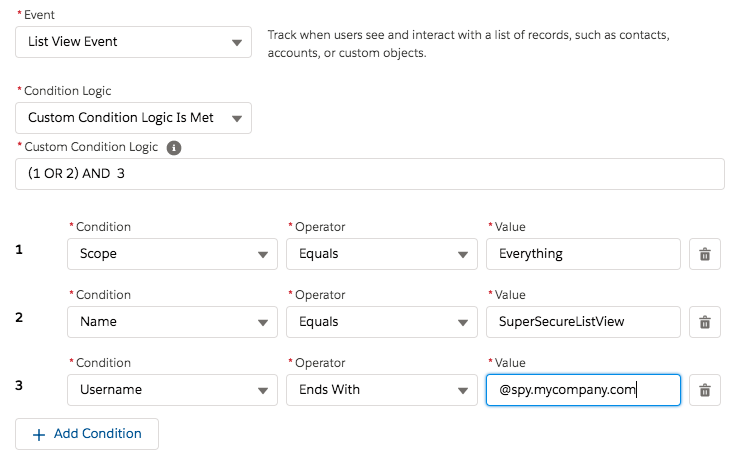
Description of Example: Track when a user with a username in the @spy.mycompany.com domain queries all the records in a list
view named SuperSecureListView.
- Event: List View Event
- Condition Logic: Custom Condition Logic is Met
- Custom Condition Logic:
(1 OR 2) AND 3 - Conditions:
Scope Equals EverythingName Equals SuperSecureListViewUsername Ends With @spy.mycompany.com
- Notes: