
You are here:
Dynamic Branding for Multiple Brands
Dynamic branding is ideal for multi-brand companies. You can create a single login page that determines which brand appears at run time. All brands are served from the same login page that serves the same site.
In our scenario, Fix Corporation has a single external site to handle its two brands, Fix Coffee and Fix Chocolate. The corporation uses dynamic branding to customize the login experience for each brand. When customers click a link to log in, Fix presents a login page based on the brand indicated in the login URL.
Fix has a set of resources—including a logo and right-frame URL—for each brand. These resources are hosted on its content management system (CMS). So, for example, the URL to the Fix Coffee logo is https://www.my-cms.com/coffee/logo.png. Likewise, the URL to the Fix Chocolate logo is https://www.my-cms.com/chocolate/logo.png.
Fix implements dynamic branding by using a placeholder, or experience ID (expid) in the URL to represent each brand. That is, the URL contains the expid dynamic URL, which is then replaced by its value at run time.
In our scenario, the dynamic URL uses the expid: https://www.my-cms.com/{expid}/logo.png. Then {expid} becomes either https://www.my-cms.com/coffee/logo.png or https://www.my-cms.com/chocolate/logo.png at run time.
If the customer at run time clicks a link to log in to Fix Coffee, the link contains an expid
query parameter set to expid=coffee:
https://fix.my.site.com/login?expid=coffee
This URL is the login endpoint to the site branded as Fix Coffee.
It’s up to your implementation to determine how the expid query parameter is set. For example, it can be contained in an email link or set with a click of a button. In our scenario, the user selects the brand from the Reseller Partner Program page.
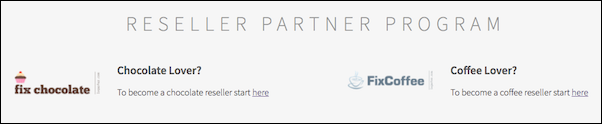
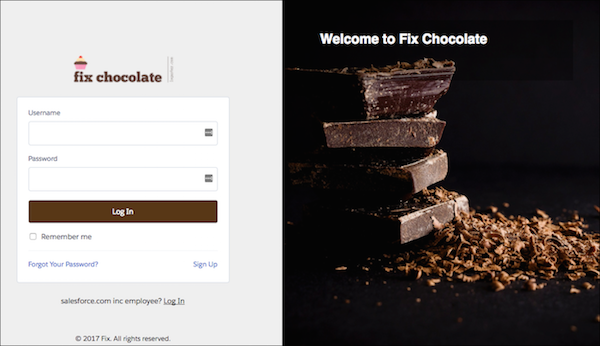
When the user selects chocolate, the link to the login page is set to https://fix.my.site.com/login?expid=chocolate. Chocolate fans are greeted with the Fix Chocolate login page, complete with its chocolate-branded logo and right-side content.
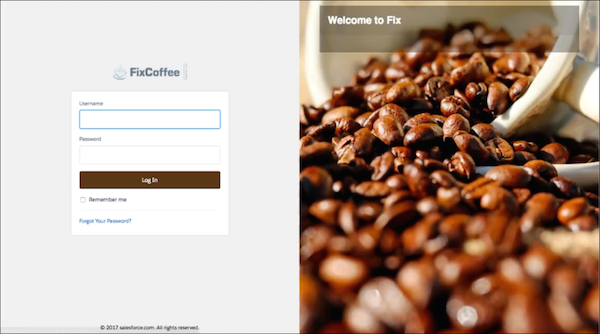
A click from a coffee fan generates the login page URL https://fix.my.site.com/login?expid=coffee, and the Fix Coffee login page appears with its coffee-branded logo and right-side content.
You use the Login & Registration page of the Administration workspace to set up your site’s login page, including dynamic branding. The Login & Registration page controls three types of login pages: the Default page that Salesforce provides, the Experience Builder page that comes with Experience Builder, and the custom login page that you create with Visualforce.
