
You are here:
Select an Experience Cloud Site Template
You can create your site for customers and partners using any site template that Salesforce provides. With each template, Salesforce creates a default set of pages to handle the login experience, which includes login, self-registration, password resets, and identity verification.
Before you get started, make sure you enable the Experiences feature for your org. For more information, see Enable Salesforce Experiences.
- From Setup, enter All Sites in the Quick Find box, then select All Sites.
- Click New Site.You’re shown a series of templates. You can use any site template, but for this example, let’s choose Aloha.
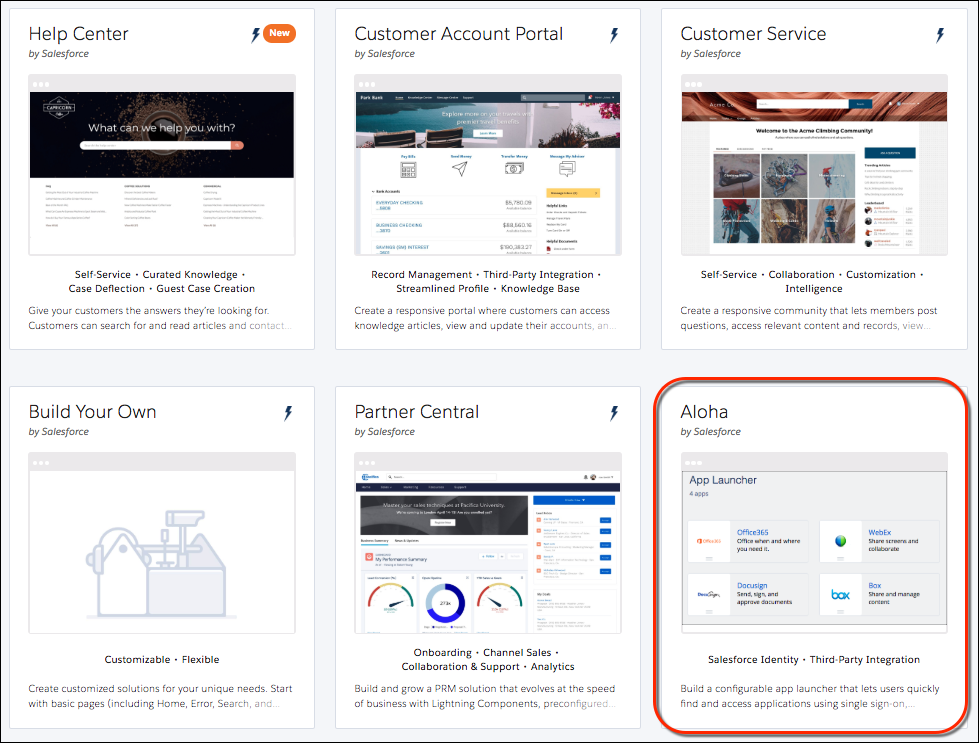
- Choose the Aloha template, and click Get Started. With the Aloha template, you can build your own App Launcher. The App Launcher keeps all your Salesforce and third-party apps in one place and gives users quick access.
- Give your site a name and URL. For this example, enter Customers in both fields.
- Click Create.
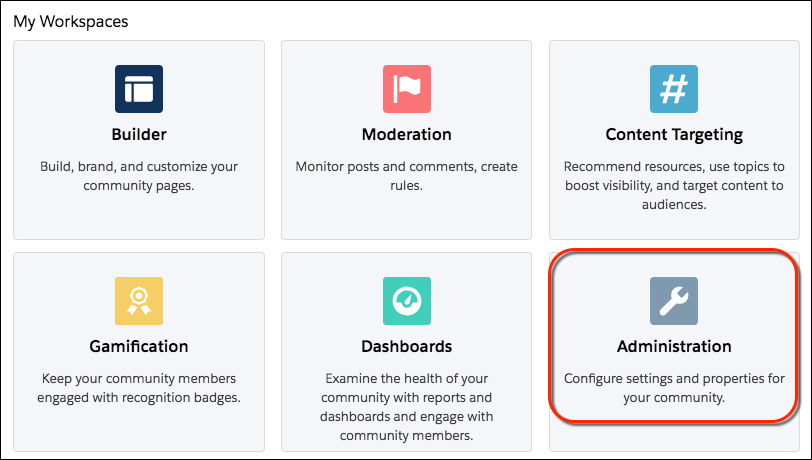
After a bit of background work, your new site appears in Experience Workspaces. Notice the Administration workspace. Administration is where you configure your site’s login experience.
Did this article solve your issue?
Let us know so we can improve!
