
You are here:
Create the TestReserializeApex Class
Before you can create the Integration Procedure example, you must create the TestReserializeApex Apex class that it calls.
- From Setup, in the Quick Find box, type apex.
- Click Apex Classes.
-
Click New.
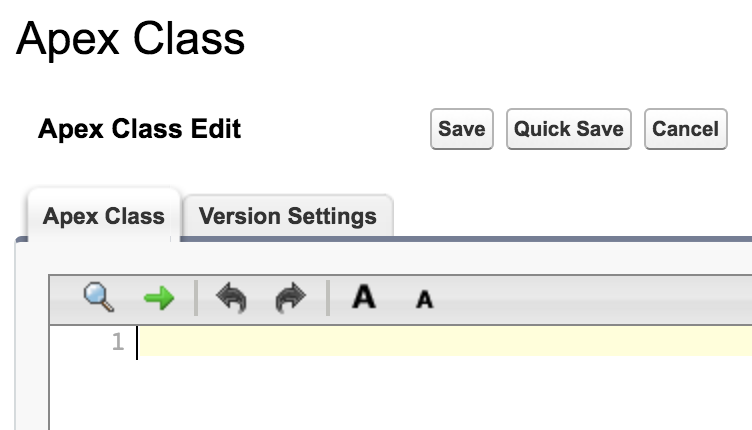
-
Enter the following Apex code in the Apex Class tab:
@JsonAccess(serializable='always')
global with sharing class TestReserializeApex implements Callable {
    public Object call(String action, Map<String, Object> args) {
        Map<String, Object> input = (Map<String, Object>)args.get('input');
        Map<String, Object> output = (Map<String, Object>)args.get('output');
        Map<String, Object> options = (Map<String, Object>)args.get('options');
        return invokeMethod(action, input, output, options);
    }
    private Object invokeMethod(String methodName, Map<String,Object> input,
      Map<String,Object> output, Map<String,Object> options) {
        return output.put('result', new TestReserialize());
    }
    @JsonAccess(serializable='always')
    global class TestReserialize {
        global String name = 'Dave Smith';
    }
}
Also note the use of the JsonAccess annotation on the class and method.
- Click Save.
What’s next: Create the Integration Procedure with the Remote Action.
Did this article solve your issue?
Let us know so we can improve!
