
You are here:
Implement the VlocityRequiredPermissionCheck Class
For the DefaultRequiredPermission setting to work, you must implement the VlocityRequiredPermissionCheck class manually because Salesforce handles classes in managed and unmanaged packages differently. This class doesn't work properly if it's included in the Vlocity managed package.

Note
If you're using Omnistudio Spring '22 or greater, and the Managed Package Runtime is set to Disabled, you don't have to implement this class.
For DefaultRequiredPermission details, see Omnistudio Data Mapper and Integration Procedure Security Settings.
- From Setup, in the Quick Find box, type apex.
- Click Apex Classes.
-
Click New.
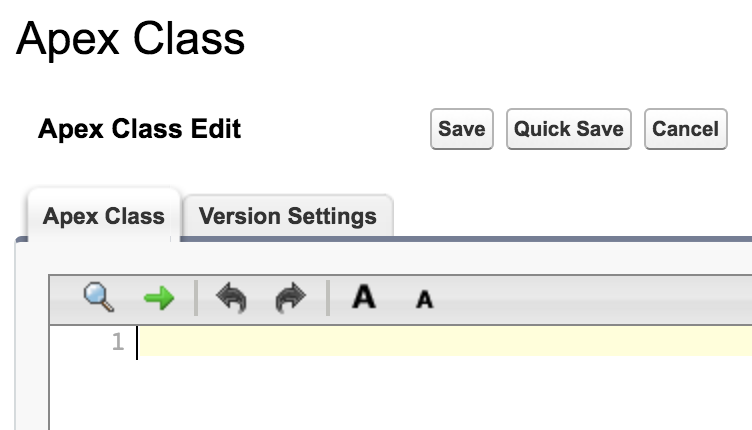
-
Enter the following Apex code in the Apex Class tab:
global class VlocityRequiredPermissionCheck implements Callable { global Boolean call(String action, Map<String, Object> args) { if (action == 'checkPermission') { return checkPermission((String)args.get('requiredPermission')); } return false; } private Boolean checkPermission(String requiredPermission) { Boolean hasCustomPermission = false; List<String> customPermissionsName = requiredPermission.split(','); for (String permissionName : customPermissionsName) { Boolean hasPermission = FeatureManagement.checkPermission(permissionName.normalizeSpace()); if (hasPermission == true) { hasCustomPermission = true; break; } } return hasCustomPermission; } } - Click Save.
Did this article solve your issue?
Let us know so we can improve!
