
You are here:
Using Salesforce Picklists with Omniscript Inputs
You can dynamically populate a Select, Multi-Select, or Radio element in an Omniscript with values from a picklist in your Salesforce org or with a custom Apex class.
For example, an Omniscript to update cases requires the Status element to dynamically populate. These status values are from the Status field on the Case object.
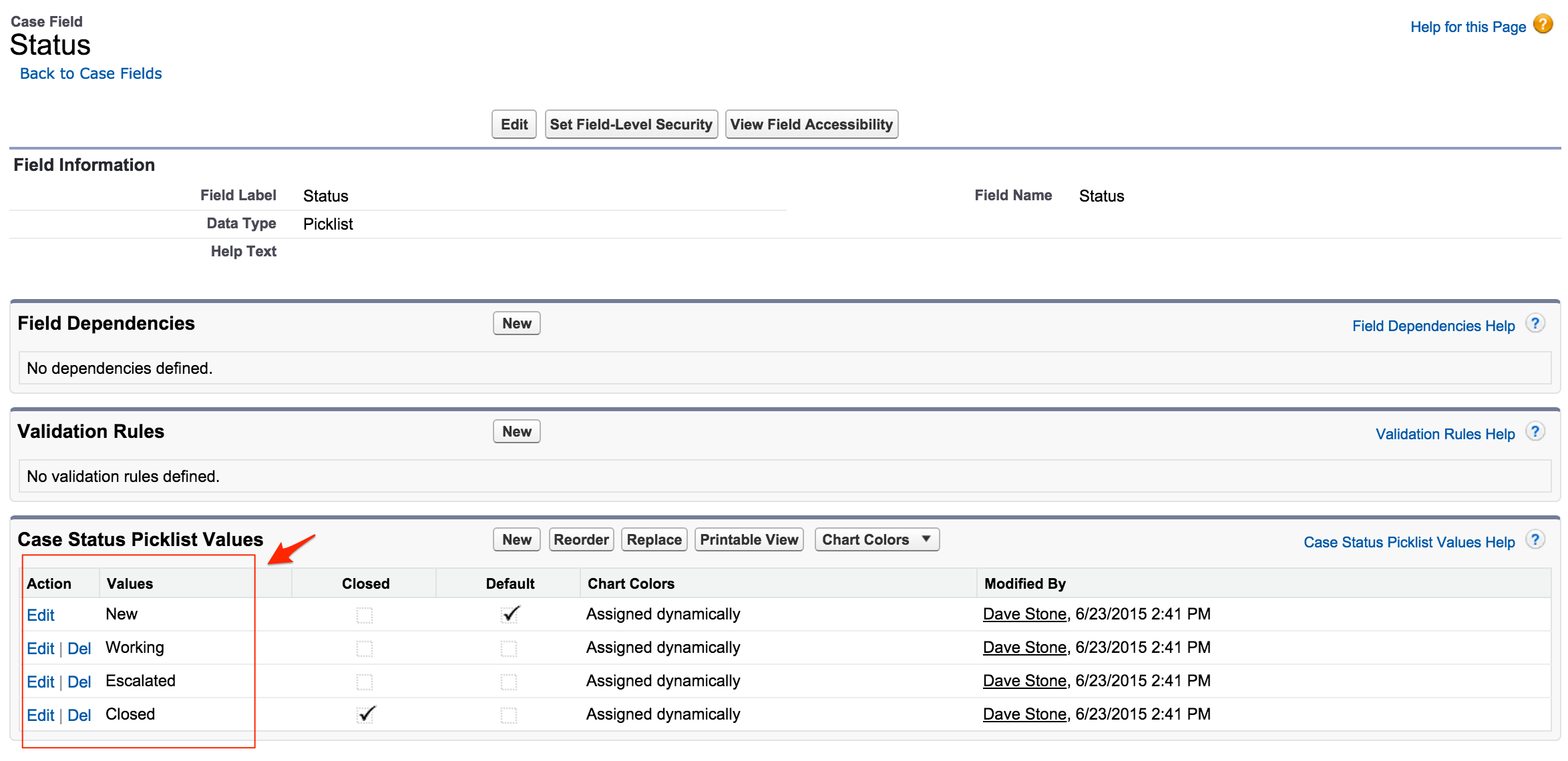
To do this, select SObject as the Option Source type and type Case.Status:
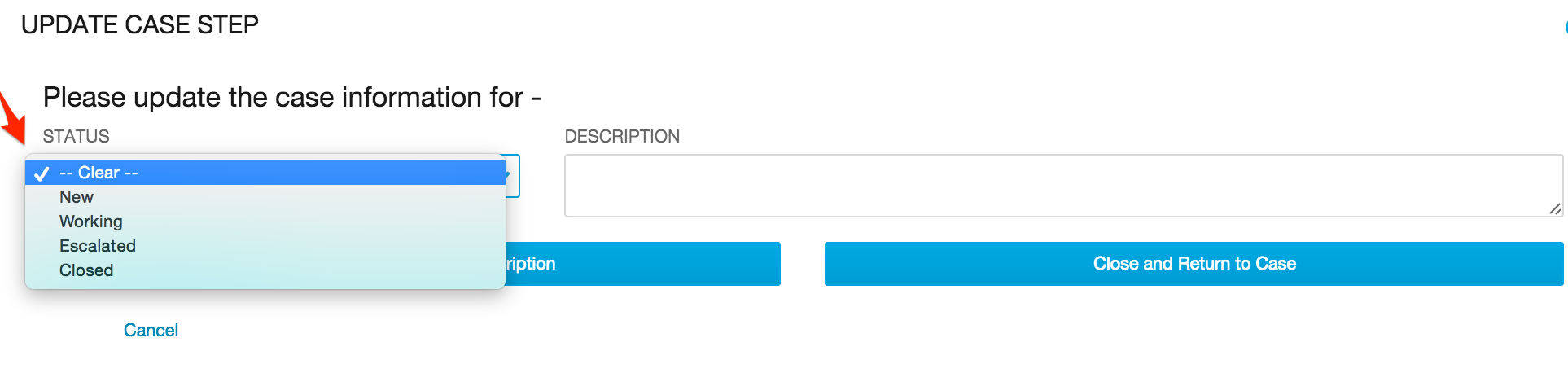
Now the form retrieves and dynamically populates the list with values from Case.Status:

If the object or field name are custom, they must be preceded with the NameSpace of the package—for example, vlocity_cmt__Party__c.vlocity_cmt__Location__c or Case.vlocity_cmt__Amount__c.
You can also use a custom class to populate lists in Omniscripts. See the sample code for instructions on implementation.
If the values of the list are dependent on another field, add the information for that field in the Controlling Field section. Follow the instructions above to define the controlling field and also enter the element name for the field on the form.
