Loading
Salesforce now sends email only from verified domains. Read More
Identify Your Users and Manage Access
Table of Contents
Select Filters

          No results
          No results
          Here are some search tips

          Check the spelling of your keywords.
          Use more general search terms.
          Select fewer filters to broaden your search.

          Search all of Salesforce Help
          Generate a Temporary Verification Code for MFA Logins to Salesforce Orgs

          Generate a Temporary Verification Code for MFA Logins to Salesforce Orgs

          If a user forgets or loses the identity verification method that they use for multi-factor authentication (MFA), generate a temporary verification code so they can log in while you sort out the issue. You can control how long codes are valid, up to 24 hours. A user can log in multiple times with their code until it expires. Temporary verification codes are valid for MFA only. They can’t be used for device activation, when a user must verify their identity because they’re logging in from an unrecognized browser or app.

          Required Editions

          Available in: both Salesforce Classic and Lightning Experience
          Available in: all editions
          User Permissions Needed
          To generate a temporary verification code: Manage Multi-Factor Authentication in User Interface
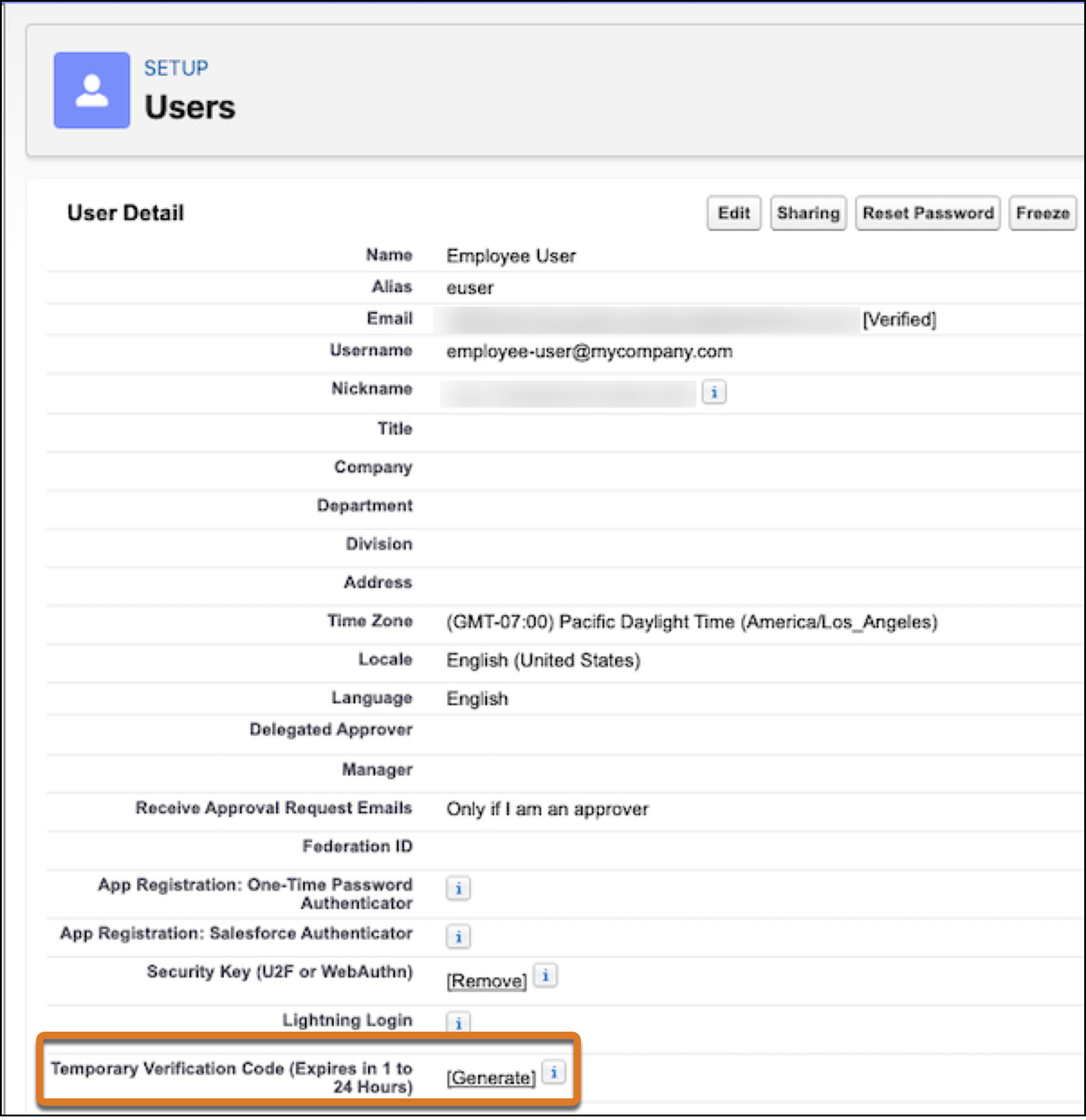
          1. From Setup, enter Users in the Quick Find box, then select Users.
          2. Select the name of the user who needs a temporary verification code.
            You can’t generate a code for an inactive user.
          3. Find Temporary Verification Code, then select Generate.
            If you don’t already have a session with a high-assurance security level, Salesforce prompts you to verify your identity.
          4. Set a code expiration time from 1 to 24 hours, then select Generate Code.
          5. Give the code to your user.
          6. Select Done.
            Note
            Note After selecting Done, you can’t return to view the code again, nor is the code displayed anywhere in the user interface.

          Keep these considerations in mind when issuing temporary verification codes.

          • A user can log in with the same code as often as needed until the code expires.

          • Each user can have only one temporary verification code at a time.

          • If a user forgets or loses a code before it expires, you can manually expire the old code and generate a new one.

          • You can generate up to six codes per hour for each user.

           
          Loading
          Salesforce Help | Article