
Agent Optimization
Use Agent Optimization to inspect agent sessions from the initial user request to the agent’s resolution.
Required Editions
| Available in: Enterprise, Performance, and Unlimited Editions with an Einstein for Sales, Einstein for Platform, Einstein for Service, Einstein 1 Service, or Einstein GPT Service add-on. To purchase add-ons, contact your Salesforce account executive. |
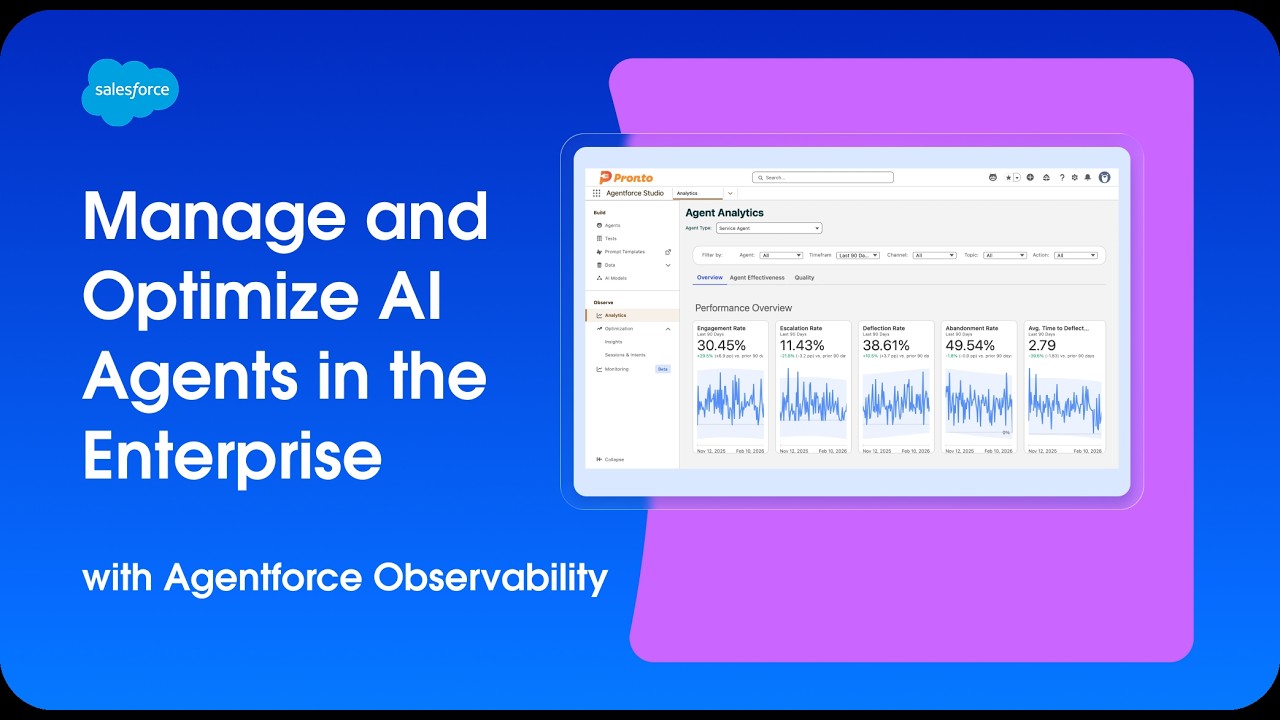
Watch this video to learn how Agentforce Optimization and Agent Analytics work together to help you continuously refine and improve your AI agents.
Here are the steps and information required to set up and use Agentforce Optimization.
- About Agent Optimization
Agent Optimization provides tools to dive deeper into unresolved interactions, identify knowledge gaps, and analyze agent sessions using the Session Tracing Data Model. Agent Optimization is a key component of Agentforce Observability, designed to help you understand how your AI agents perform in real-world scenarios. By analyzing user interactions and agent responses, you can identify areas for improvement and take action to enhance agent effectiveness. - Set Up Agent Optimization
Set up Agent Optimization to analyze agent sessions, identify knowledge gaps, and dive deeper into unresolved interactions using the Session Tracing Data Model. - Scorers and Custom Scorers (Beta)
Scorers (Beta) are evaluation components in Agentforce Studio that analyze agent sessions and produce scores, dimensions, and measures for Agentforce Optimization and Analytics. Pair Salesforce standard scores with custom evaluations for your KPIs, create custom scorers using Next Gen Testing, apply them to sessions, and use the outputs in Optimization and Analytics to prioritize agent improvements. - Use Intents in Agent Optimization
Work with intents in Agent Optimization to understand user requests, analyze interaction patterns, and improve your agent's performance. - Troubleshoot Agent Optimization
Resolve common issues with Agent Optimization, including setup problems, data display issues, and performance concerns. - Data Model for Agent Optimization
Agent Optimization extends Session Tracing Data Model (STDM) capabilities by provisioning additional DLOs and DMOs that track session moments and user intent. An LLM identifies, clusters, and tags these moments, enabling targeted queries and insights into user engagement metrics, moment duration, and response relevance quality scores. - Analyze Data with Agent Optimization
Use Agent Optimization to drill into sessions, analyze quality scores, and identify patterns to improve your agent's performance.
Did this article solve your issue?
Let us know so we can improve!
